Effect Mode Options Descriptions
91 ______________________________________________________DML-1200 w/Axon Embedded Graphic Engine 24/12/2010
5.2.27 Prerotation Translation
Effect Mode
parameter DMX value = 102
Rotation parameters rotate the center of an image around the x, y or z axis. The Prerotation Translation Effect Mode option allows
you to position the image in a virtual 3-dimensional space. Then, when the Rotation parameters for the object are applied, the
image will orbit around each axis from this new position.
Modifier 1:
Moves the horizontal position of the image centerpoint from 0 = left edge to 255 (100%) = right edge of output.
Modifier 2:
Controls the vertical position of the subpicture’s centerpoint from 0=top edge to 255 (100%) = bottom edge of output.
Modifier 3:
Controls the size of the picture from 0=smallest to 255 (100%) = largest.
5.2.28 Pixelate
Effect Mode
parameter DMX value = 54
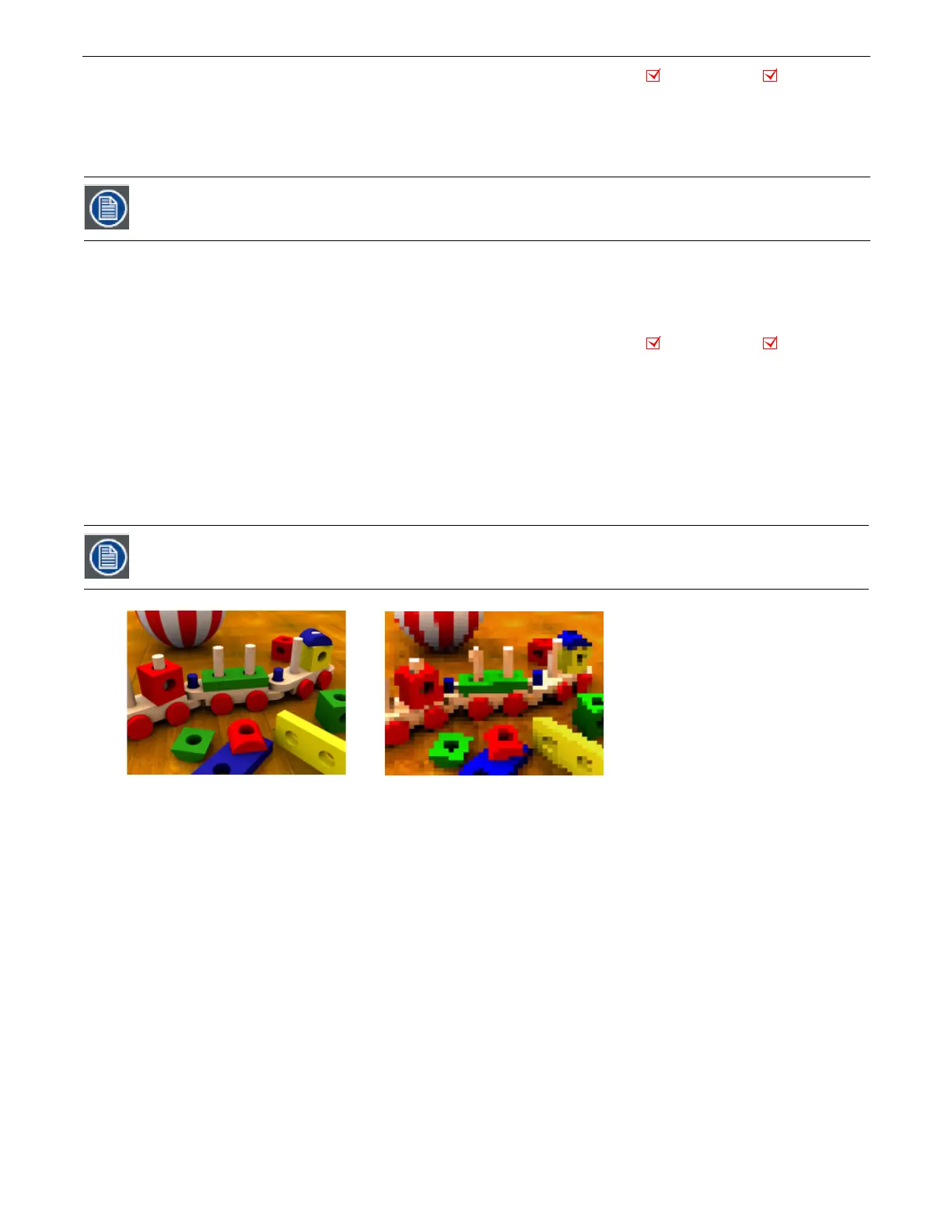
This effects divides the image into rectangles using the center pixel color of each “box” as its color. You can control the number
of boxes, and adjust the vertical and horizontal dimensions.
Modifier 1:
Controls the number of divisions. Fewer, larger boxes will also result in reduced color variations.
Modifier 2:
Reduces the box size horizontally to centerpoint from 0= no reduction to 255 (100%) = full reduction. At that point, the
image will then be composed of series of horizontal bands.
Modifier 3:
Reduces the box size vertically to centerpoint from 0= no reduction to 255 (100%) = full reduction. At that point, the
image becomes a series of vertical bands.
When this option is applied as a Global effect, it will include any prerotation translation selected as an Object.
effect
This effect is also available as a Visual Mode adjusted with 2 Modifier parameters, (see Pixelate on page 23).
Object Effect Global Effect
Object Effect Global Effect
Original Content
Modifier 1 parameter DMX = 93
Modifier 2 parameter DMX = 7
Modifier 3 parameter DMX = 0



 To Next Page