Content Management Application (CMA)
DML-1200 w/Axon Embedded Graphic Engine 24/12/2010 _____________________________________________________________________________ 108
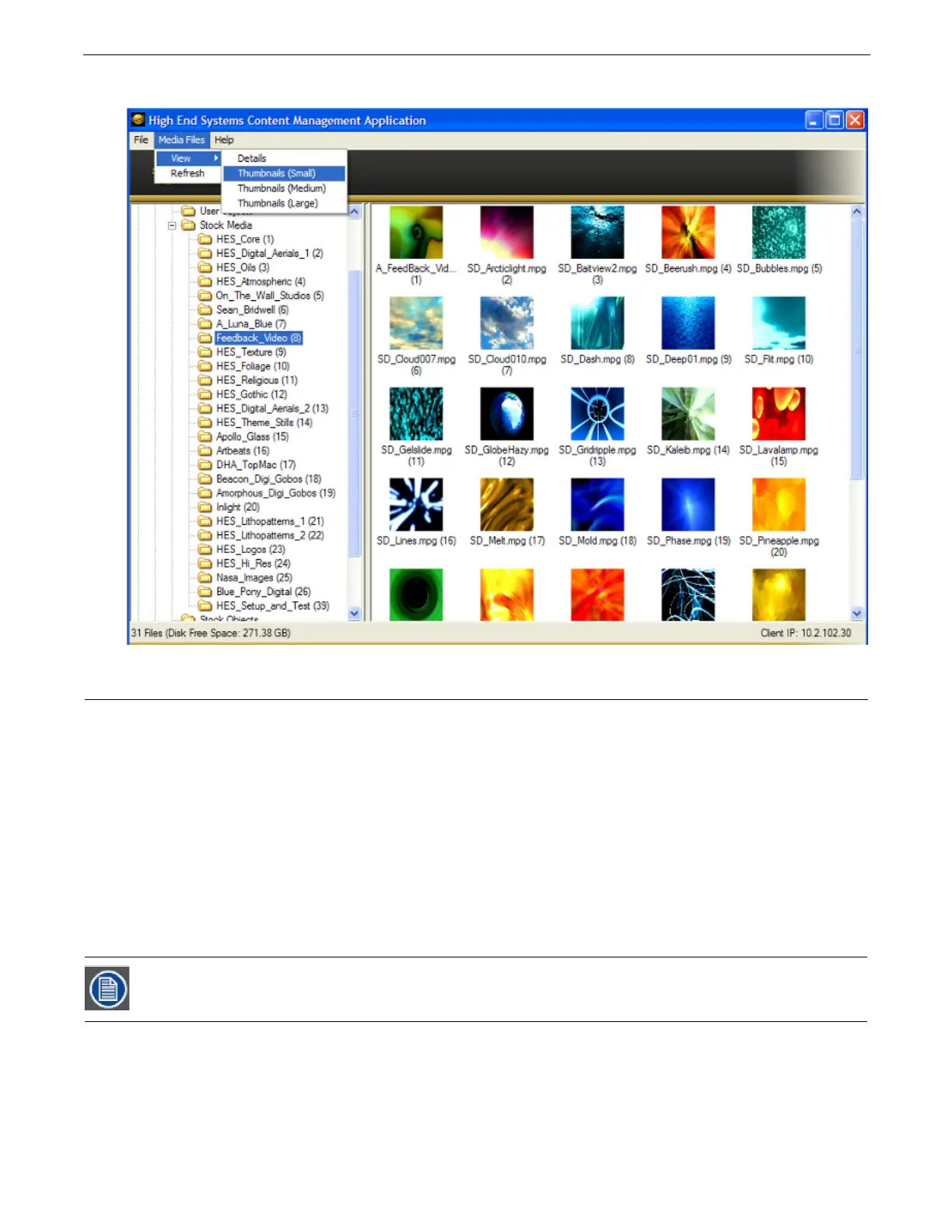
You can access several options for displaying files in the right pane through the drop down menu or by right clicking in the right
pane when files are being displayed.
6.4 Managing User Content
All Stock and User content can be viewed and refreshed but you have additional control over other aspects of your custom
content. Within the CMA Client Window, you can:
• Rename user files and folders
• Delete files and folders
• Control DMX value assignment to files and folders
• Move files and folders between your local drive and a media server.
6.4.1 Naming and Deleting User Content Files and Folders
You can
Rename
any user content folder or file displayed in the right pane of the CMA window using the pull down
Media Folders
or
Objects
menu or with a right click selection. Use the standard Windows operating system naming conventions.
You can
Delete
any user content folder or file displayed in the right pane of the CMA window using the pull down
Media Folders
or
Objects
menu or with a right click selection.
6.4.1.1 Assigning DMX Values to User Content
The DMX Value associated with each file and folder makes it easy to use the DMX control protocol to identify a unique media file
or object.
There are up to 240 Media file folders with each capable of containing up to 255 image or movie media files. This gives a
theoretical total of 61,200 possible locations for Media image or movie files. There is one DMX parameter used to identify a object
so 255 DMX values are available between the Stock and User Content to identify objects.
You cannot Delete a movie if the media server is playing it.



 To Next Page