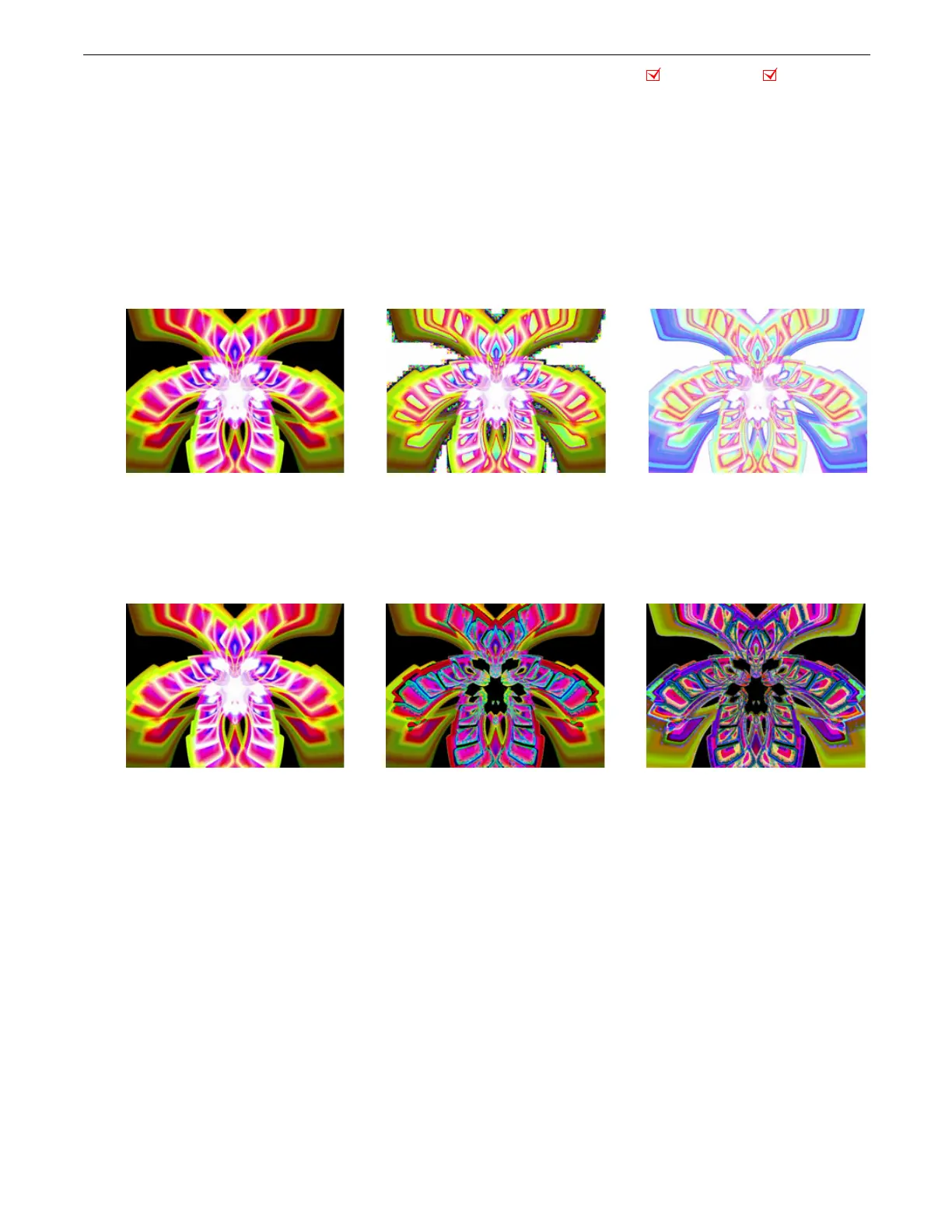
Effect Mode Options Descriptions
DML-1200 w/Axon Embedded Graphic Engine 24/12/2010 _____________________________________________________________________________ 70
5.1.37 Solarize
Each of the Solarize effects remaps colors to a narrow value range and inverts the color below a set threshold using different
algorithms. Solarize effects can create strong highlights.
Modifier 1:
Increases red color component from 0 = no adjustment to 255 (100%) = maximum red saturation. Red color values
below the threshold are converted to cyan.
Modifier 2:
Increases blue color component from 0 = no adjustment to 255 (100%) = maximum blue saturation. Blue color values
below the threshold are converted to magenta.
Modifier 3:
Increases green color component from 0 = no adjustment to 255 (100%) = maximum green saturation. Green color
values below the threshold are converted to yellow.
5.1.37.1 Solarize 1
Effect Mode
parameter DMX value = 9
5.1.37.2 Solarize 2
Effect Mode
parameter DMX value = 10
5.1.37.3 Solarize 3
Effect Mode
parameter DMX value = 11
5.1.37.4 Solarize 4
Effect Mode
parameter DMX value = 12
Object Effect Global Effect
Original Content Modifier 1 parameter DMX = 170
Modifier 2 parameter DMX = 137
Modifier 3 parameter DMX = 232
Original Content with Effect Mode = 9
Original Content Original Content with Effect Mode = 10 Modifier 1 parameter DMX = 212
Modifier 2 parameter DMX = 255
Modifier 3 parameter DMX = 208



 To Next Page