Effect Mode Options Descriptions
DML-1200 w/Axon Embedded Graphic Engine 24/12/2010 _____________________________________________________________________________ 84
5.2.17 Gaussian Halo
Effect Mode
parameter DMX value = 99
This effect blurs the content from around a circular area in the center of the image toward the edges.
Modifiers 1 :
Increases the sample distance to determine the “smoothness” of the blurring from 0 = minimum to 255 (100%) =
maximum.
Modifier 2 :
Increases the number of filter passes from 0 = one pass to 255 (100%) = a maximum of sixteen filter passes
Modifier 3:
Applies a range of curve shapes from 0 = no adjustment to 255 (100%) = maximum adjustment.
5.2.18 Horizontal Mirror
Effect Mode
parameter DMX value = 40
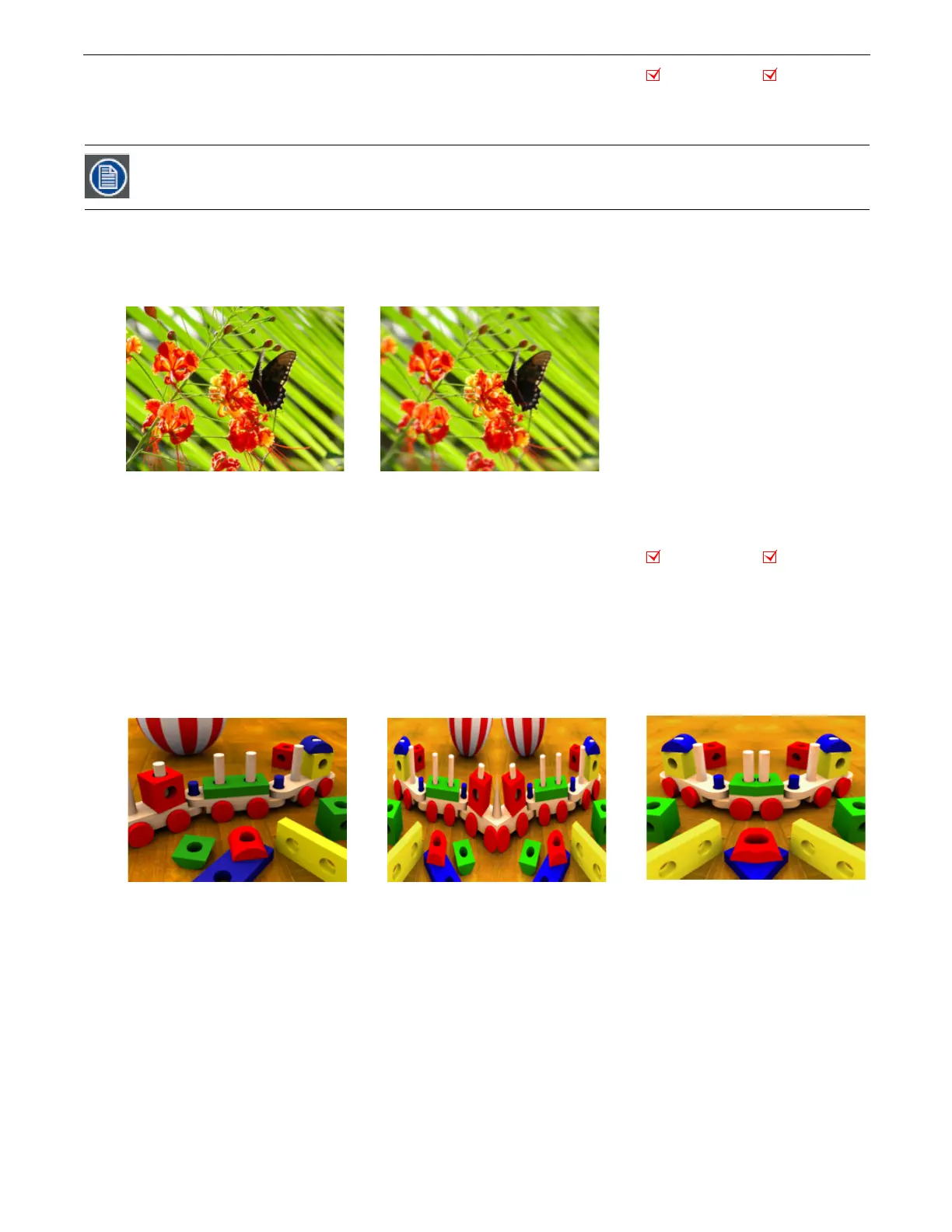
This effect duplicates the image vertically and mirrors the image alongside its original.
Modifier 1:
The default DMX value of 128 (50%) sets the center point of the edge where the duplicate images meet at the center
of the screen. Values below the midpoint move the center point toward the left as you approach 0. Values above the midpoint
move the center point toward the right as you approach 255 (100%).
Modifier 2:
Not Used
Modifier 3:
Not Used
Adjusting Mod 3, then Mod 1 and finally Mod 2 will give the best results with the least CPU demand.
Object Effect Global Effect
Original Content Modifier 1 parameter DMX = 193,
Modifier 2 parameter DMX = 255
Modifier 3 parameter DMX = 255
Object Effect Global Effect
Effect Mode parameter DMX = 40
Modifier 1 parameter DMX = 134
Effect Mode parameter DMX = 40
Modifier 1 parameter DMX = 0
Original Content



 To Next Page