Effect Mode Options Descriptions
DML-1200 w/Axon Embedded Graphic Engine 24/12/2010 _____________________________________________________________________________ 58
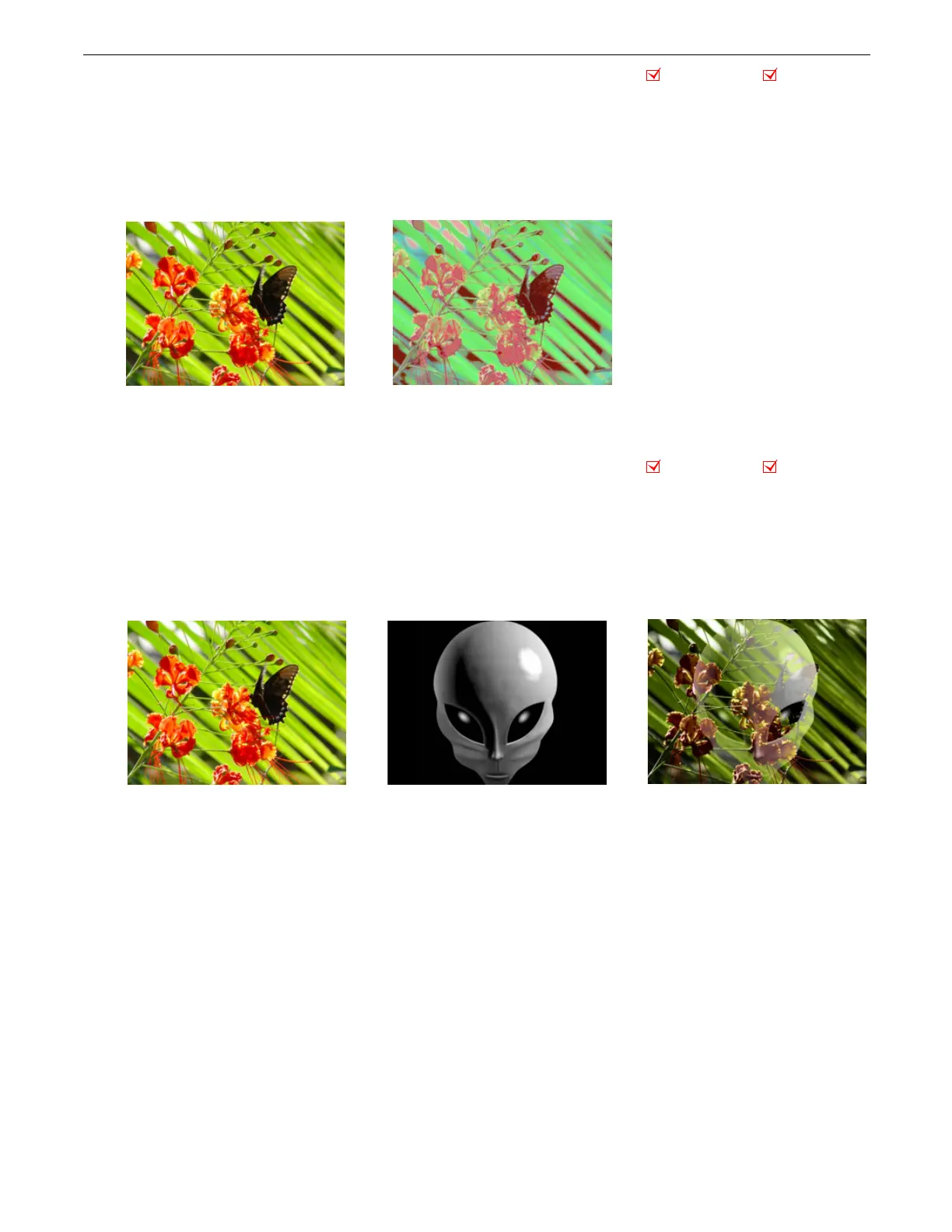
5.1.9 Colorize Gray Scale
Effect Mode
parameter DMX value = 44
This effect maps a selected pixel intensity to a selected color scheme. A variety of color schemes simulate effects like
thermography. This is especially effective effect when applied to live video input.
Modifier 1:
Selects from color schemes along a range of values from 0 – 255.
Modifier 2:
Sets the zero point of the color intensity level from 0 = no intensity to 255 (100%) = maximum intensity.
Modifier 3:
Fades from original color scheme to new color scheme using selected intensity.
5.1.10 Color to Alpha
Effect Mode
parameter DMX value = 49
This parameter varies the transparency level of an image’s component color values.
Modifier 1:
Increases the red component opacity or intensity from 0 = no adjustment to 255 (100%) = full red opacity (intensity).
Modifier 2:
Increases the green component opacity or intensity from 0 = no adjustment to 255 (100%) = full green opacity
(intensity).
Modifier 3:
Increases the blue component opacity or intensity from 0 = no adjustment to 255 (100%) = full blue opacity (intensity).
Object Effect Global Effect
riginal Content
Modifier 1 parameter DMX = 125
Modifier 2 parameter DMX = 200
Modifier 3 parameter DMX = 100
Object Effect Global Effect
Original Content
Modifier 1 parameter DMX = 60
Modifier 2 parameter DMX = 75
Modifier 3 parameter DMX = 240
Original Content



 To Next Page