Effect Mode Options Descriptions
DML-1200 w/Axon Embedded Graphic Engine 24/12/2010 _____________________________________________________________________________ 86
5.2.21 Magnifying Lens
Effect Mode
parameter DMX value = 36
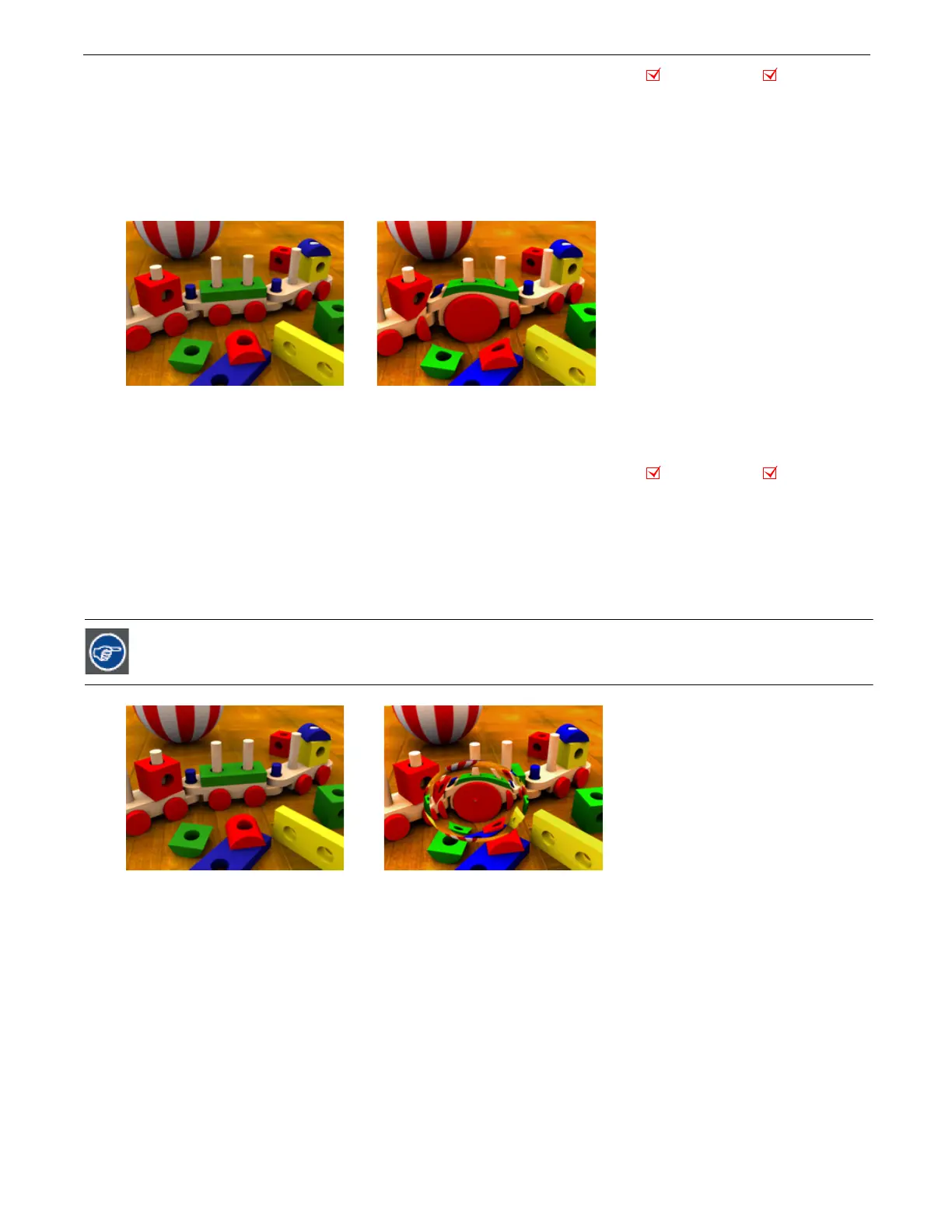
This effect applies spherical overlay that magnifies a portion of the texture to create a virtual convex lens effect over a portion of
the image. You can adjust the size of the lens and
move
it over different areas of the image.
Modifier 1:
Controls the horizontal position of the lens’ centerpoint from 0 = left edge to 255 (100%) = right edge of output.
Modifier 2:
Controls the vertical position of the lens’ centerpoint from 0 = top edge to 255 (100%) = bottom edge of output.
Modifier 3:
Controls the size of the lens from 0 = smallest to 255 (100%) = largest.
5.2.22 Magnifying Lens 2
Effect Mode
parameter DMX value = 37
This effect applies spherical overlay that magnifies a portion of the texture to create a doubled virtual convex lens over a portion
of the image. You can adjust the size of the lens and
move
it over different areas of the image.
Modifier 1:
Controls the horizontal position of the lens’ centerpoint from 0=left edge to 255 (100%) = right edge of output.
Modifier 2:
Controls the vertical position of the lens’ centerpoint from 0=top edge to 255 (100%) = bottom edge of output.
Modifier 3:
Controls the size of the lens from 0=smallest to 255 (100%) = largest.
Zooming in with this lens effect creates an additional effect.
Object Effect Global Effect
Original Content Modifier 1 parameter DMX = 107
Modifier 2 parameter DMX = 143
Modifier 3 parameter DMX = 61
Object Effect Global Effect
Original Content Modifier 1 parameter DMX = 107
Modifier 2 parameter DMX = 143
Modifier 3 parameter DMX = 61



 To Next Page