Effect Mode Options Descriptions
DML-1200 w/Axon Embedded Graphic Engine 24/12/2010 _____________________________________________________________________________ 54
5. EFFECT MODE OPTIONS DESCRIPTIONS
Effects can be applied to the Media File content (texture) mapped onto a 3-D object. Multiple Color and Geometric effects are
available in Effect Mode parameters for both individual Graphic object and Global control.
Most of the effect options you will find described in this chapter are available for
Effects Mode
parameters at both the graphic
control level for each Graphic Object and global control level for the composite image. The following pages describe all the
Effect
Mode
options available along with a description of how each
Modifier
parameter functions with that mode selected. Options are
arranged alphabetically and grouped as Color or Geometric Effects.
Check boxes in the upper right hand corner indicate whether this mode is available as a Graphic Object Effect, a Global Effect or
both.
Because the options for all
Effect Mode
parameters are identical, you can apply up to three effects at the graphic level and
another five effects at the global level. This lets you choose, for example, whether to apply a color effect to an individual object
or to the composite image at the global level.
After you select a mode using either a
Graphic Object Effect Mode
or a
Global Effect Mode
parameter, you can use the three
associated Modifier parameters to adjust the effect. The behavior of the Modifier parameters depends upon the selected effect.
• For general information on Graphics Control features, (see
Graphic Functions
on page 5 ).
• For a table of Graphic Object Effects, (see
Effect Mode Parameters
on page 26).
• For a table of Global Effects, (see
Global Functions
on page 32).
Both Object and Global Effect parameters include effects for swapping colors to provide quick color conversions.
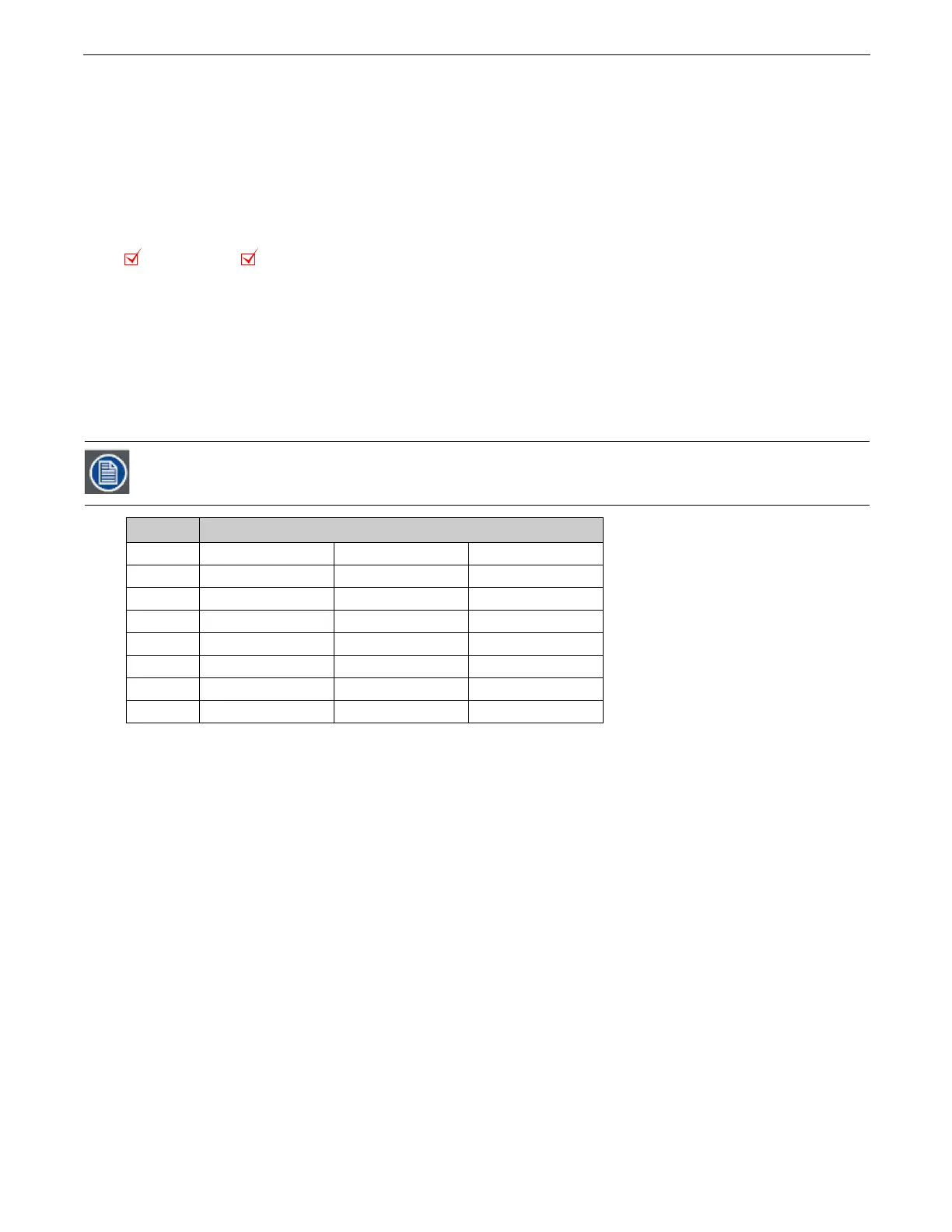
Use the following DMX Values in any of the Effect parameters to make these color conversions.
DMX Value Color Component Conversion Effect
7
Red =>Blue Green => Red Blue => Green
8
Red => Green Green => Blue Blue => Red
17
Red => Cyan Green => Magenta Blue => Yellow
18
Red => Magenta Green => Yellow Blue = > Cyan
19
Red => Yellow Green => Cyan Blue => Magenta
41
Red => Blue Green => Green Blue => Red
42
Red => Red Green => Blue Blue => Green
43
Red => Green Green => Red Blue => Blue
Object Effect Global Effect



 To Next Page