Axon Overview
DML-1200 w/Axon Embedded Graphic Engine 24/12/2010 _____________________________________________________________________________8
1.4 Image Optimizing Controls
Images can be optimized for each cue. It is not necessary to pre-optimize images with a separate software system on a separate
computer when preparing for a show. Using Visual modes, you can adjust both Black Level and Contrast for each cue and for each
image (see
Visual Mode Options
on page 16).
1.5 Graphics Control Hierarchy
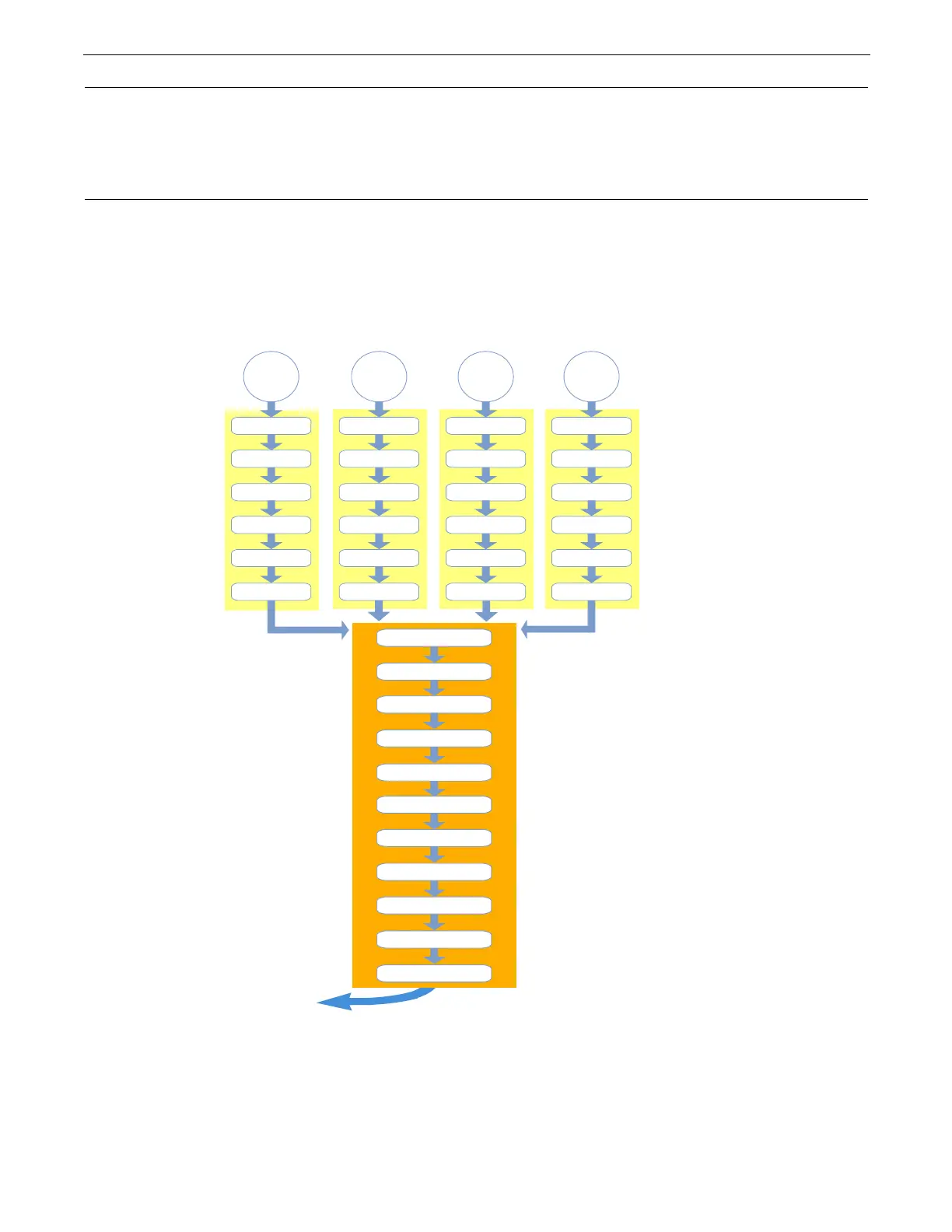
There is a hierarchy to the DMX control parameters. In general, object control parameters render individual graphic images. Global
control parameters act upon the composite image created by combining multiple objects. Motion parameters control the fixture
movement and projection as well as live video feeds.
It is especially important to keep this in mind when applying graphical effects. At the lowest level, Graphic effects are applied to
an individual 3-D Graphic Object. Any Global effects applied affect each object in the combined Object image. Finally, motion
effects control the projection of the composite image.
Graphics Engine Function Flow
Global Functions
are then applied to the
composite-object image.
Graphics Engine outputs
final image to projector
Define up to nine
3-D objects with
a texture applied
Global Effect 1
Global Effect 2
Object
Content
Visual M ode
Playback
Opacity
Effect 2
Effect 3
Effect 1
Object
Content
Visual M ode
Playback
Opacity
Effect 2
Effect 3
Effect 1
Object
Content
Visual M ode
Playback
Opacity
Effect 2
Effect 3
Effect 1
Object
Content
Visual M ode
Playback
Opacity
Effect 2
Effect 3
Effect 1
Global Effect 3
Global Effect 4
Keystone Correction
Framing Shutters
Global Viewpoint
Global Intensity
Graphic
Functions
are applied
to each object
Mask
Edge Fade
Global Effect 5



 To Next Page