System Operation
3-9
GNS-XLS Flight Management System
Rev. 3
Sep/96
depressing the FPL Key. Access a Stored Flight Plan from the
alphabetized FLIGHT PLAN LIST Page. Use the PRV or NXT Keys
to cycle through the available pages.
NOTE: A change made to the Active Flight Plan does not affect the
Stored Flight Plan. Any change made to a Stored Flight Plan
remains in memory.
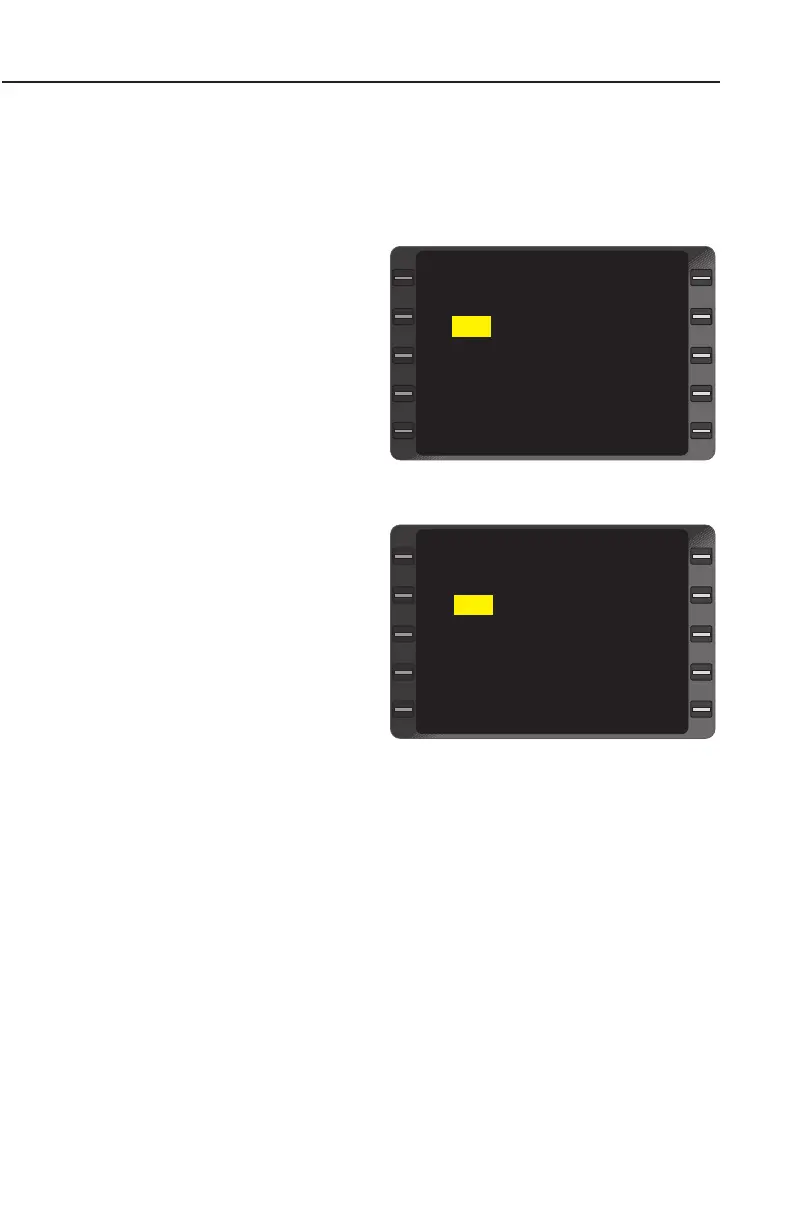
Deleting A Waypoint:
1. Line Select Key -
DEPRESS to position the
cursor over the waypoint
identifier.
2. BACK Key - DEPRESS.
DELETE? appears in the
waypoint field to inform
the pilot of the pending
change. (Figure 3-9)
3. ENTER Key - DEPRESS.
The waypoint is deleted
and the cursor is dis-
played over the next way-
point. (Figure 3-10)
NOTE: Deleting a waypoint
from either a SID, STAR, or
Approach Procedure will
invalidate that procedure as
indicated by the waypoints of
the procedure no longer
being indented.
To remove a waypoint from non-volatile memory it must be deleted
from all Stored Flight Plans. This does not include database way-
points.
ADDING A WAYPOINT
A waypoint may be added anywhere in a Flight Plan sequence,
except prior to the current TO waypoint if the ACTIVE FPL Page is
displayed.
1. Line Select Key - DE-PRESS to position the cursor over the waypoint
KDAL - KHPN
LIT
BWG DELETE?
HNN
JST
MXE
DEPART
ARRIVE SELECT
APPROACH ERASE
FLIGHT PLAN 6 1/2
>
>
<
<
<
<
<
>
Figure 3-9
KDAL - KHPN
LIT
HNN
JST
MXE
KHPN
DEPART
ARRIVE SELECT
APPROACH ERASE
FLIGHT PLAN 6 1/2
>
<
<
<
<
<
>
Figure 3-10


 To Next Page
 Loading...



