System Operation
3-93
GNS-XLS Flight Management System
Rev. 3
Sep/96
pause the CDU and con-
trol head information will
change to reflect the
Identifier chosen by the
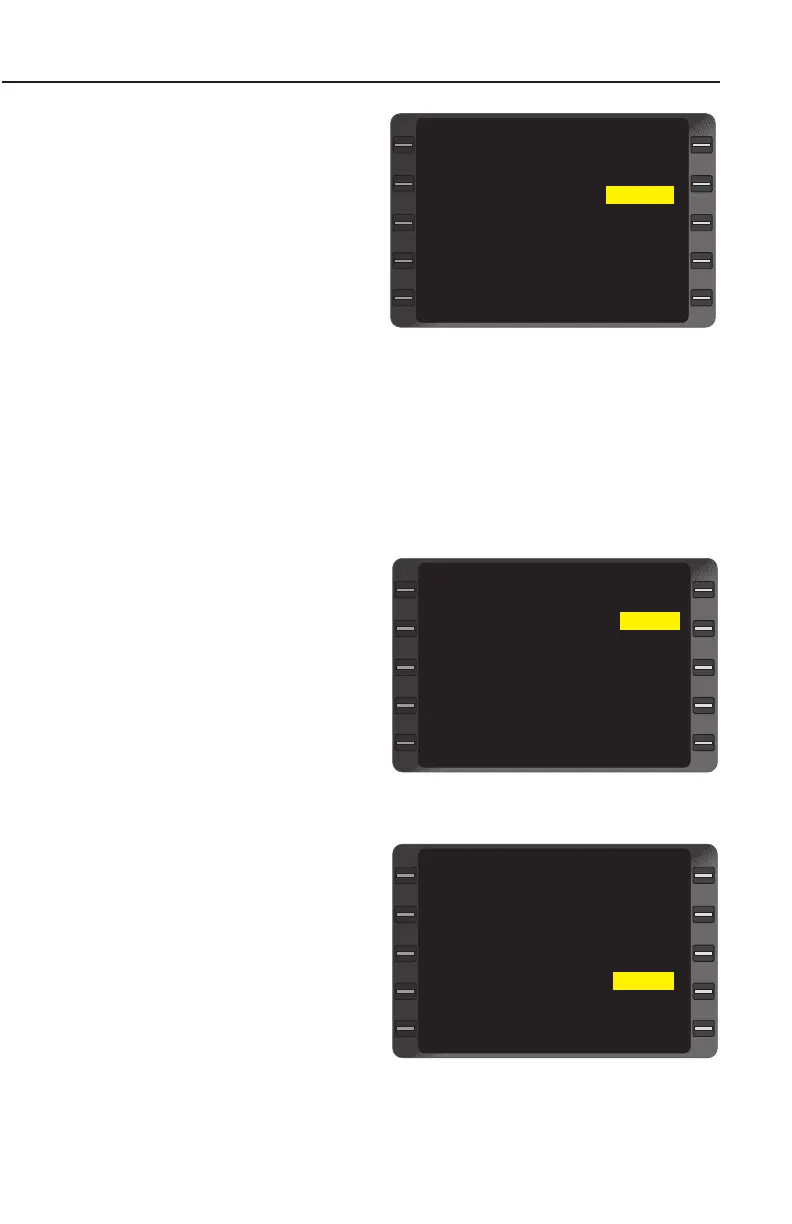
system. (Figure 3-151)
NOTE: No prompt is dis-
played adjacent to the
IDENT field when system is
in AUTO TUNE mode.
5. FREQ, RANGE and
BRG - CHECK that the
FREQ of the control
head and CDU display agree and that range and bearing are
reasonable.
TRANSPONDER AND ADF KEYBOARD TUNE
1. TUNE Key - DEPRESS to display the page with XPDR and ADF.
2. Line Select Key -
DEPRESS to position
the cursor over the
desired code or frequen-
cy field. (Figure 3-152)
3. Code or Frequency -
INSERT and verify new
value.(Figure 3-153)
4. ENTER Key -
DEPRESS. (MAN) field
disappears indicating
radios have been key-
board tuned. Verify the
code or frequency
changes on CDU and
control head displays.
NOTE: (MAN) adjacent to
ADF or XPDR indicates that
the frequency or code has
been entered manually from
the control head.
NAV 1 MZB
FREQ 117.80
RANGE 74.9
BRG 204
NAV 2 TNP
FREQ (MAN) 114.20
PRESET 35.0
BRG 035
TUNE 2/3
>
>
Figure 3-151
XPDR (MAN) -----
ADF (MAN) -----
TUNE 3/3
>
>
>
Figure 3-152
XPDR (MAN) -----
ADF (MAN) 300.0
TUNE 3/3
>
>
>
Figure 3-153


 To Next Page
 Loading...



