System Operation
3-76
GNS-XLS Flight Management System
Rev. 3
Sep/96
6. Repeat Steps 2 through 5 to review VNAV waypoint data at
remaining waypoints.
Using VNAV Flight Plan Waypoints Page
1. VNAV Key - DEPRESS to display the VNAV FLIGHT PLAN
WAYPOINTS Pages.
2. Line Select Key - DEPRESS to position the cursor over the
desired waypoint.
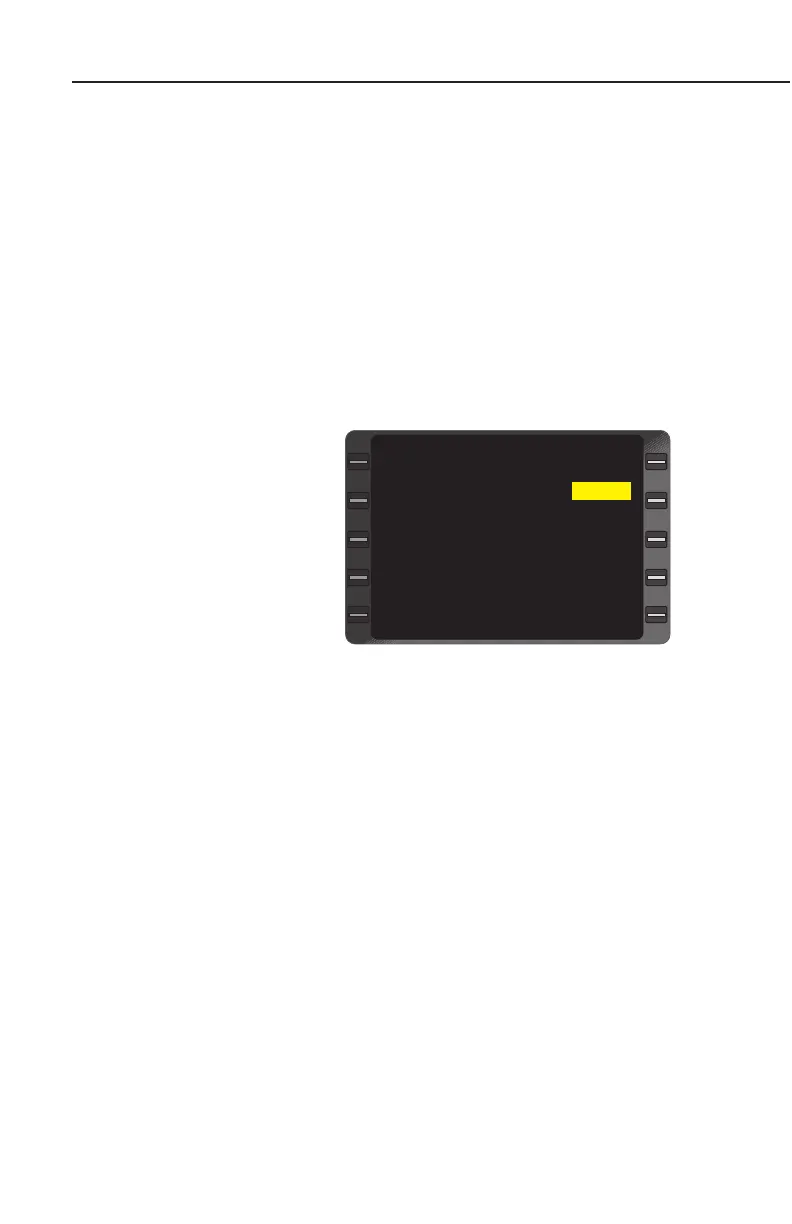
3. ENTER Key - DEPRESS. The VNAV WAYPOINT Page appears
with the cursor over the ALT field. (Figure 3-126)
4. ALT - REVIEW or INSERT new value.
NOTE: If the FPA was
retrieved from the database,
(DB) appears in the FPA
type field. (Figure 3-126)
5. ENTER Key - DEPRESS
to return to the VNAV
FLIGHT PLAN WAY-
POINTS Page.
6. Repeat Steps 2 through
5 to review or change
altitude constraints at
remaining waypoints.
VERTICAL NAVIGATION - ENROUTE
PROGRAMMING VERTICAL PATH DESCENTS
The pilot can use various methods to load a Flight Path Angle (FPA)
and determine the aircraft’s descent path.
NOTE: When the system detects a rapid change of baro altitude set-
ting, non-continuous data from an air data computer, vertical speed
change of more than 40ft/sec, or sequencing to the next waypoint on
the active flight plan, the vertical deviation output is momentarily set
Invalid. When vertical deviation returns to a valid state, the appropri-
ate value of vertical deviation will again be displayed.
WAYPOINT RW30L
ALT 633
EST CROSSING 633
OFFSET ---
REQ FPM DN 1450
FPA (DB) DN 3.1
DIRECT FPA DN 0.9
VNAV WAYPOINT 1/1
>
>
>
Figure 3-126



 To Next Page
 Loading...


