System Operation
3-120
GNS-XLS Flight Management System
Rev. 3
Sep/96
VLF/OMEGA STATION DESELECTION
The following procedure allows a VLF Communication or Omega sta-
tion to be removed from an RPU’s navigation solution.
NOTE: This procedure should be used with caution since stations are
automatically deselected by the computer if unsuitable for navigation.
1. NAV Key - DEPRESS to
display NAVIGATION
Page 4.
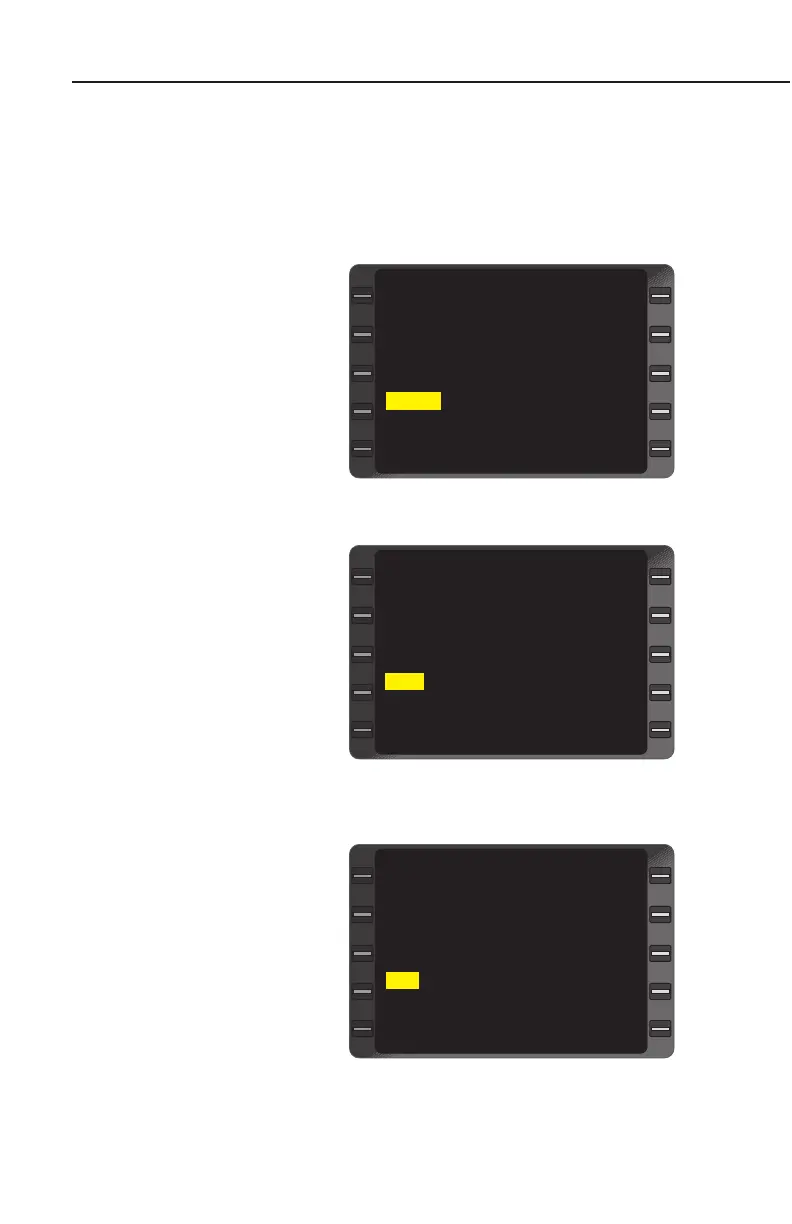
2. Line Select Key -
DEPRESS to position
the cursor over VLF sen-
sor field. (Figure 3-190)
3. ENTER Key - DEPRESS.
4. NAV or NXT Key -
DEPRESS to sequence
through VLF SUBSEC-
TION. Select either VLF
Comm or Omega Station
List Page. (Figure 3-191)
5. Line Select Key -
DEPRESS to position
cursor over station iden-
tifier to be deselected.
(Figure 3-191)
6. BACK Key - DEPRESS.
(Figure 3-192) DESE-
LECT? will appear to
inform the pilot of the
pending change.
7. ENTER Key - DEPRESS
to DESELECT station.
To restore a deselected
station:
a. Line Select Key -
DEPRESS to position
the cursor over the sta-
tion identifier to be
restored.
WSH 99 +
AUS -- TOO FAR
ANT -- -
MNE 99 +
HAW 73 DESELECT?
JPN 76 SPARE
PTR‘ 35 +
ANN 99 +
VLF SUBSECTION 3/4
<
<
<
<
Figure 3-192
IDENT ------
POS N 33 43.33
W116 54.37
VLF ? 0.1 VPU 0.0
IRS 0.2 GPS 0.1
NAVIGATION 4/4
<
>
>
>
>
Figure 3-190
WSH 99 +
AUS -- TOO FAR
ANT -- -
MNE 99 +
HAW 73 UNSTABLE
JPN 76 SPARE
PTR‘ 35 +
ANN 99 +
VLF SUBSECTION 3/4
<
<
<
<
Figure 3-191


 To Next Page
 Loading...



