HOLD REVIEW/UPDATE
1. AFIS Key - DEPRESS, if
necessary, to display the
AFIS MENU Page.
2. Line Select Key -
DEPRESS to position the
cursor over DVT/HOLD.
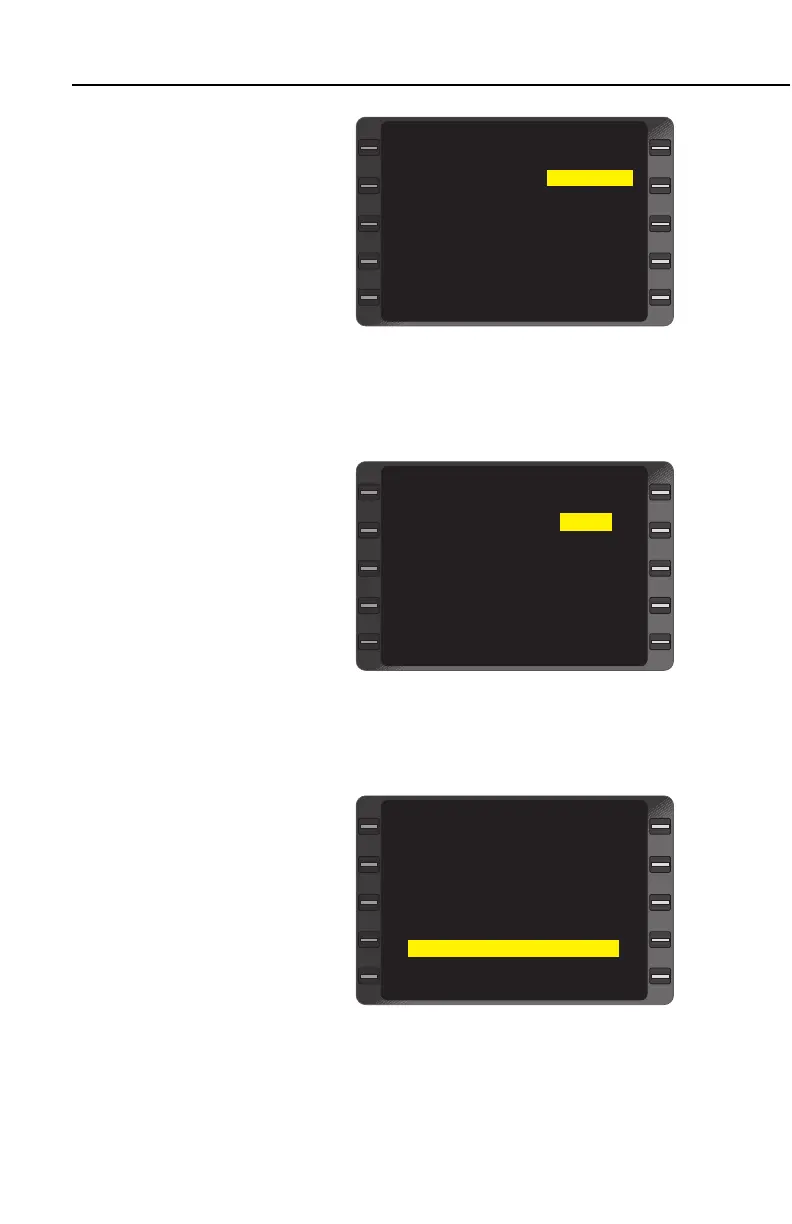
See Figure 8-22.
3. ENTER Key - DEPRESS.
The DVT/HOLD Page is
displayed. See Figure 8-
23.
4. Line Select Key -
DEPRESS to position the
cursor over the HOLD field.
5. INSERT the hold airport
ICAO identifier.
6. ENTER Key - DEPRESS.
The cursor will move auto-
matically to the REAS field.
7. INSERT the hold reason
code.
8. ENTER Key - DEPRESS.
The cursor will move to the
FOB field.
9. INSERT the fuel on board
in pounds.
10. ENTER Key - DEPRESS.
The cursor will move to the
EFC field.
11. INSERT the Expect Further
Clearance estimated time
in GMT.
12. ENTER Key - DEPRESS.
The cursor will move to first
free text line. See Figure
8-24.
8-22
GNS-XLS FMS with Regional Airline AFIS
Rev 4
Sep/97
>
WGT/BAL INITIALIZE
STATION DVT/HOLD
WEATHER CLOSE OUT
DISPATCH
SEND MSG
DISPLAY MSG
20:09 AFIS MENU
<
><
<
< >
<
Figure 8-22
>
< >
DVT HOLD
REAS REAS
FOB FOB
ETA EFC
TRANSMIT
20:18 DVT/HOLD
<
<
<
<
>
>
>
Figure 8-23
>
< >
DVT HOLD KDN
REAS REAS 12
FOB FOB 1000
ETA EFC 1120
FIRST LINE OF TEXT
TRANSMIT
20:18 DVT/HOLD
<
<
<
<
>
>
>
Figure 8-24


 To Next Page
 Loading...



