System Operation
3-111
GNS-XLS Flight Management System
Rev. 3
Sep/96
Over Known Point
This procedure is used to cross check or update the system by over-
flying a known reference point such as a radio navaid or visual check
point.
1. HOLD Key - DEPRESS over known point.
2. Known Point - ENTER using either:
Option 1: IDENT
or
Option 2: Coordinates for check points not in memory.
Option 1: IDENT
a. IDENT - INSERT.
b. ENTER Key - DEPRESS.
c. Waypoint Page Coordinates - VERIFY.
d. ENTER Key -
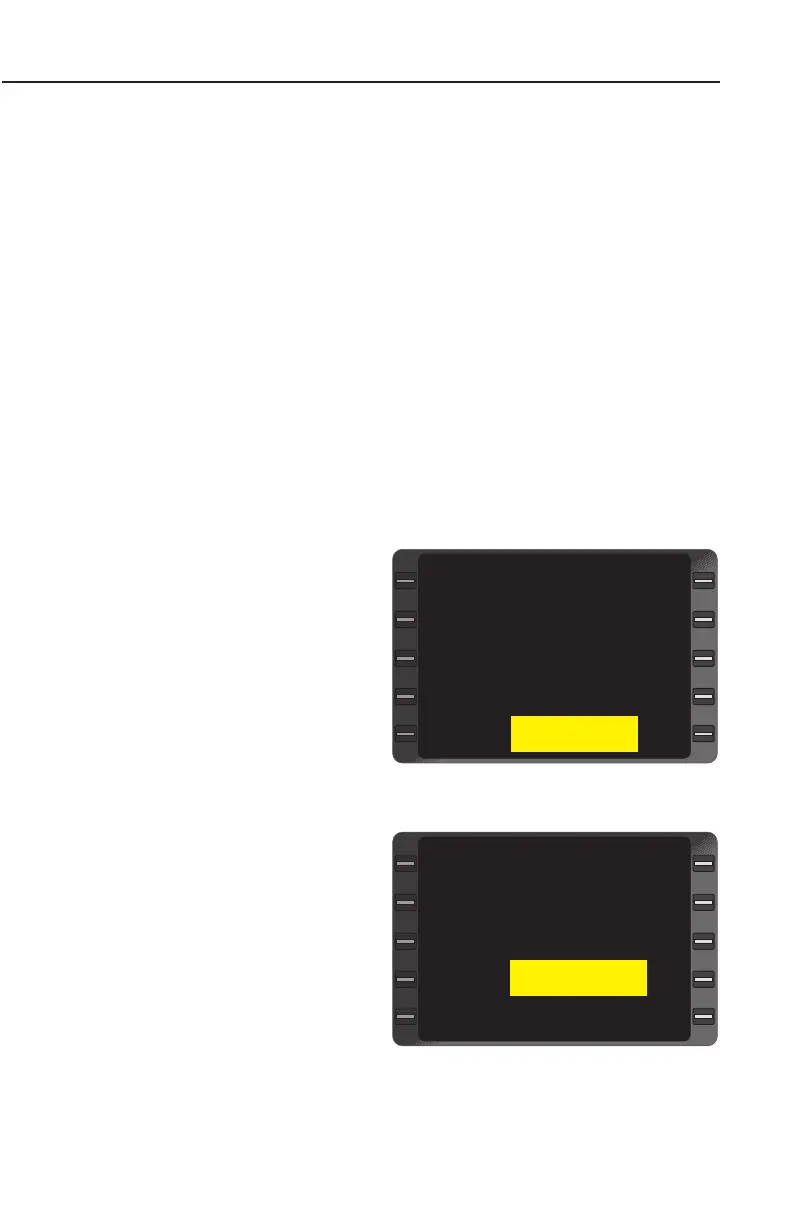
DEPRESS. The DIF
display shows the
direction and dis-
tance in degrees,
minutes and hun-
dredths of minutes
from the FIX position
to the composite
position. (Figure 3-
179)
e. ENTER Key -
DEPRESS if position
update is desired.
NAVIGATION Page
1 is displayed.
Option 2: Coordinates
a. Line Select Key
(cursor over FIX
coordinates).
(Figure 3-180)
POS N 40 55.30
W096 47.30
IDENT LNK
FIX N 40 55.40
W096 44.50
DIF S 0.10
W 2.80
POSITION FIX
>
>
<
Figure 3-179
POS N 40 55.30
W096 47.30
IDENT ----
FIX N 40 55.40
W096 44.50
DIF ---- -----
---- -----
POSITION FIX
>
>
<
Figure 3-180


 To Next Page
 Loading...



