System Operation
3-57
GNS-XLS Flight Management System
Rev. 6
Jul/98
USING HEADING VECTOR
This procedure enables the pilot to program and fly a specific head-
ing vector as well as program an automatic intercept of a specified
leg.
PROGRAMMING A HEAD-
ING VECTOR
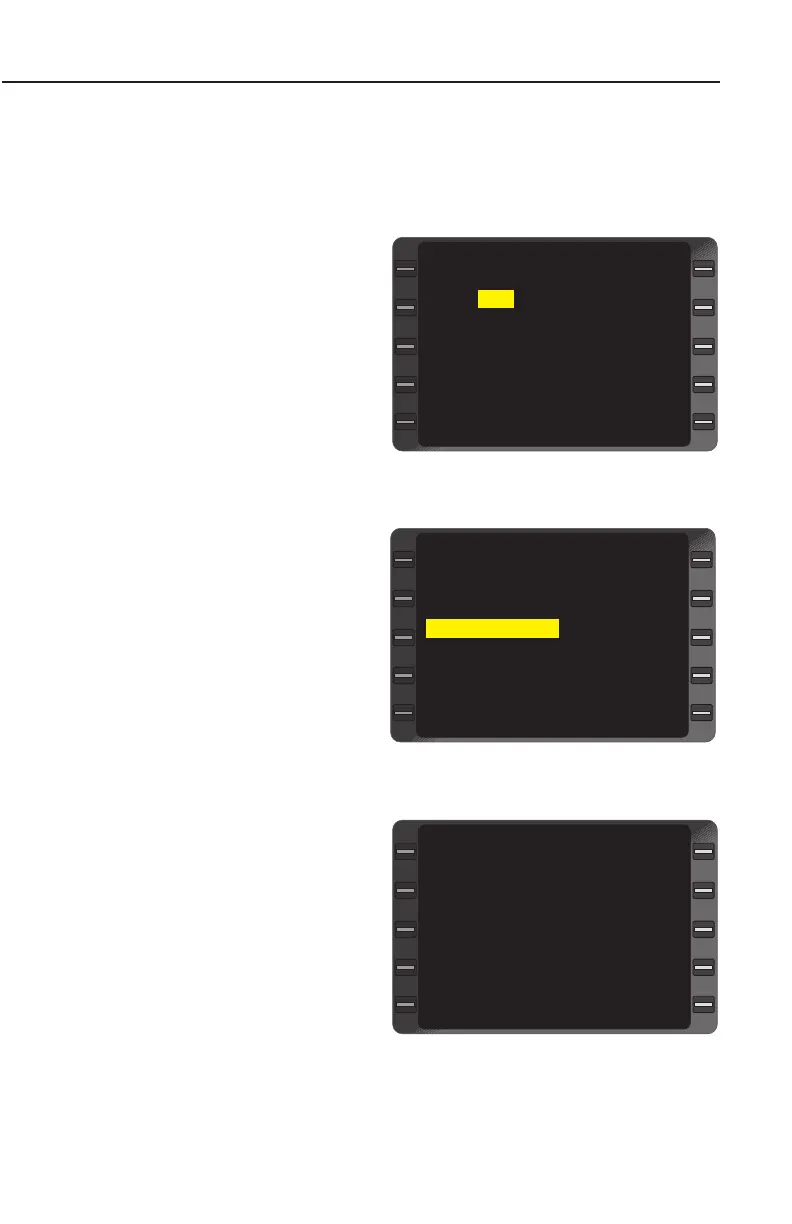
1. HDG Key - DEPRESS to
display HEADING VEC-
TOR Page with cursor
over the HDG field.
2. Heading - INSERT
desired Heading in whole
degrees, preceded by R
or L, if applicable, to indi-
cate a turn direction.
(Figure 3-96)
NOTE: R or L should be
used for a heading change
greater than 180° from the
present heading. A T in the
HDG and DTK fields indi-
cates the system is operating
in the true heading mode.
3. ENTER Key -
DEPRESS. The cursor
advances to Heading
Mode field. (Figure 3-97)
4. ENTER Key - DEPRESS
to select Heading Select
Mode and return to NAV-
IGATION Page 1.
NOTE: HDG SELECT and
the programmed heading are
displayed on NAVIGATION
Page 1 indicating the aircraft
is in Heading Select Mode.
(Figure 3-98)
FR PAXTO 19:07
TO LFK 19:21
HDG SELECT 205
DIS 21.9
ETE 00:05.3
DTK 197
GS 216
WIND 158/ 10
-AUTO-
NAVIGATION 1/4
<
<
>
>
Figure 3-98
HDG 205
HDG SELECT ?
TO LFK DTK 197
HEADING VECTOR 1/1
>
<
<
<
Figure 3-97
HDG 205
CANCEL
TO LFK DTK 197
ENTER HDG
HEADING VECTOR 1/1
<
Figure 3-96


 To Next Page
 Loading...



