. . . . .
MONITORING A SITE
Preview Search
MAXPRO NVR 3.1 Operator’s Guide 153
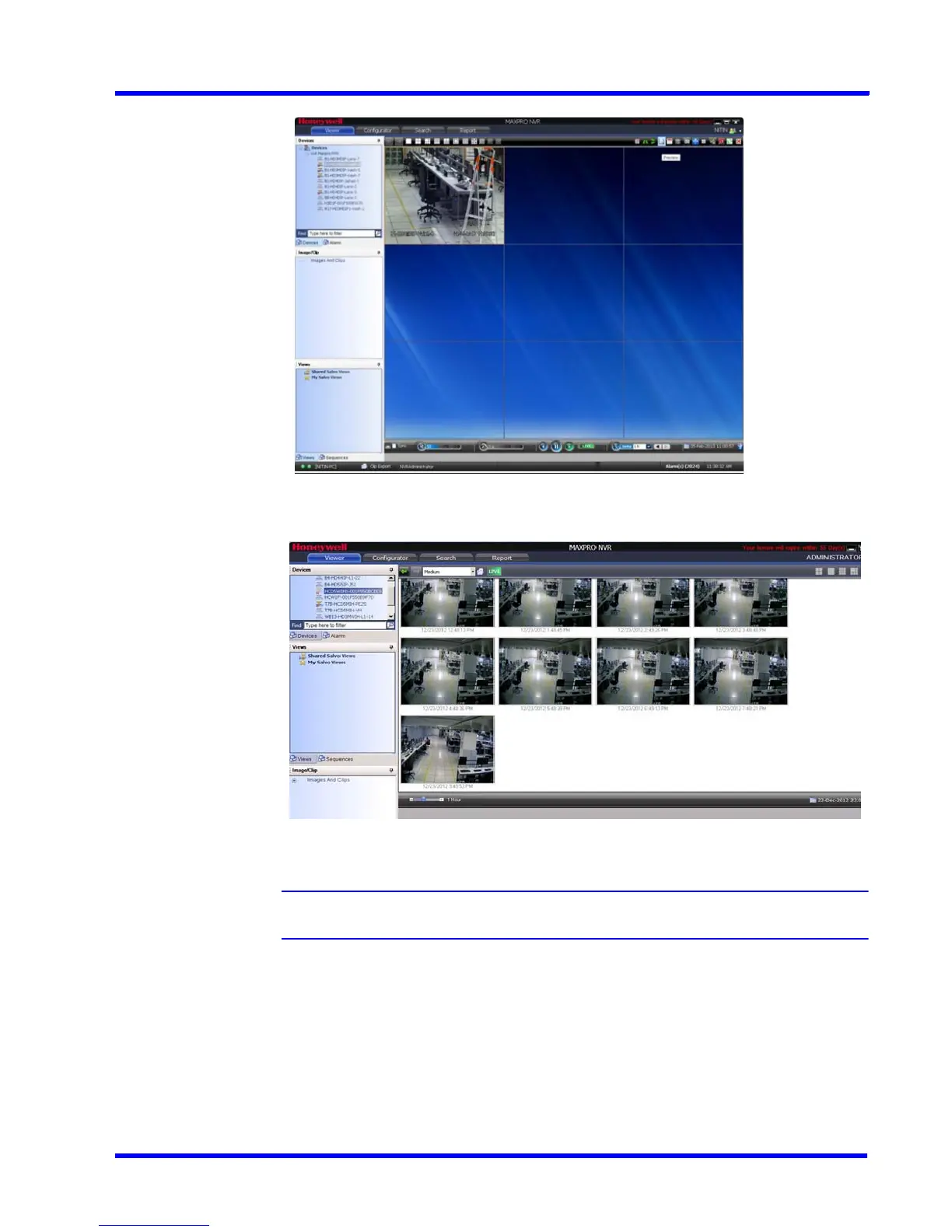
Select the desired video panel and click the Preview icon on the toolbar.
Figure 5-20 Preview Search - Clicking the Preview icon
A list of recordings for the particular day appear.
Figure 5-21 Preview Search - Results
Note: By default, medium sized snapshots(recordings) are displayed.
2. To view small or large snapshots, select the appropriate option from the drop-down list as
shown in the following figure.











 To Next Page