576 IBM Flex System V7000 Storage Node Introduction and Implementation Guide
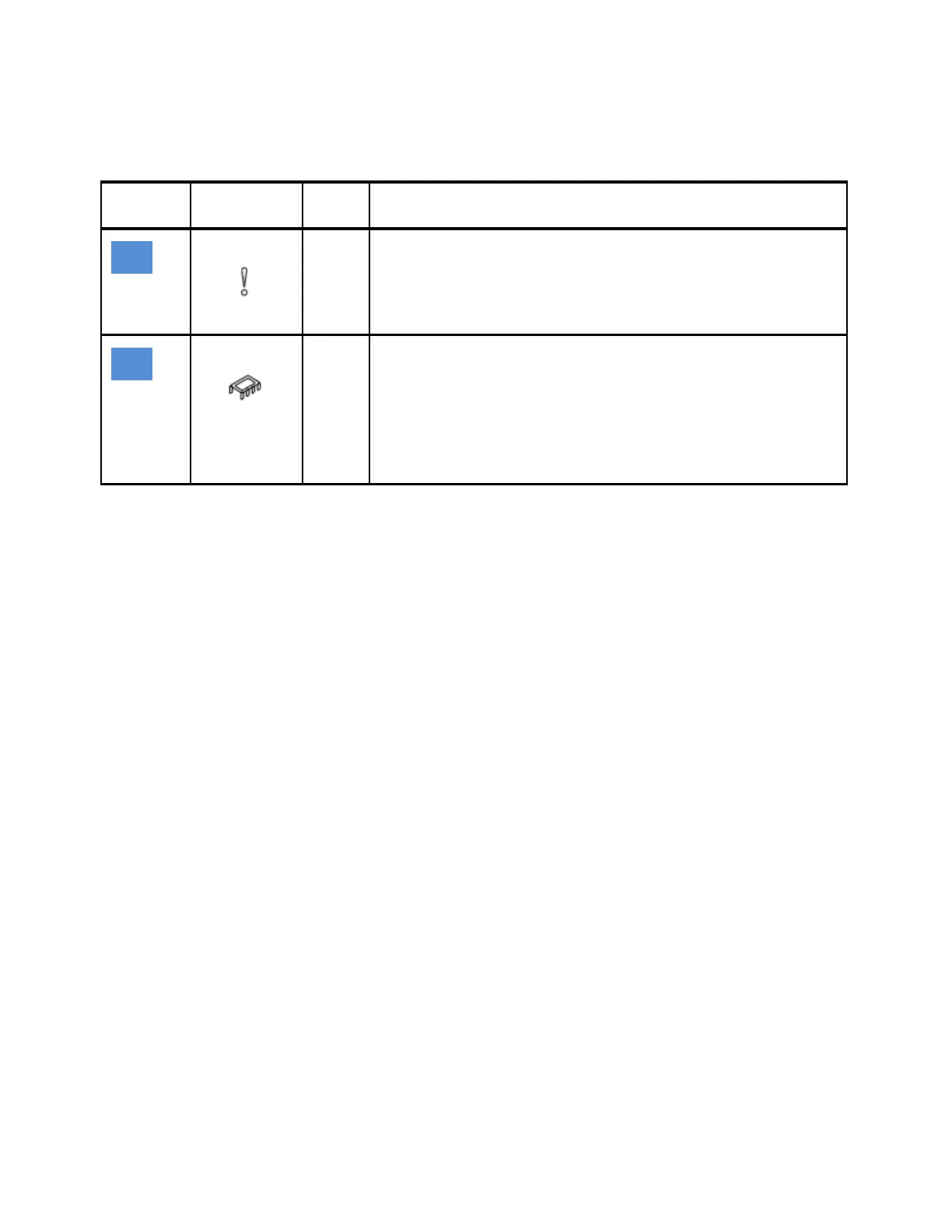
3. If the power LED is on solid, consider the states of the fault LEDs 3 and 4 for each node
canister, as shown in Table 13-4.
Table 13-4 Node canister fault LED states
LED
layout
LED Name Color States
Canister fault
Amber OFF – The node canister is operating correctly, or it has not been
possible to isolate an issue to the node canister.
ON SOLID – The node canister has failed and should be replaced. If it
is available, use the IBM Flex System V7000 Storage Node
management GUI event log Fix Procedures to guide the replacement.
Internal fault
Amber There is a fault on one or more of the replaceable parts in the canister, it
has been determined that the part needs replacing.
Note: This LED only applies to the network adapters. (There can be one or
two of them.) Review the IBM Flex System V7000 Storage Node event logs
or the CMM to identify the network adapter that failed.
OFF – There are no failures isolated to internal components of the
canister.
ON SOLID – Replace the failing network adapter.

 To Next Page
 Loading...