GAPS - User Guide
6.5 Visualization Tools
6.5.1 MOBILE IMMERSION
This tool is available in real-time mode.
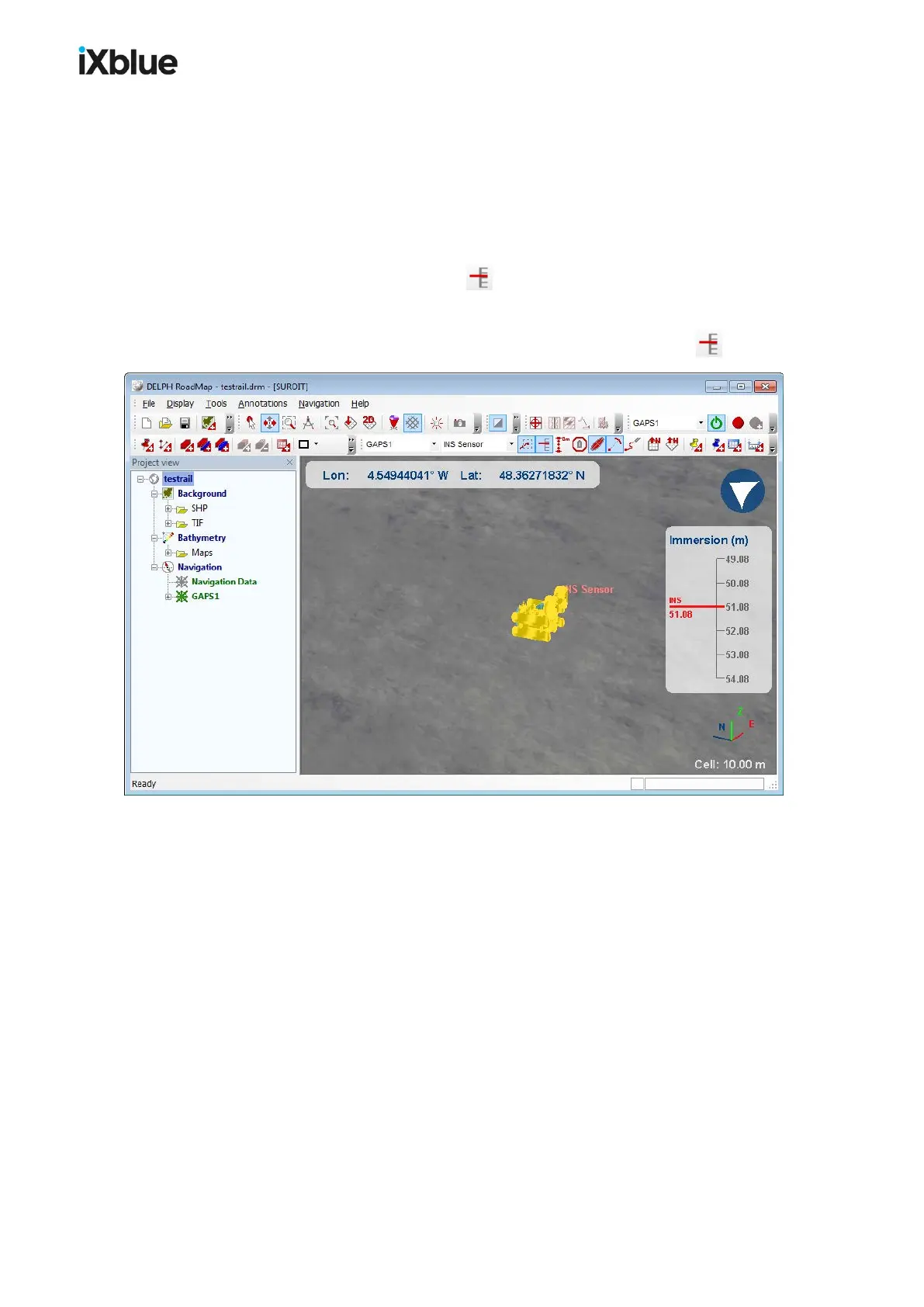
This panel is accessible from the menu Display > Geographic view > Mobile immersion.
This panel displays the immersion of the mobile(s) on a vertical scale. All the mobiles for
which you have clicked on the button are present in the Mobile Immersion. The panel
is automatically rescaled as data comes in to optimize the visualization of the immersions for
the last received position. You can add or remove a mobile by clicking on .
Figure 45 - Immersion panel
The Mobile Immersion panel is configurable via the Settings window. The units of the
positions, latitude longitude angle distances, distances and depth are editable in the
application settings.
MU-GAPS-AN-005-H - November 2019 107



 To Next Page