GAPS - User Guide
6.5.9 RELATIVE POSITIONING
This tool is available in real-time mode.
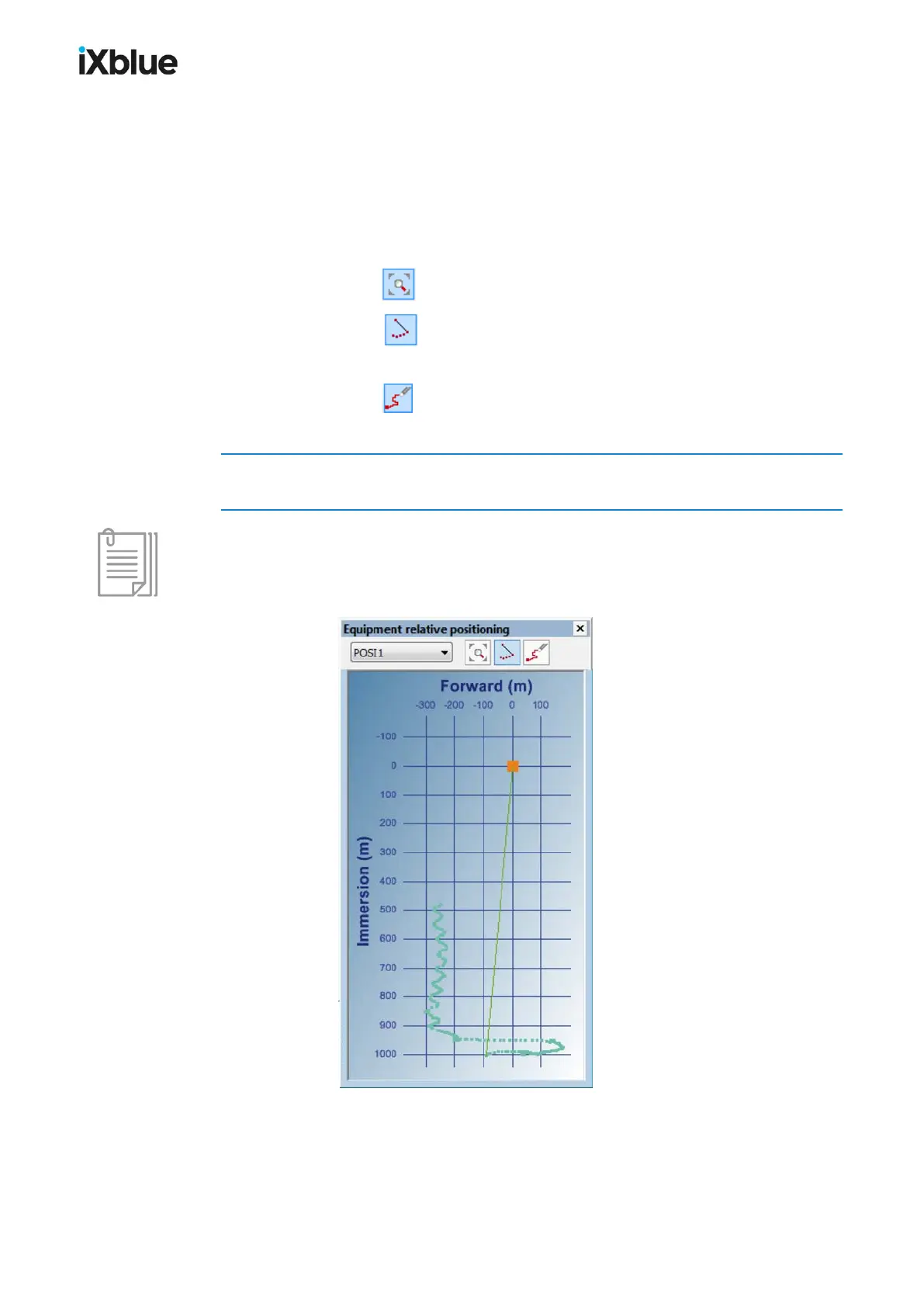
This panel is accessible from the menu Display > Panels > Relative Positioning. This
panel displays the history of the positions of the mobiles of an equipment in the plane defined
by the Forward (m) and Immersion (m) axis centered on the vessel. The last 1,000 points of
the tracks are displayed.
● Click on the button to auto scale the display of the mobile track.
● Click on the button to hide or show the link between the vessel (0) and the current
position of the mobile.
● Click on the button to remove all the already displayed history.
Important
Keep in mind in this graph that the vessel is moving. The displayed track(s) includes, without
showing it, the motion of the vessel.
Click left or right to zoom in and out.
Figure 56 - Relative positioning panel
116 MU-GAPS-AN-005-H - November 2019



 To Next Page