GAPS - User Guide
1. Save your current configuration. See section 4.1.7 menu.
2. Click on maintenance in the upper right corner of the window.
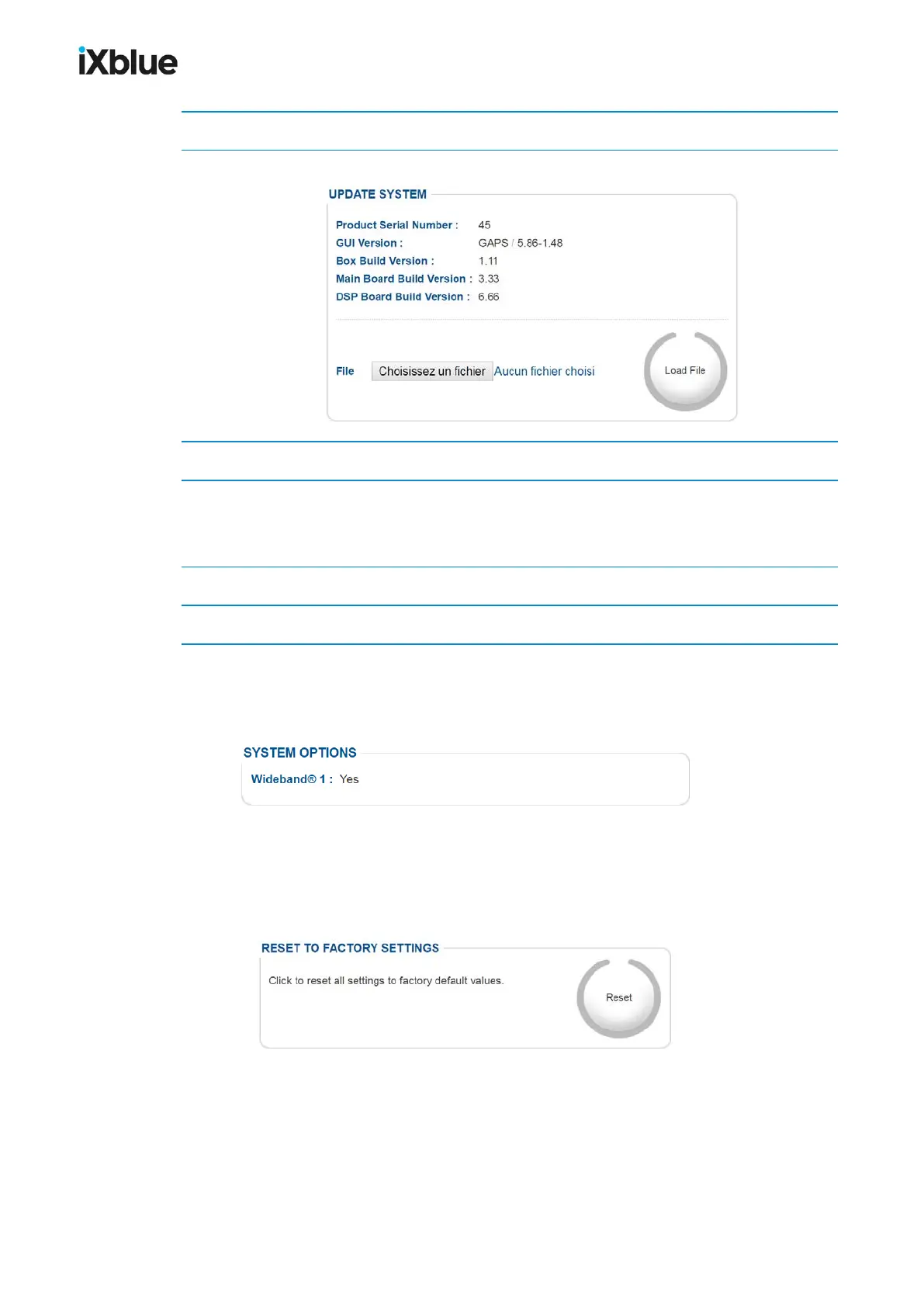
3. In front of File, click on the Browse button and select the update file “.srec”.
4. Click on Update.
The logo flashes alternatively gray and blue. A Sendingfile label appears in the UPDATE
SYSTEM area. After a while the file is uploaded and the updating is complete.
5. Check that all the versions numbers listed above the Load File button are updated.
6. Empty the cache of your browser and reload the page before using the User Interface.
10.2.3 CHECKING THE CURRENTLY INSTALLED OPTIONS
In the maintenance page, you may check which options are currently installed. In the
SYSTEM OPTIONS frame are listed all the options and their status (active: yes or no).
10.2.4 RESETTING THE SYSTEM TO FACTORY SETTINGS
Sometimes it can be useful to reset the system to the factory settings. These settings are set
as default settings when the unit is shipped to you by iXblue. You just have to press the Reset
button in the RESET TO FACTORY SETTINGS area.
Figure 78 - Reset to factory settings
162 MU-GAPS-AN-005-H - November 2019



 To Next Page