GAPS - User Guide
4.2.2 CONNECTING GAPS TO A LOCAL NETWORK
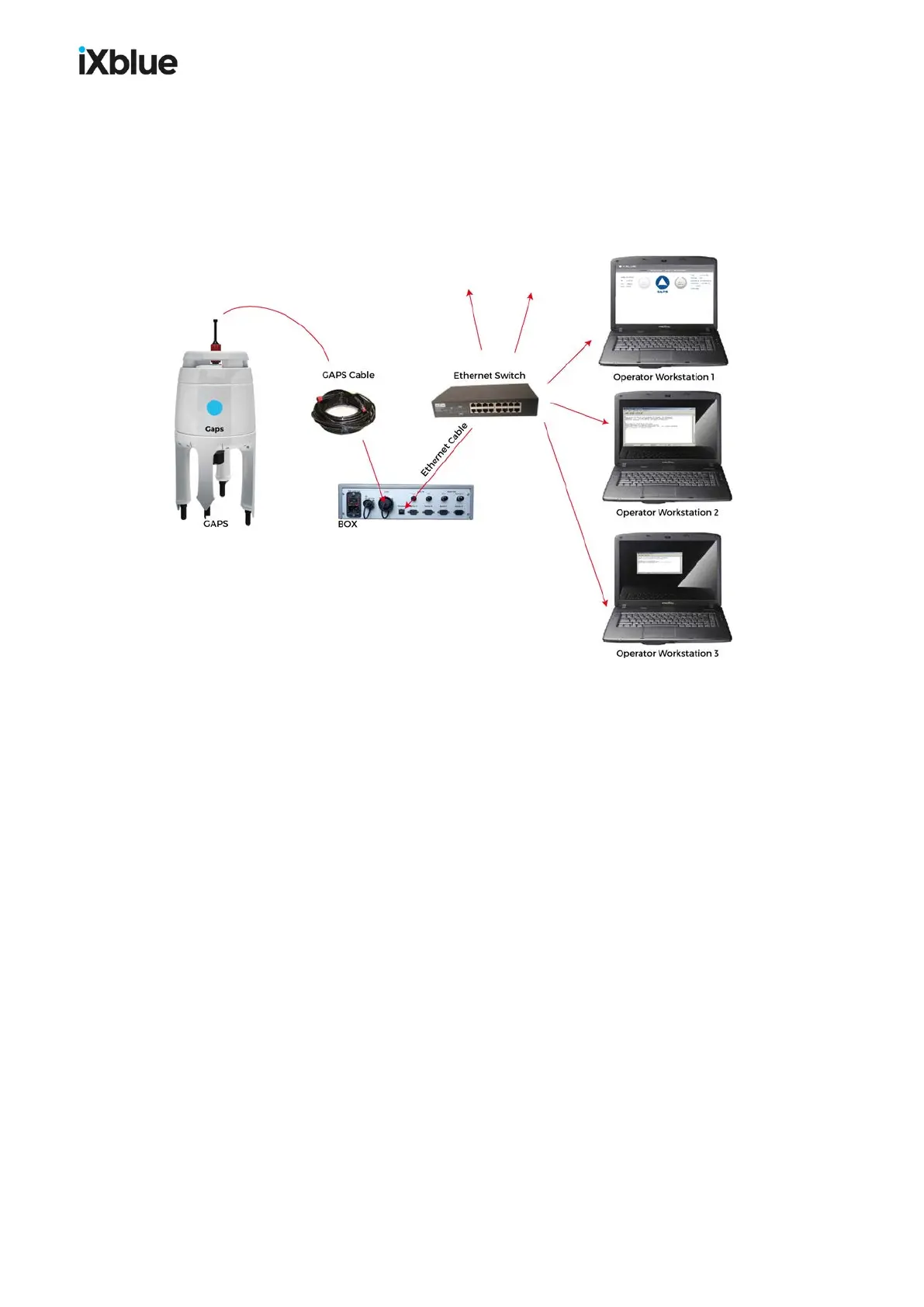
In this section, you connect GAPS to the local network via an Ethernet switch as shown
below. Then you set up a computer from the network to have access to GAPS network
parameters. You edit these parameters to makeGAPS compatible with the network (see
section 4.2.2.1). The global procedure follows (see section 4.2.2.2).
Figure 35 - GAPS connected to the local network
Equipment Needed:
● One Cat 5 Straight Ethernet Cable to set between the BOX and the switch
● A free slot in the local network switch
You configure the GAPS to make it compatible to your local network.
MU-GAPS-AN-005-H - November 2019 59



 To Next Page