GAPS - User Guide
5.1.3 INTERNAL SYNCHRONIZATION
During internal synchronization, GAPS antenna transmits according to the defined value of
recurrence. In this mode, GAPS can activate another acoustic device if the need arises.
1. Click on the menu SETUP and select TRACKING.
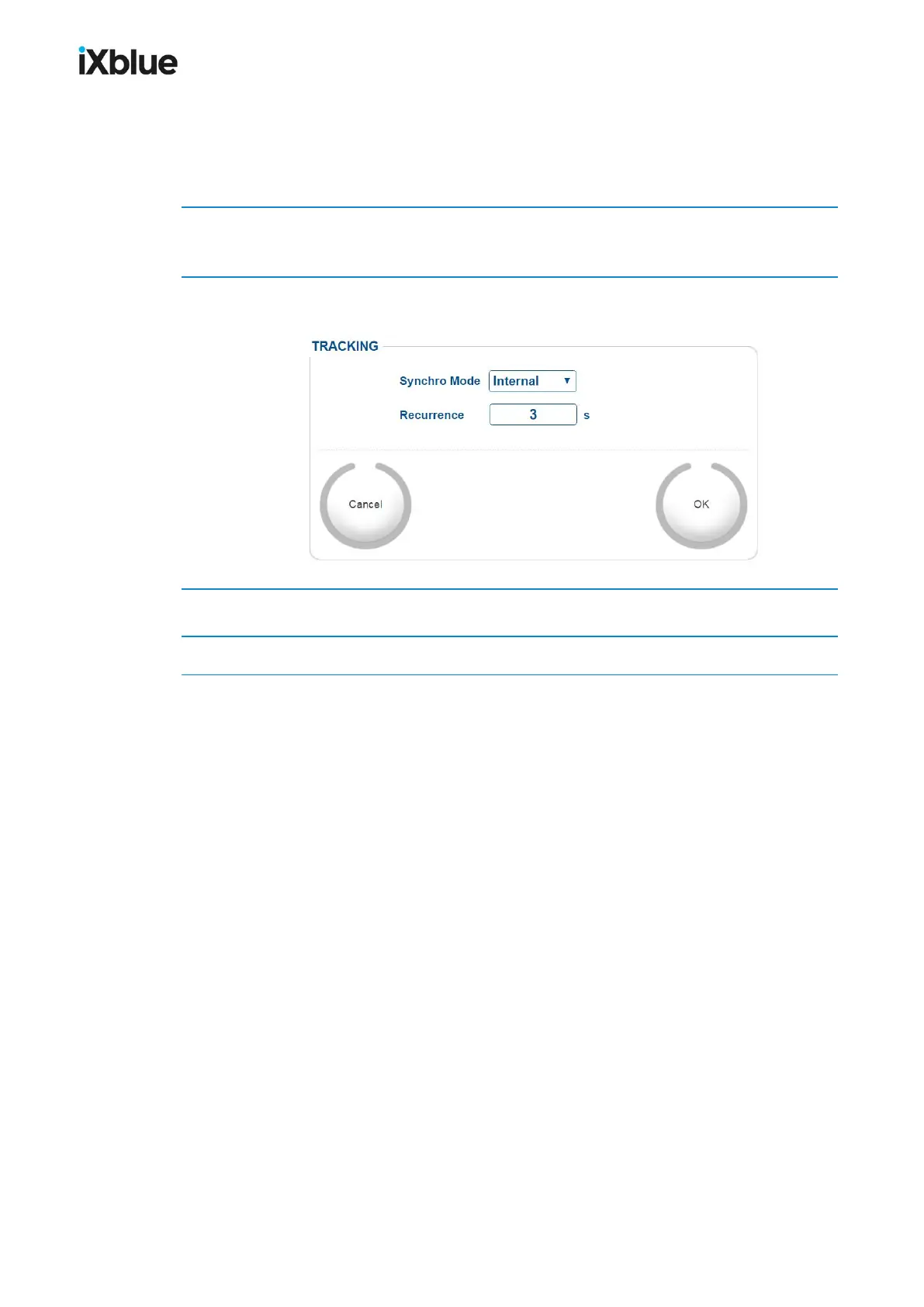
The TRACKING window opens.
2. Select Internal from the Synchro Mode scrolling list.
The TRACKING window shows the following parameters:
3. Enter the value of Recurrence.
4. Click on OK to validate the configuration of the internal synchronization mode.
76 MU-GAPS-AN-005-H - November 2019



 To Next Page