GAPS - User Guide
4.4.1.3 Configuring the UTC Input
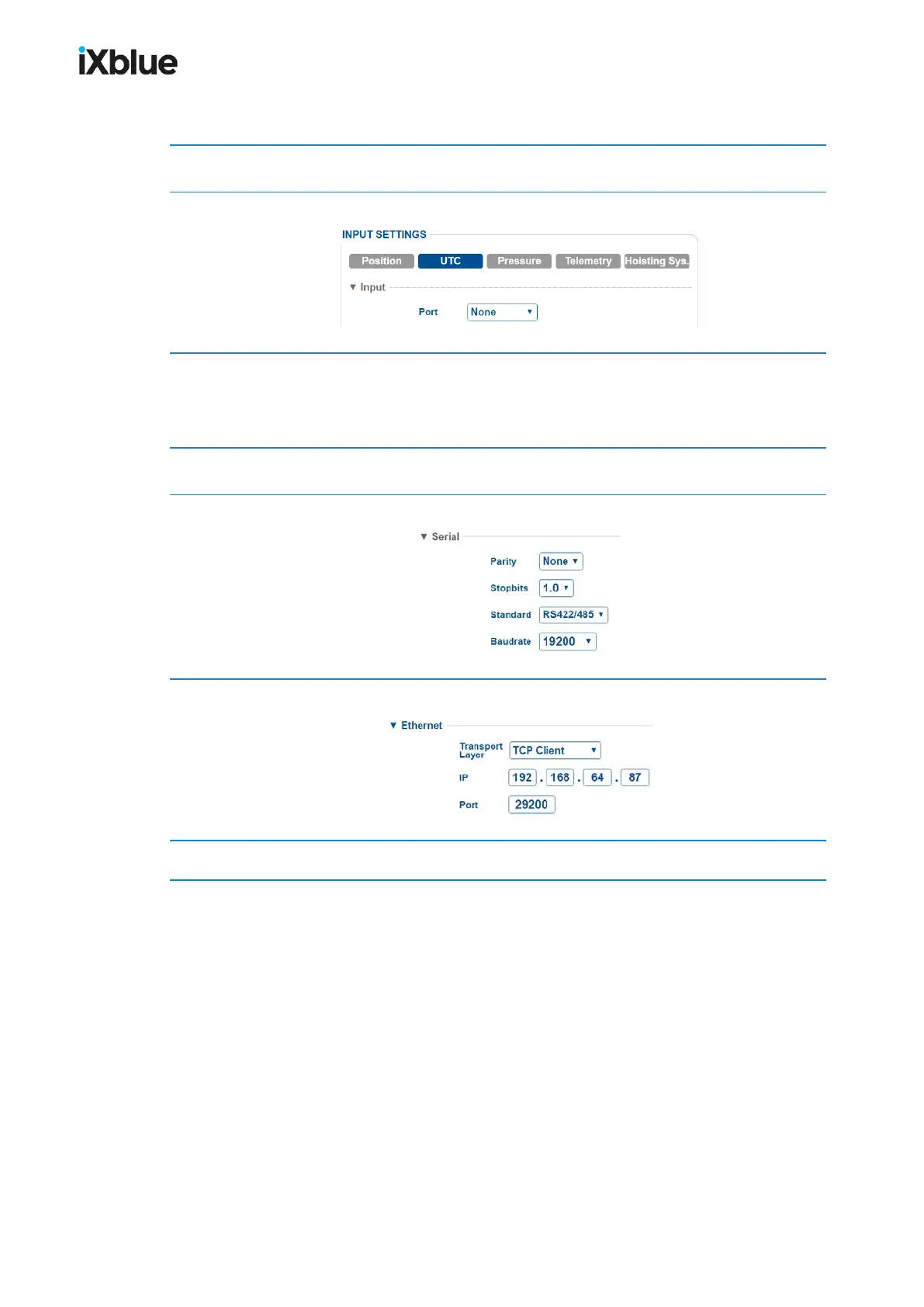
1. Click on the INSTALLATION > INPUTS.
2. Click on UTC to display the parameters.
3. In Input, select the Port between Serial A, B, C, D or Ethernet A, B, C, D or select
Embedded if you use the iXblue GPS.
We recommend to set the same port for Position and UTC.
4. In Protocol, select the Protocol and the PPS in the corresponding scrolling lists.
5. If you have selected Serial in step 3, enter the following parameters:
6. If you have selected Ethernet in step 3, enter the following parameters:
7. Click on OK to validate your input configuration and send this data to the GAPS.
MU-GAPS-AN-005-H - November 2019 67



 To Next Page