GAPS - User Guide
5.3.2.2 Procedure
1. Select SETUP > TRANSPONDERS.
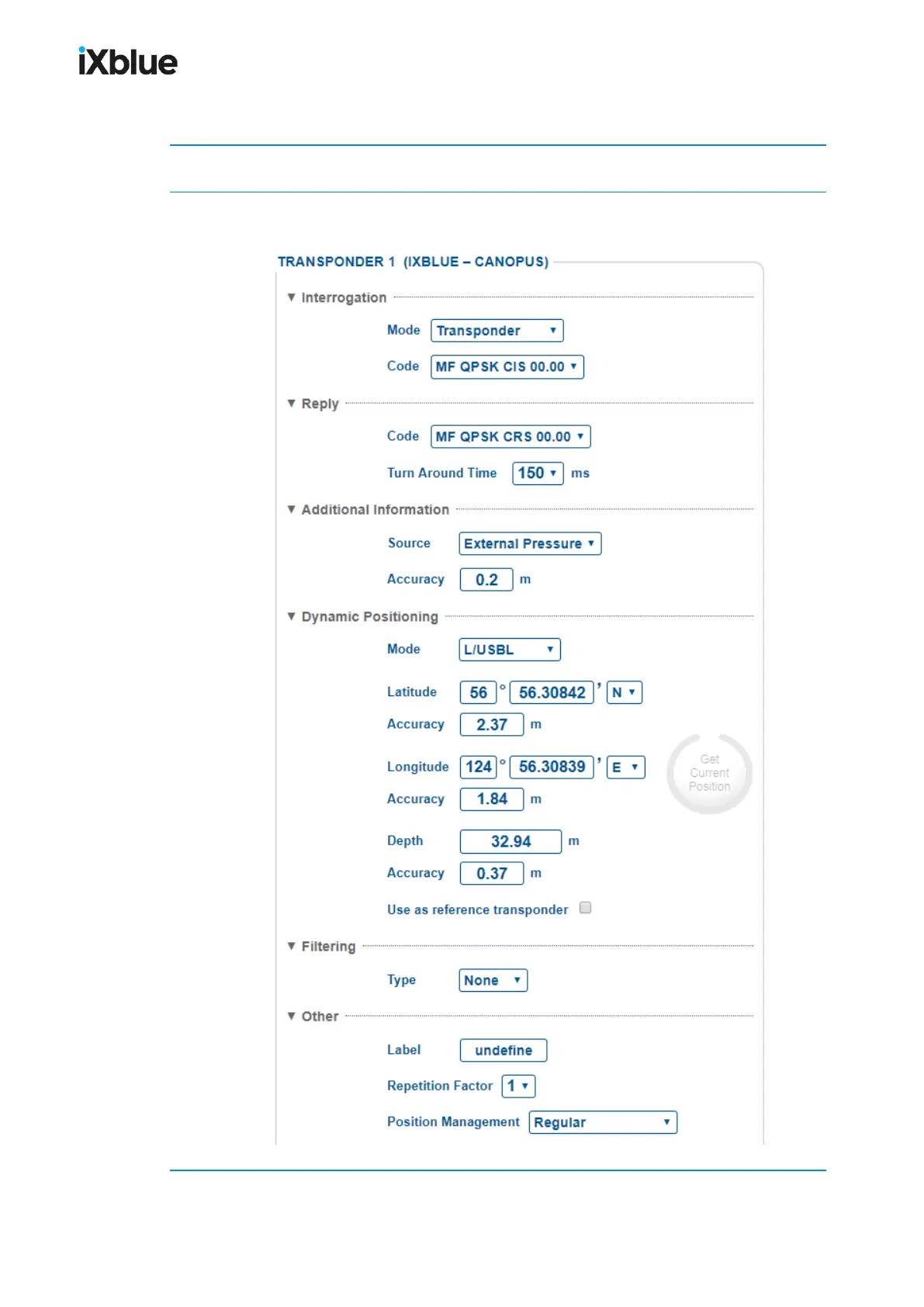
2. Click on Change Settings for the appropriate transponder to be configured.
The configuration window opens. The image shown corresponds to a RTA transponder.
3. In Interrogation, select Mode and Code from the scrolling lists.
MU-GAPS-AN-005-H - November 2019 89



 To Next Page