GAPS - User Guide
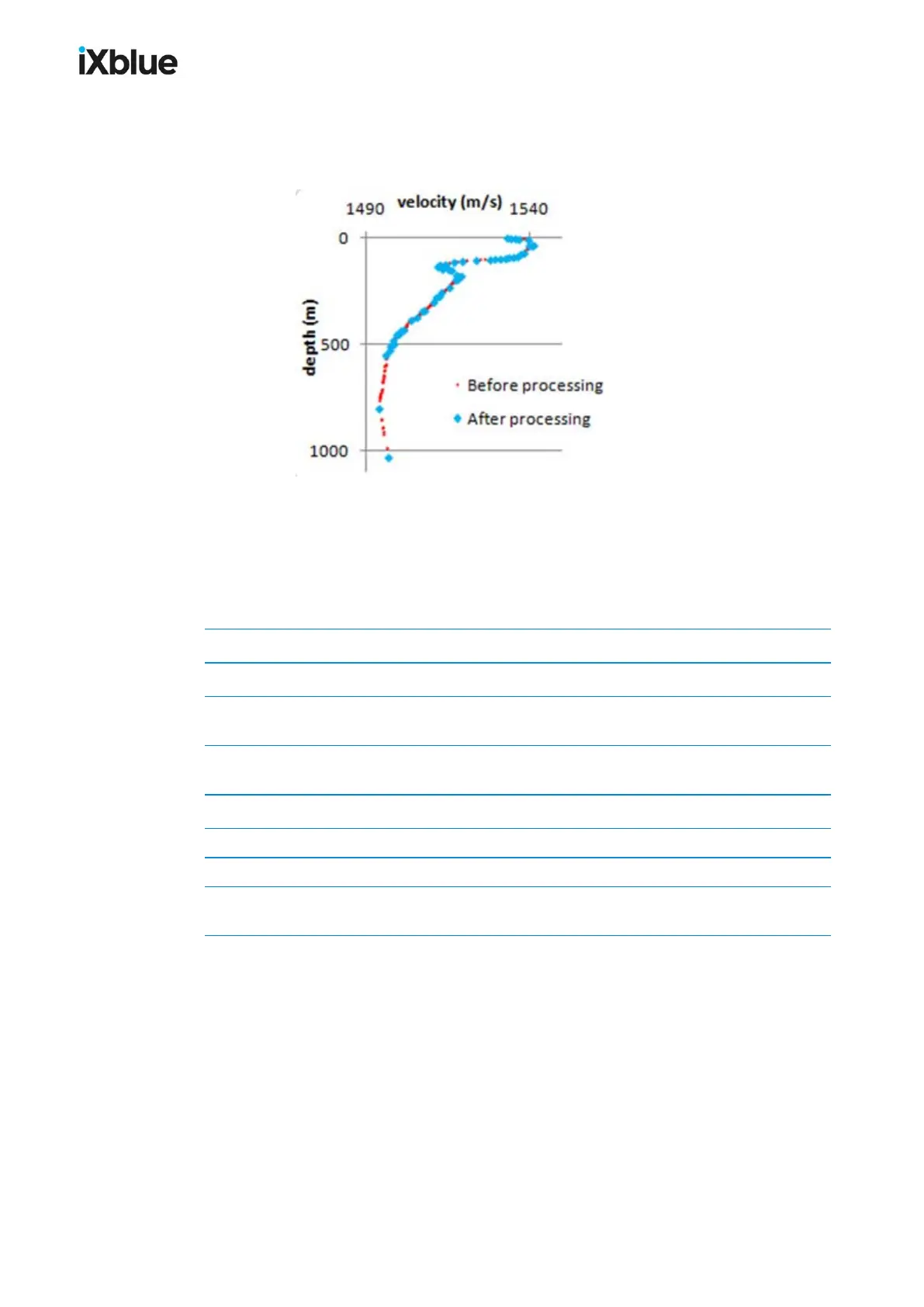
The speed profile is pre-processed when uploaded. This processing removes outliers and
duplicated values, sorts the data in a depth growing order and optimizes the number of couples
to 55 for computing purposes without altering the accuracy of the profile.
5.2.2 ENTERING MANUALLY A PROFILE
The depth and velocity couples are entered directly in the array. The [tab] key moves the
cursor from one cell to another. Messages, warnings and errors provide guidance.
Table 10 - Messages for Manual Input of Sound Velocity
Message Action
Valid Profile You may validate the profile by clicking OK
Thin Slice (< 1 m)
Low interval between two depths, you may val-
idate the profile by clicking OK
High Gradient
High interval between two velocities, you may val-
idate the profile by clicking OK
Missing Depth Enter a new depth value
Missing Velocity Enter a new velocity value
Velocity out of Bounds (1375 – 1900) Enter a new velocity inside the validity interval
Depth not Increasing
Enter a new depth value respecting the increasing
order
MU-GAPS-AN-005-H - November 2019 81



 To Next Page