GAPS - User Guide
6.5.2 VERTICAL AXIS
This tool is available in real-time and replay modes.
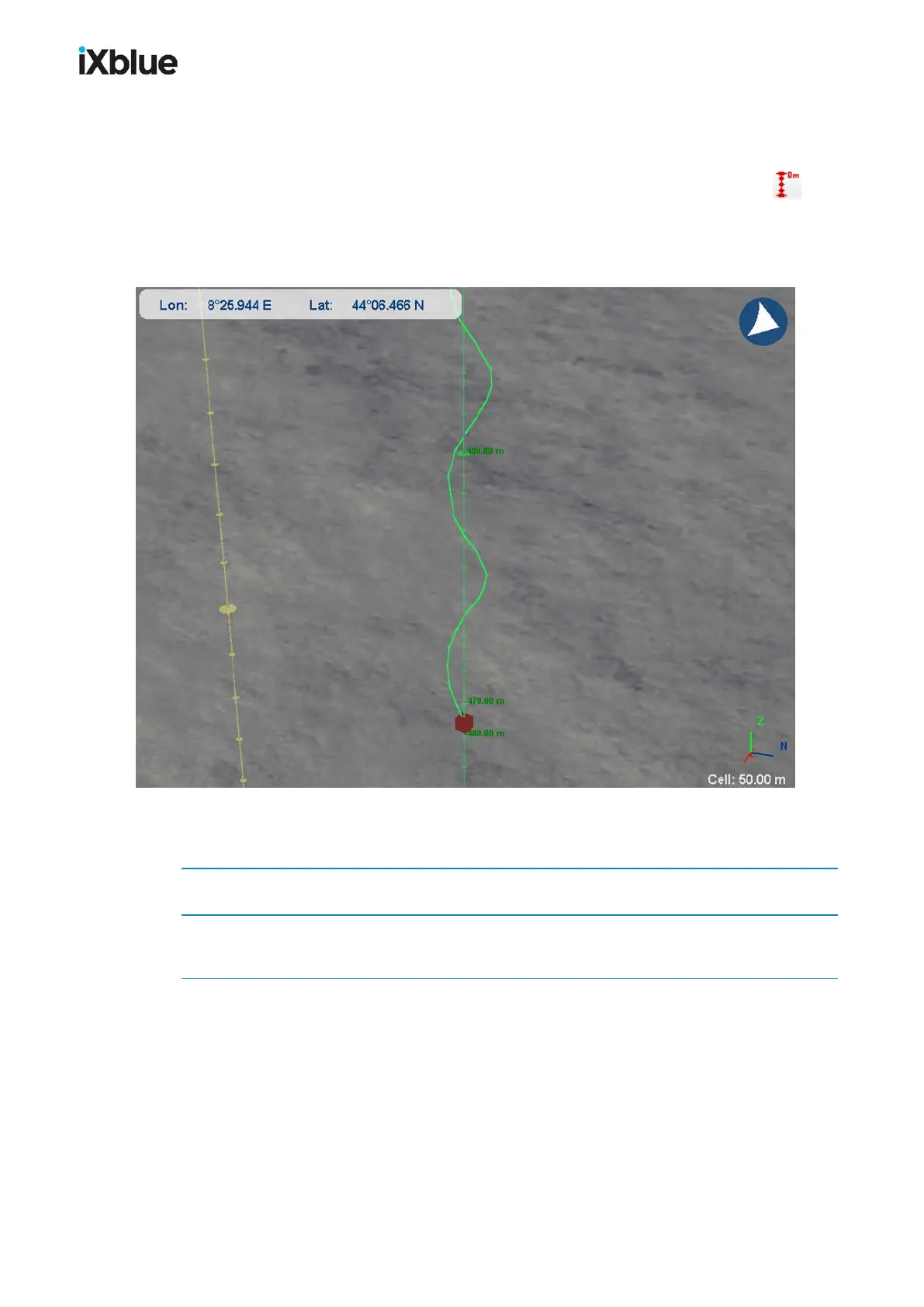
You can display a vertical axis for a specific mobile by clicking on the button after
having selected the mobile in the scrolling list. This axis helps you to visualize the depth of a
mobile. The vertical axis has an automatic scaling in order to optimize the visualization. See
an example of such a display below.
Figure 46 - The vertical axis displays the immersion of the selected mobile
The vertical axis can also be activated by following the procedure:
1. In the Project View panel, right click on the mobile and select Properties.
2. In the Properties window, select the Track Properties tab and activate the Display vertical
axis option.
108 MU-GAPS-AN-005-H - November 2019



 To Next Page