GAPS - User Guide
5.3.1 ADDING A TRANSPONDER
Each transponder is defined by an Identifier, a Type of transponder and a Manufacturer. The
standard transponders being tracked by GAPS are the MT8, MT9, ET/RTA, ZTA, RAMSES,
ITS- beacon and Sonardyne Wideband® 1 transponders.
1. Click on the menu SETUP and select TRANSPONDERS.
Go to step 5 if you want to configure a transponder that already exists.
The management of transponders opens.
2. Click on Add a transponder.
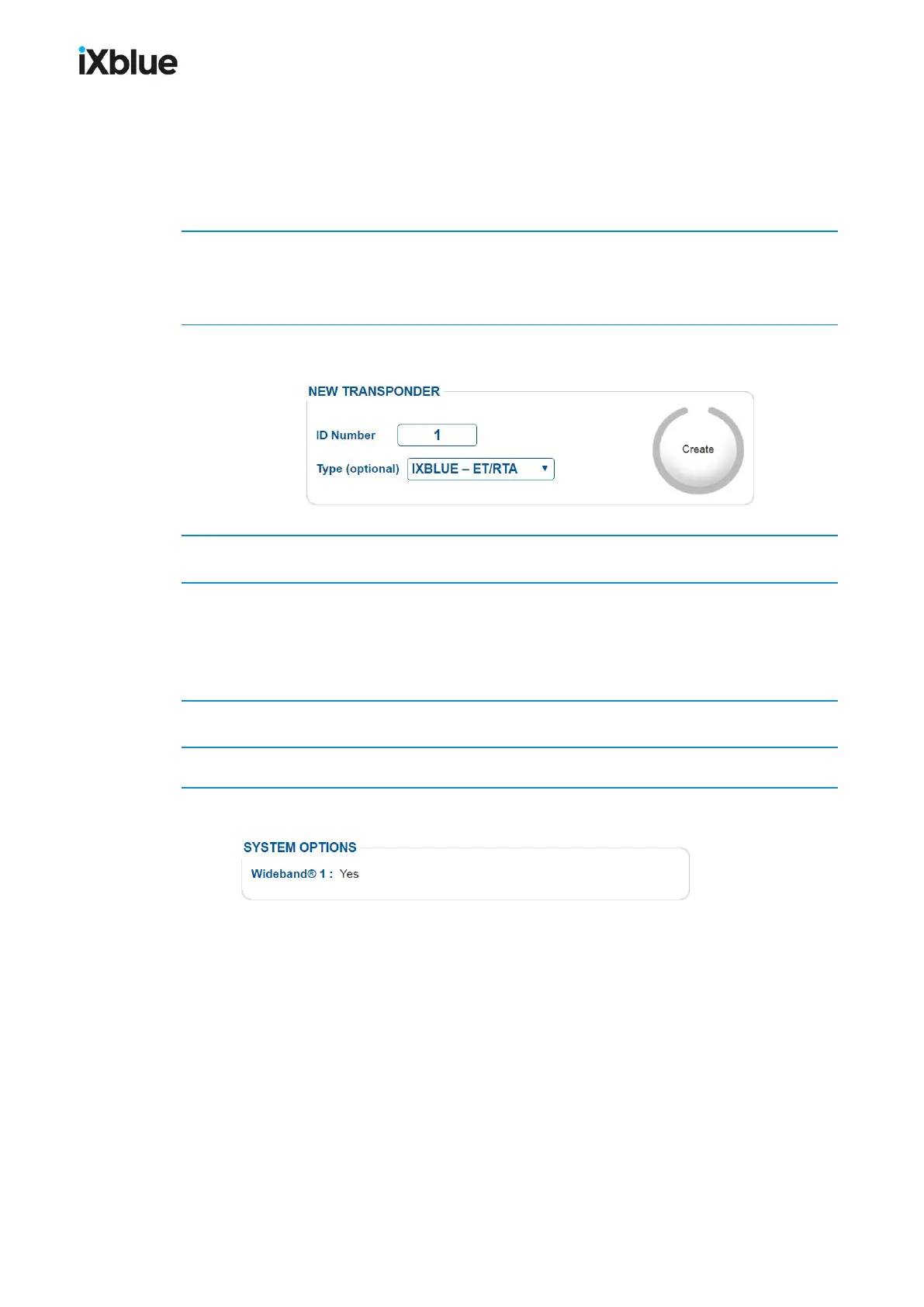
The window shows:
3. Type an ID Number from 1 to 9999. Unavailable identifiers appear in red.
4. Select one of the transponders listed under Type (optional) and click on Create.
If you have the Sonardyne Wideband® 1 option*, select WB 1 for the Type (optional) in order
to configure GAPS for a transponder using Sonardyne Wideband® 1 signals.
The configuration window opens.
5. Configure the transponder. See section 5.3.25.3.2
6. Once the transponder is configured, click on Go back to transponders list.
* Check on the maintenance page if you have the Sonardyne Wideband® 1 option:
86 MU-GAPS-AN-005-H - November 2019



 To Next Page