GAPS - User Guide
6.5.12 MEASUREMENTS
The measurement window is used to follow the distance between two displayed objects.
These objects may be mobile or not. All items in the Navigation Data , point type
Annotations, waypoints, events, sonar targets may be selected to compute measurements
among them.
6.5.12.1 Creating a Measurement
Access for
USBL Data
For USBL/LBL data, the measurement tool is available from
● The menu Navigation > Add Measurement…
● The toolbar button
The Measurement Pair Selection window (see below) allows the selection of a pair of object
between which may be monitored several kinds of distances and angles:
● Horizontal (Projected and Geographic), Vertical and Slant Distances
● Horizontal (Projected and Geographic) and Vertical Angle
Drag and Drop
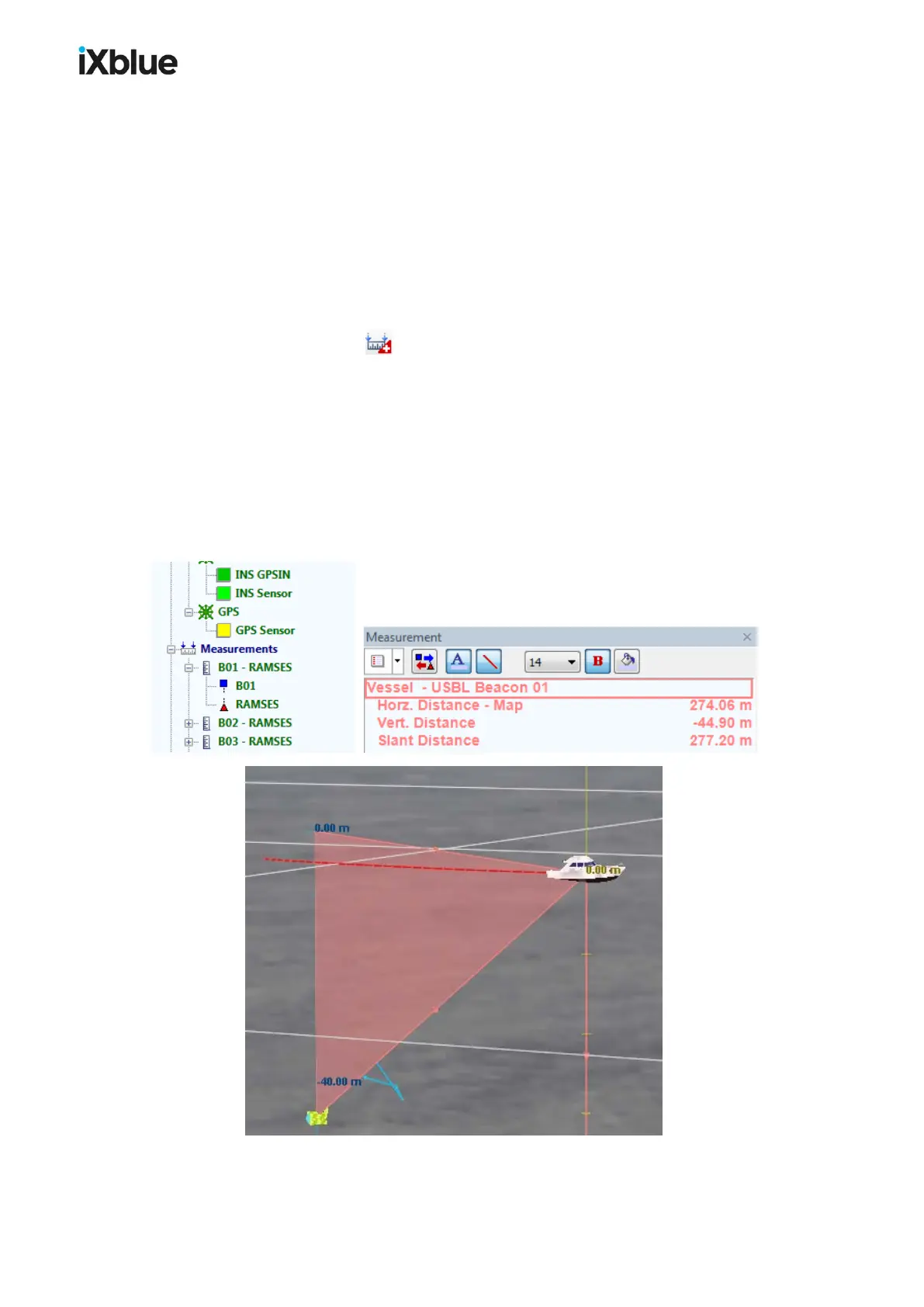
In the Project view, in the Navigation folder, a simple drag and drop from one object onto the
other also adds a measurement in the list displayed in the Measurement window. By default,
the measurement drawn in the geographic display has the color from the source item color.
The last selected measurements from the pair selection window are also used by default.
Figure 61 - Drag and drop measurement
MU-GAPS-AN-005-H - November 2019 123



 To Next Page