GAPS - User Guide
6.5.6 NORTH ORIENTED VIEW
This tool is available in real-time and replay modes.
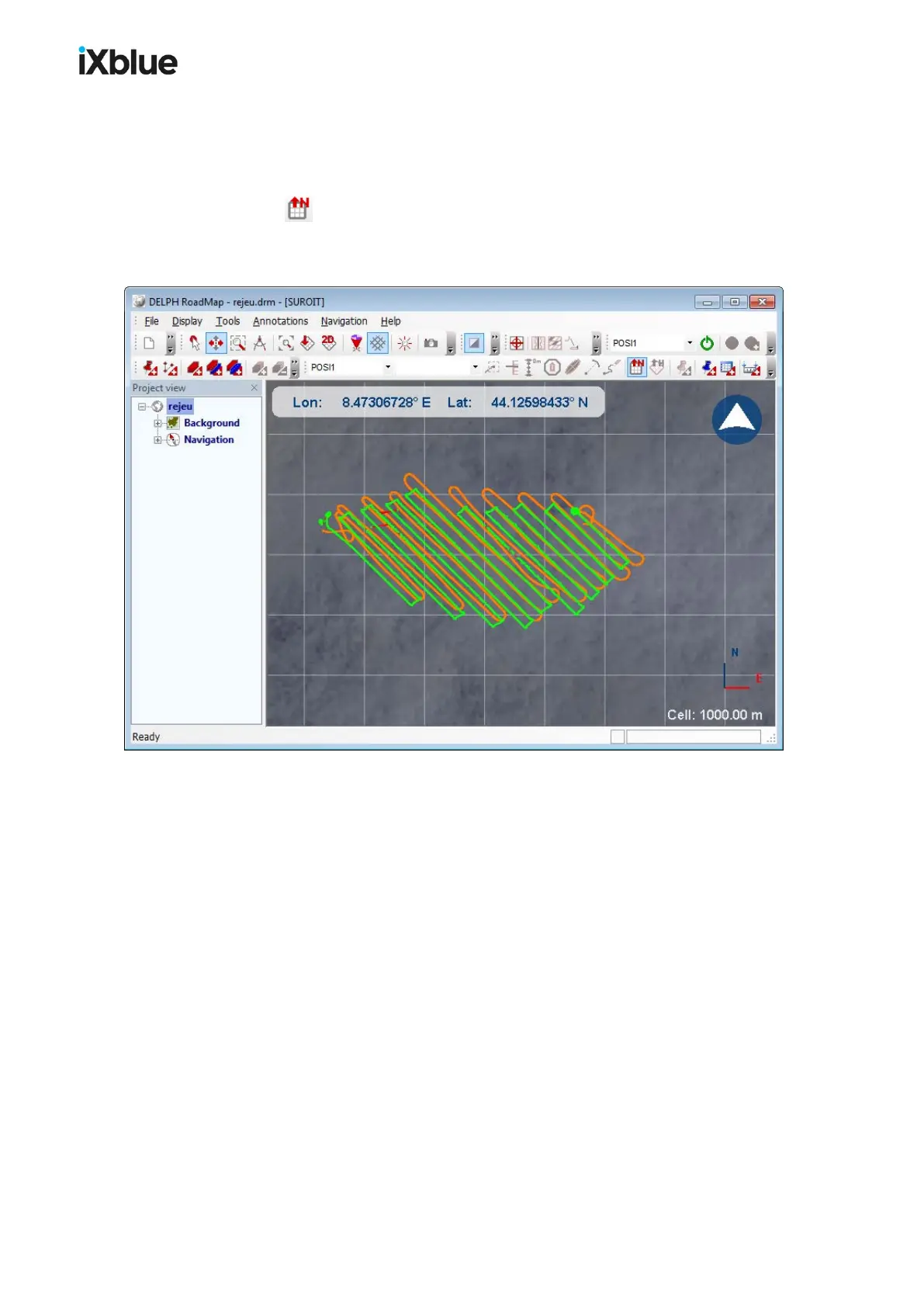
You can at any time switch from the current view to a 2D North-oriented view by clicking on
the button or by selecting the menu Display > 2D View North up. This view is a 2D
view in which the top side is oriented to the North. See below the orientation of the compass
(in the top right corner) and the 3D axis in the bottom right corner.
Figure 53 - North Oriented view
MU-GAPS-AN-005-H - November 2019 113



 To Next Page