GAPS - User Guide
6.5.12.2 Managing the Measurements
A measurement may be edited from the Measurement window or the Project view. On the
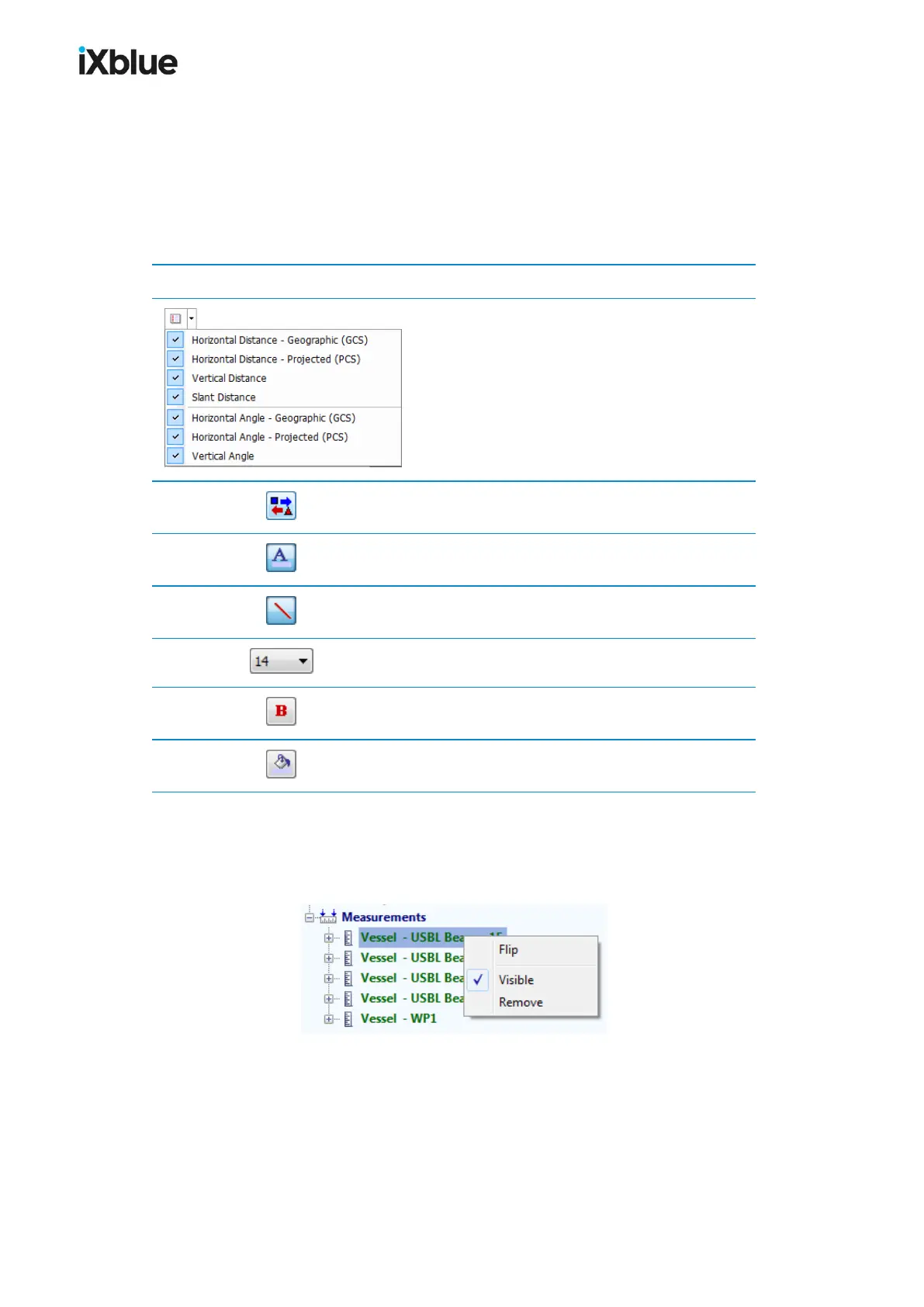
Measurement window are available the following buttons to edit the measurement. These
operations may be applied to several selected measurements.
Table 13 - Measurement window buttons
Icon Task
Select in the list the values to display.
Flip objects of a measurement
Change the item color and the displayed line
Show / hide the measurement in the 3D display
Font size for the window
Set the list of measurement in bold
Set the color of the background
In the Project view the right click pop-up menu allows the user:
● To Flip the two objects between which the measurement is computed
● To make the measurement Visible or not
● To Remove the measurement
MU-GAPS-AN-005-H - November 2019 125



 To Next Page