GAPS - User Guide
4.1.7 SAVING AND RESTORING THE SETTINGS AND OPTIONS
This section describes how to make a backup of the
● Full settings
● Transponder settings
● Sound Velocity Profile
in a text file and how to restore previously saved product settings. In the settings file are
stored all the different communication parameters as well as all the survey parameters. This
tool can be used as a backup of a specific installation on a ship as well as a specific survey
configuration.
Make sure to ZIP the options files when sending them by mail in order to avoid any file
corruption caused by mail applications.
Make sure to UNZIP the options files that you have received by mail before loading them into
GAPS.
4.1.7.1 Saving the Settings
1. Select the SETUP > SETTINGS MANAGEMENT menu item.
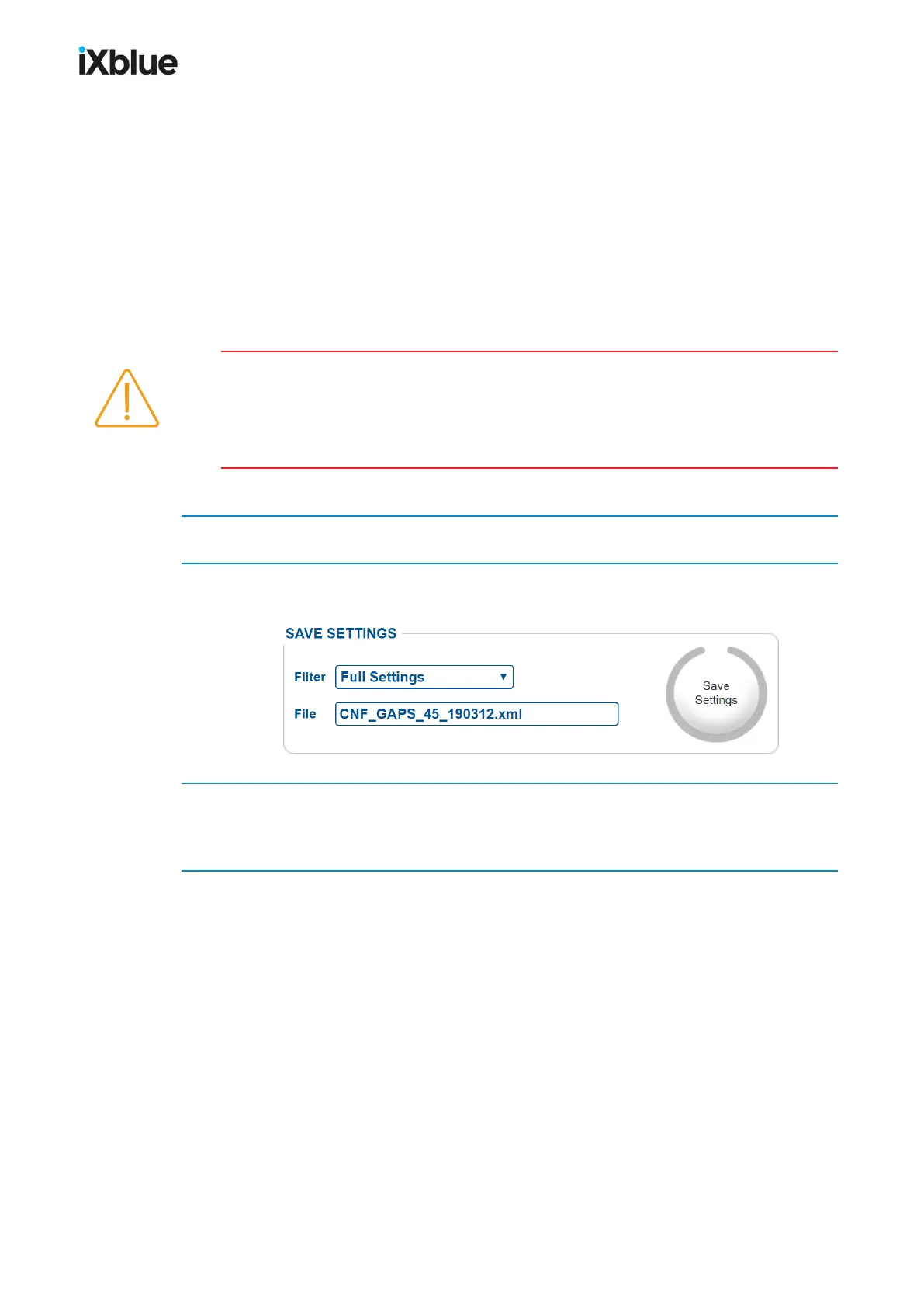
2. In the SAVE SETTINGS frame, edit the Filter and the default File name of the text file in
which you want to save the product settings.
3. Click on the Save Settings button. A window opens offering you to select the location where
to store the file, choose this location and click on the OK button.
The product settings are now saved in a text file at the chosen location.
54 MU-GAPS-AN-005-H - November 2019



 To Next Page