GAPS - User Guide
6.3.5 EDITING THE DISPLAY
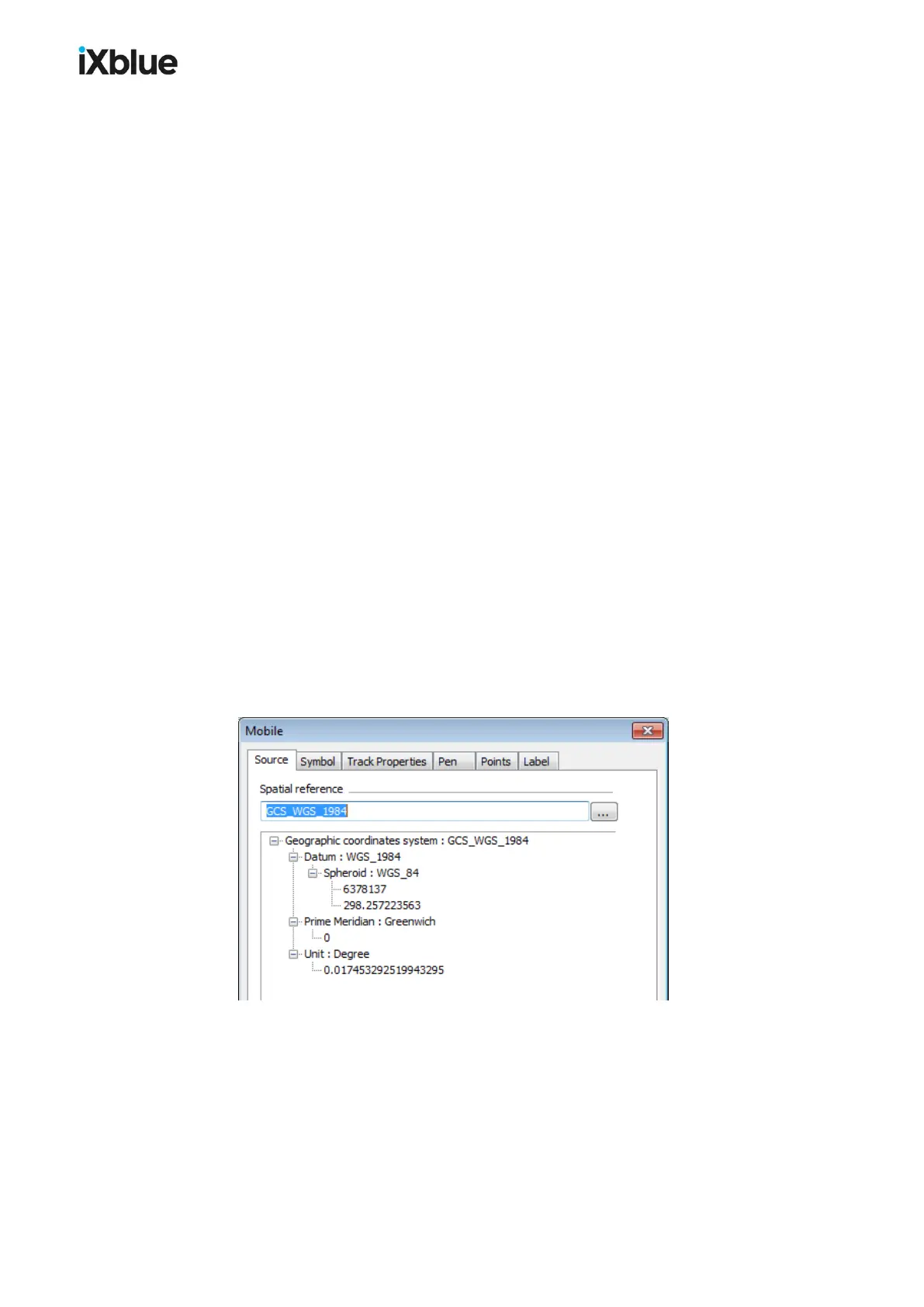
The display in real-time and playback modes of the mobile can be edited. Here are the
parameters that you can edit:
● Source: Spatial reference, geodesy
● Symbol (3D image describing the mobile or device producing the positions)
> Appearance ( Style , Color , File , Wireframe display and Apply vertical
exaggeration options): the file defining the style of the mobile is a .3ds or .dxf file
present in the folder \DELPH RoadMap
> Model Size tab: User defined symbol size option, Size (Length (m) ,
Width/Radius (m) and Height (m))
> Offsets tab: Offset X, Y and Z in meters and degrees of the three dimensions model
with respect to the incoming navigation. These offsets are computed in the DELPH
RoadMap reference frame (X positive on starboard, Y forward and Z downwards, roll
positive leaning to starboard, pitch to the back, yaw to the right).
● Track Properties
> History Length (Maximum number of points, Maximum duration)
> Scale (Display vertical axis)
> Range circle (Display range circle of radius)
> Ellipse (Display uncertainty ellipse)
> LBL (Display range)
● Pen (Width, Style and Color)
● Points (Width, Style and Color)
● Label
> State
> Font (Name, Size, Bold and Italic)
Figure 44 - Mobile Properties
MU-GAPS-AN-005-H - November 2019 103



 To Next Page