GAPS - User Guide
6.5.8 MOBILE INFORMATION
This tool is available in real-time mode.
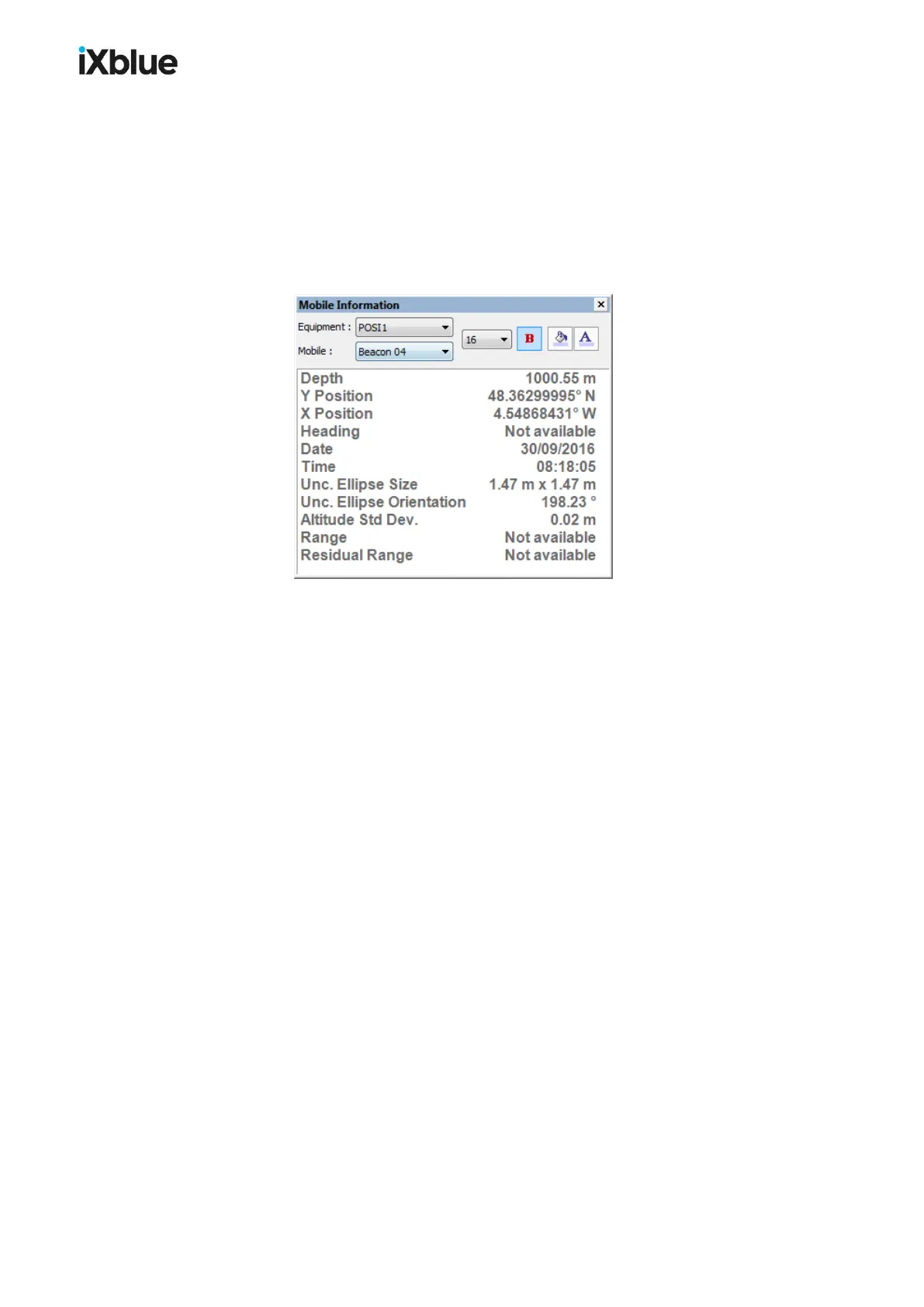
This panel is accessible from the menu Display > Panels > Mobile information. This panel
displays some key values (Depth, X and Y Positions, Heading, Date, Time, Uncertainty
Ellipse Size and Orientation, Altitude Standard Deviation, Range and Residual Range)
for a selected mobile of an equipment. Select the Equipment and the Mobile in the scrolling
lists, edit the font size, the background and text colors of the displayed text.
Figure 55 - Mobile Information panel
MU-GAPS-AN-005-H - November 2019 115



 To Next Page