GAPS - User Guide
6.2.2.1 Equipment Toolbar
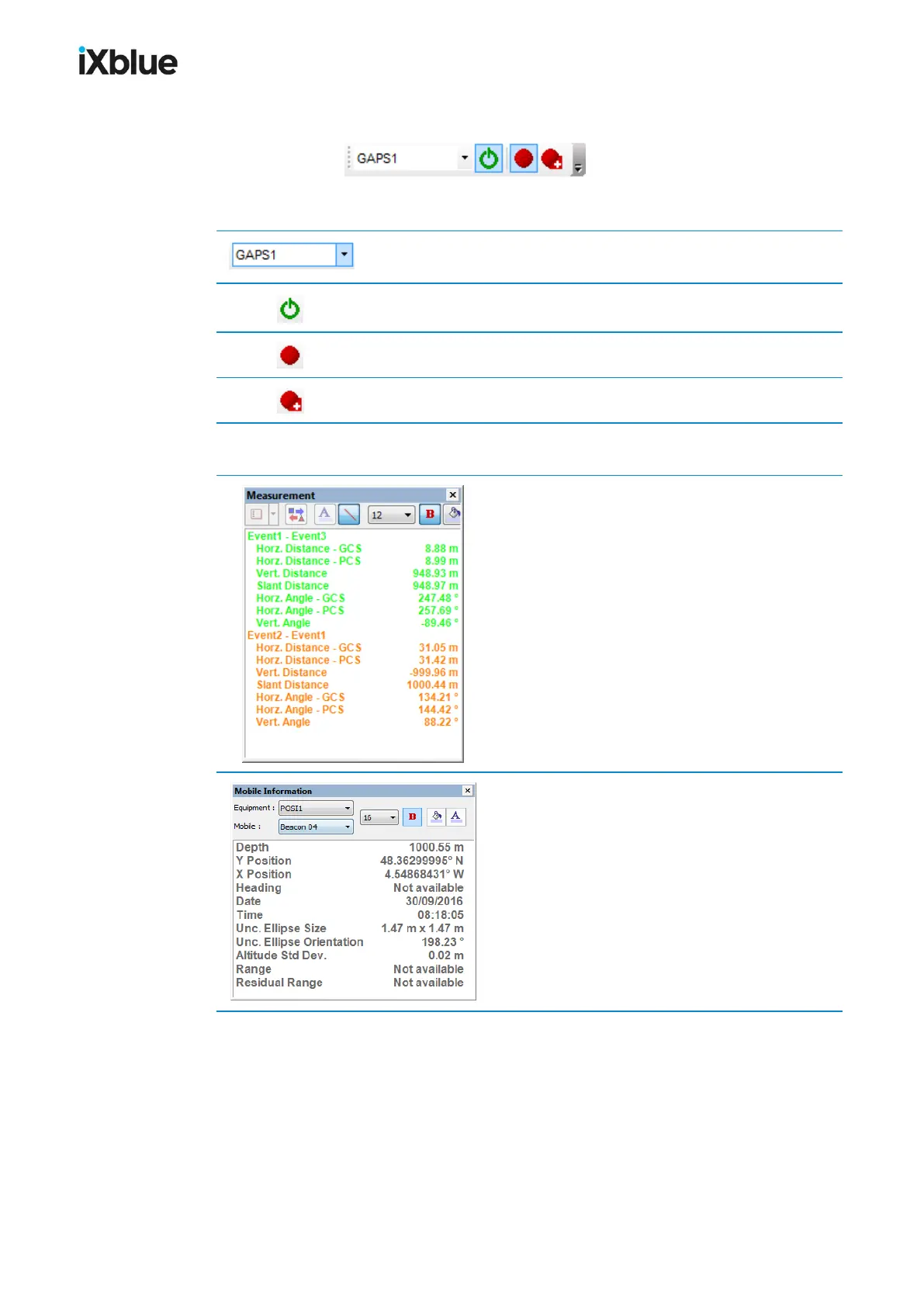
Figure 42 - Equipment toolbar
Selection of the equipment
Start the connection to the equipment data output to DELPH
RoadMap.
Start the logging of equipment data.
Close the current log file and start a new one.
6.2.2.2 Panels
Control and management of a list of measurements
between mobiles or annotation point items
(annotations, sonar targets etc.).
Control and management of specific data from the
mobile: Depth, X and Y positions, heading, date
and time, uncertainty ellipse size and orientation,
altitude standard deviation, range and residual
range.
94 MU-GAPS-AN-005-H - November 2019



 To Next Page