GAPS - User Guide
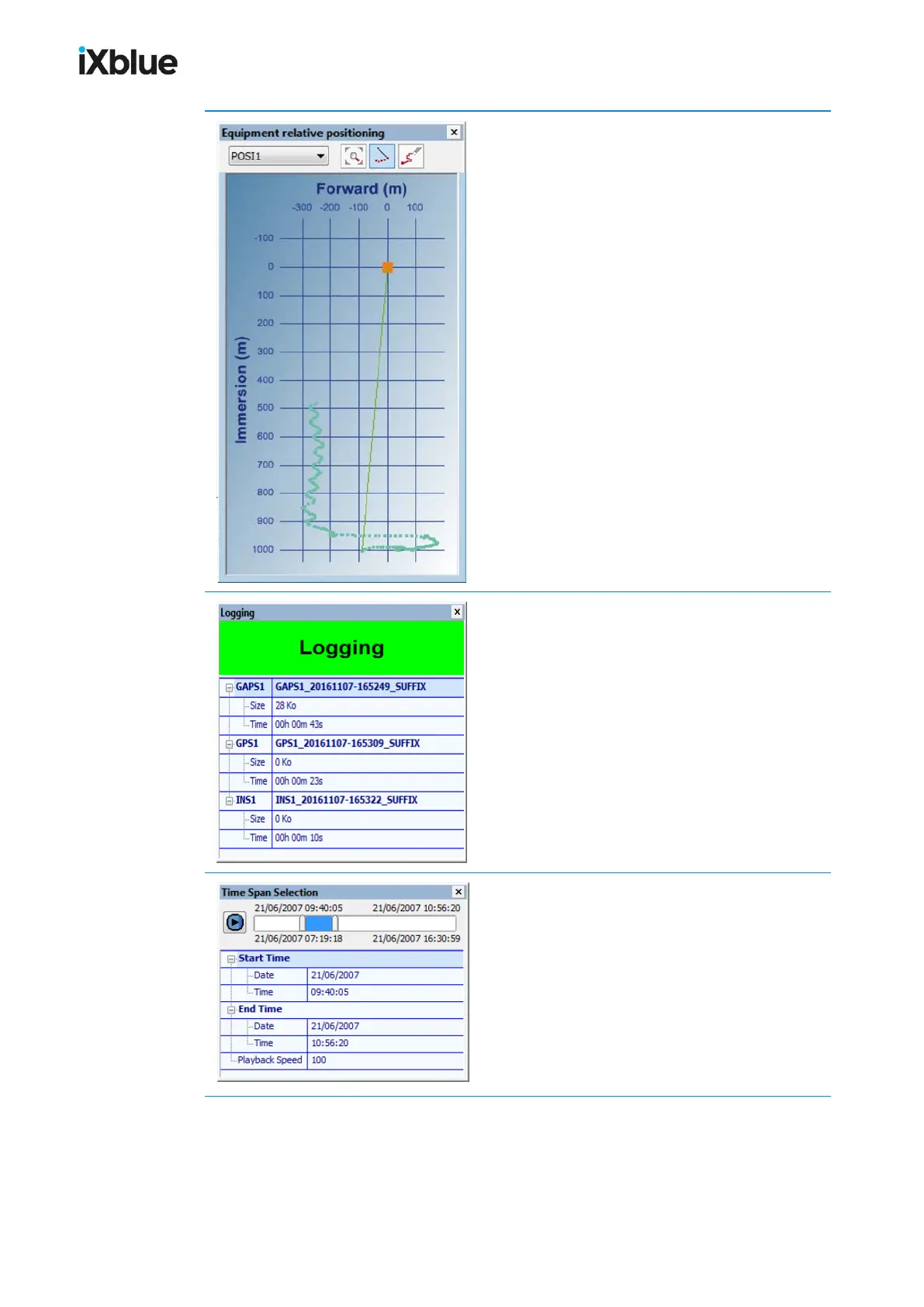
Panel that displays the graphic of the least 1000
positions in a forward and vertical plane.
This panel displays the storage information relative
to the current logging activities: the free space left
on the disc when critical, the name, size and
logging time of the file(s) in which are stored data
from different pieces of equipment.
This panel replays offline data. A time span may be
selected and only the data from this period is
displayed. The window is shifted at a certain
speed. All the time window may also be selected to
have a complete view of the dataset from all data
files.
MU-GAPS-AN-005-H - November 2019 95



 To Next Page