GAPS - User Guide
8. Click on Start Tracking and wait 100 USBL fixes without any filter reset status.
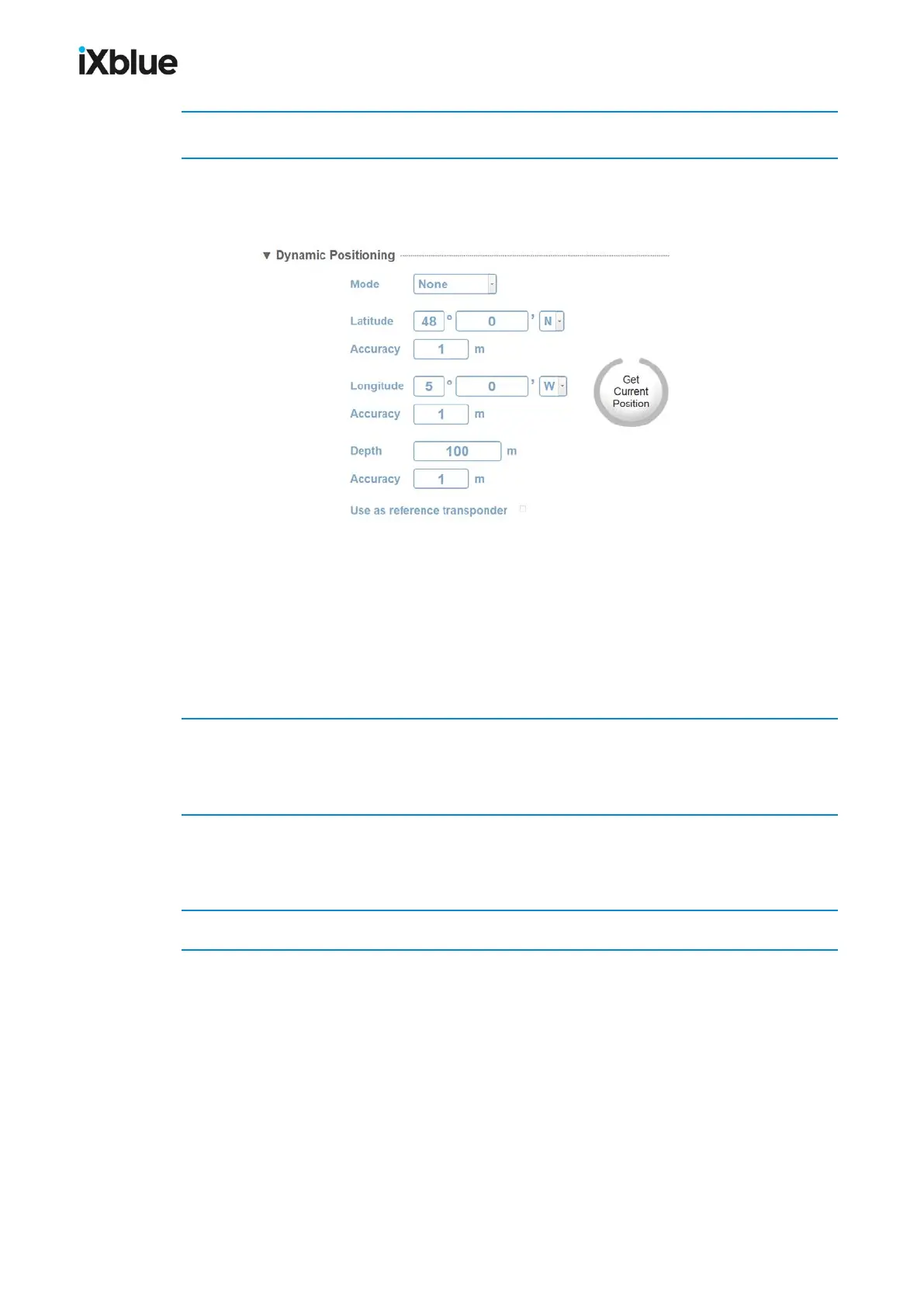
9. Select SETUP > TRANSPONDERS . Click on Change Settings of the corresponding
transponder. In Dynamic Positioning, click on the Get Current Position button to recover
the actual transponder position.
The displayed position is the average position of all USBL fixes (if no reset of the filter).
For a more precise transponder position, the median of the positions of the transponders can
be estimated and entered manually in the transponder window. To calculate the median, use
the positions information given in the message starting with $PTSAG of the log repeater
document recorded during the tracking. Each transponder can be recognized by its
transponder number included in the $PTSAG message (description in the DATA STANDARD
protocol in appendix I.4).
10. Select INSTALLATION > OUTPUTS, configure an output serial or Ethernet (see section
4.4.2) and select a DP Protocol (HIPAP HPR 400, 418 fix or mobile, KONGSBERG BCD).
Click OK to validate your choice.
11. Configure the moored transponders (see section 5.3.2). In Dynamic Positioning, select a
Mode. Make sure one transponder is configured as a reference transponder (check box Use
as reference transponder activated).
12. Finish configuring the survey (see section 9.2). Run the DP survey.
140 MU-GAPS-AN-005-H - November 2019



 To Next Page