GAPS - User Guide
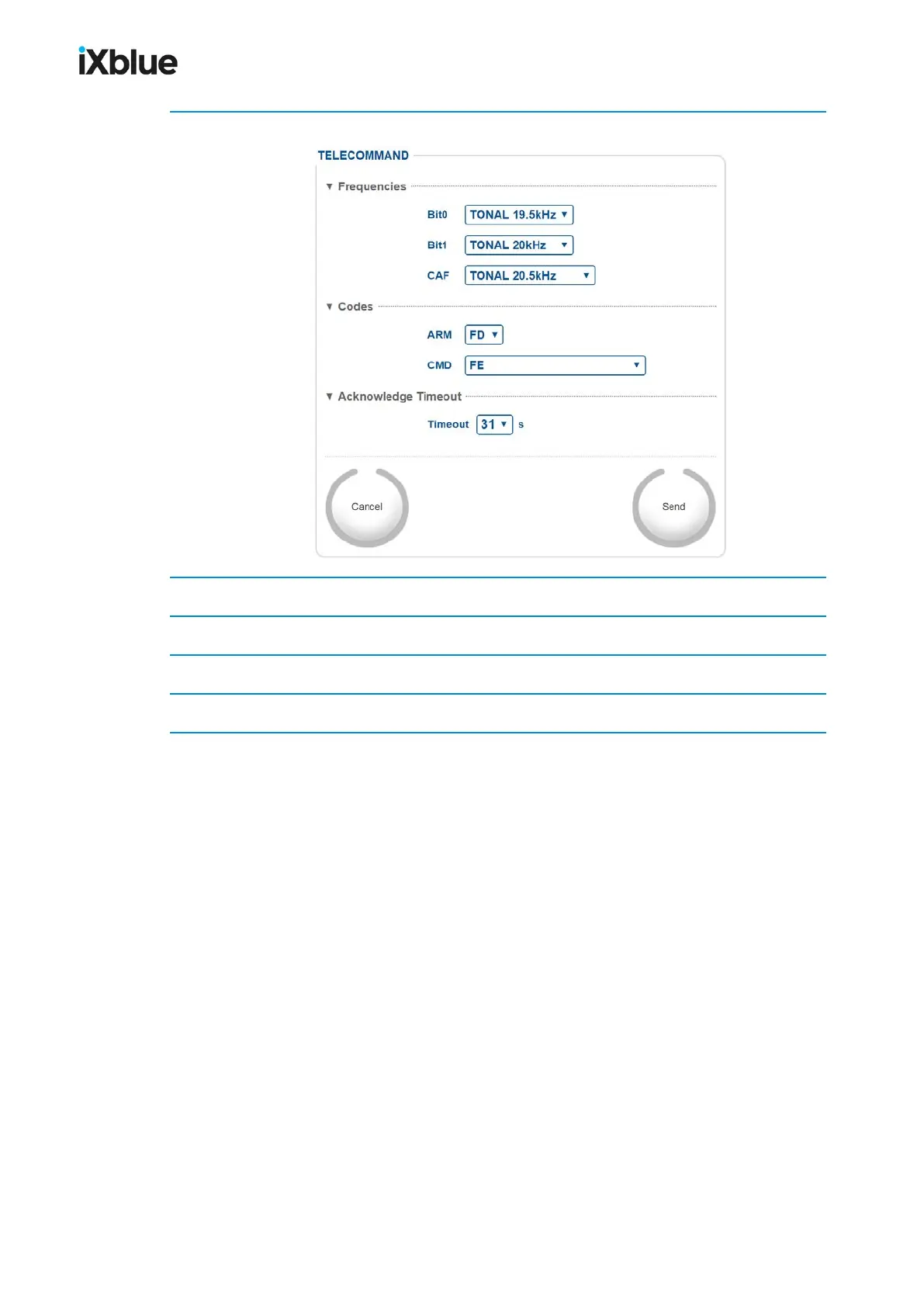
1. Select TOOLS/TELECOMMAND menu.
2. Under Frequencies, select Bit0, Bit1and CAF.
3. Under Codes, set ARM and CMD codes (RELEASE) in the corresponding drop-down lists.
4. Under AcknowledgmentTimeout, select the Timeout.
5. Click on Send to validate your choice and to send the parameters to the USBLsystem.
MU-GAPS-AN-005-H - November 2019 155



 To Next Page