GAPS - User Guide
Appendices
A Preventing Java Security Warning Dialog Box
Here is detailed a procedure to follow in order to prevent the security warning box from Java to
appear when you click on the Data Logging menu.
1. Open the Java Control Panel on your computer:
Windows XP
● Click on the Start button and then click on the Control Panel option.
● Double click on the Java icon to open the Java Control Panel.
Windows 7, Vista
● Click on the Start button and then click on the Control Panel option.
● In the Control Panel Search enter Java Control Panel.
● Click on the Java icon to open the Java Control Panel.
Windows 8
● Use search to find the Control Panel
● Press Windows logo key + W to open the Search charm to search settings
● OR drag the Mouse pointer to the bottom-right corner of the screen, then click on the
Search icon.
● In the search box enter Java Control Panel
● Click on Java icon to open the Java Control Panel.
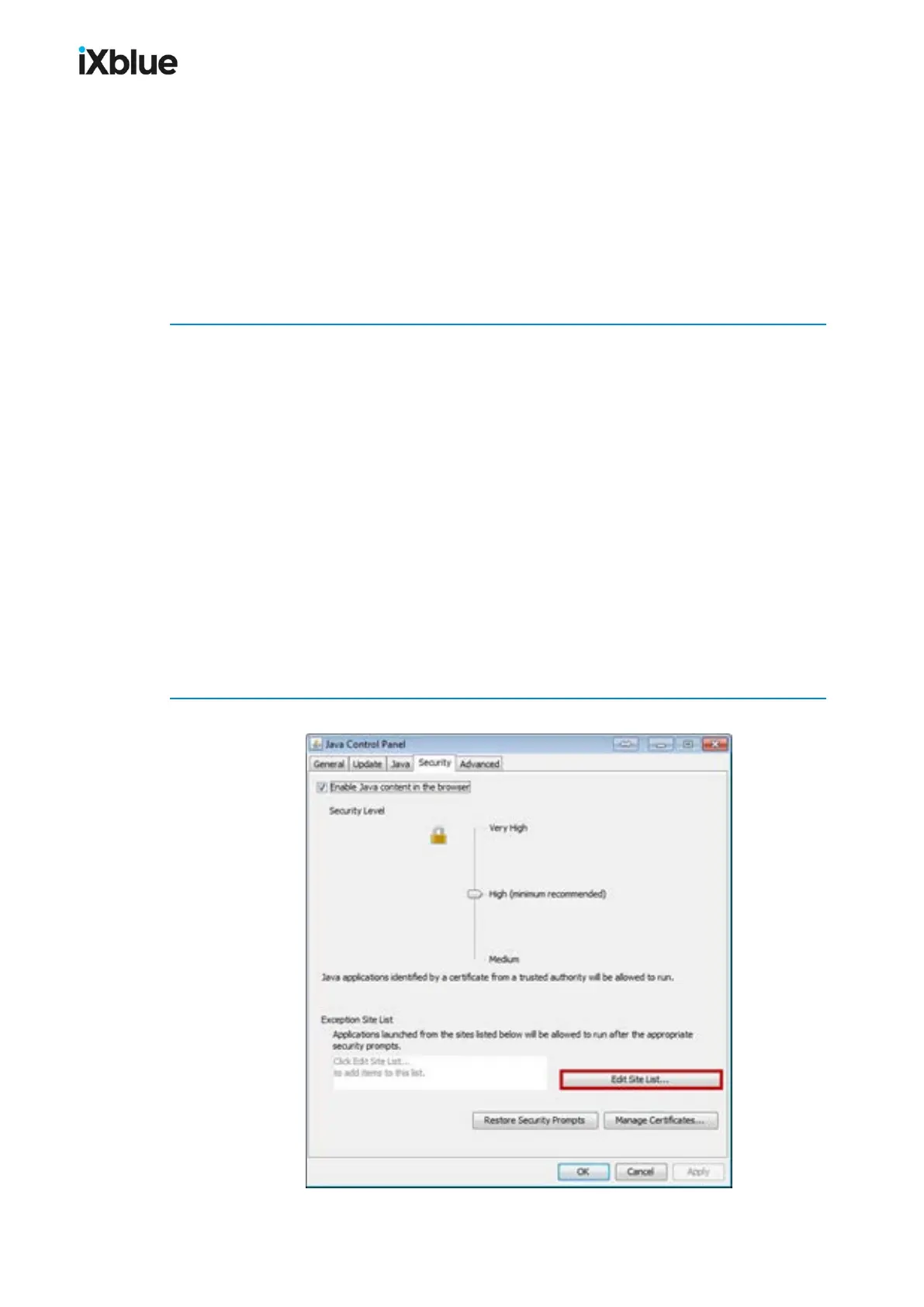
2. Select the Security tab.
MU-GAPS-AN-005-H - November 2019 165



 To Next Page