GAPS - User Guide
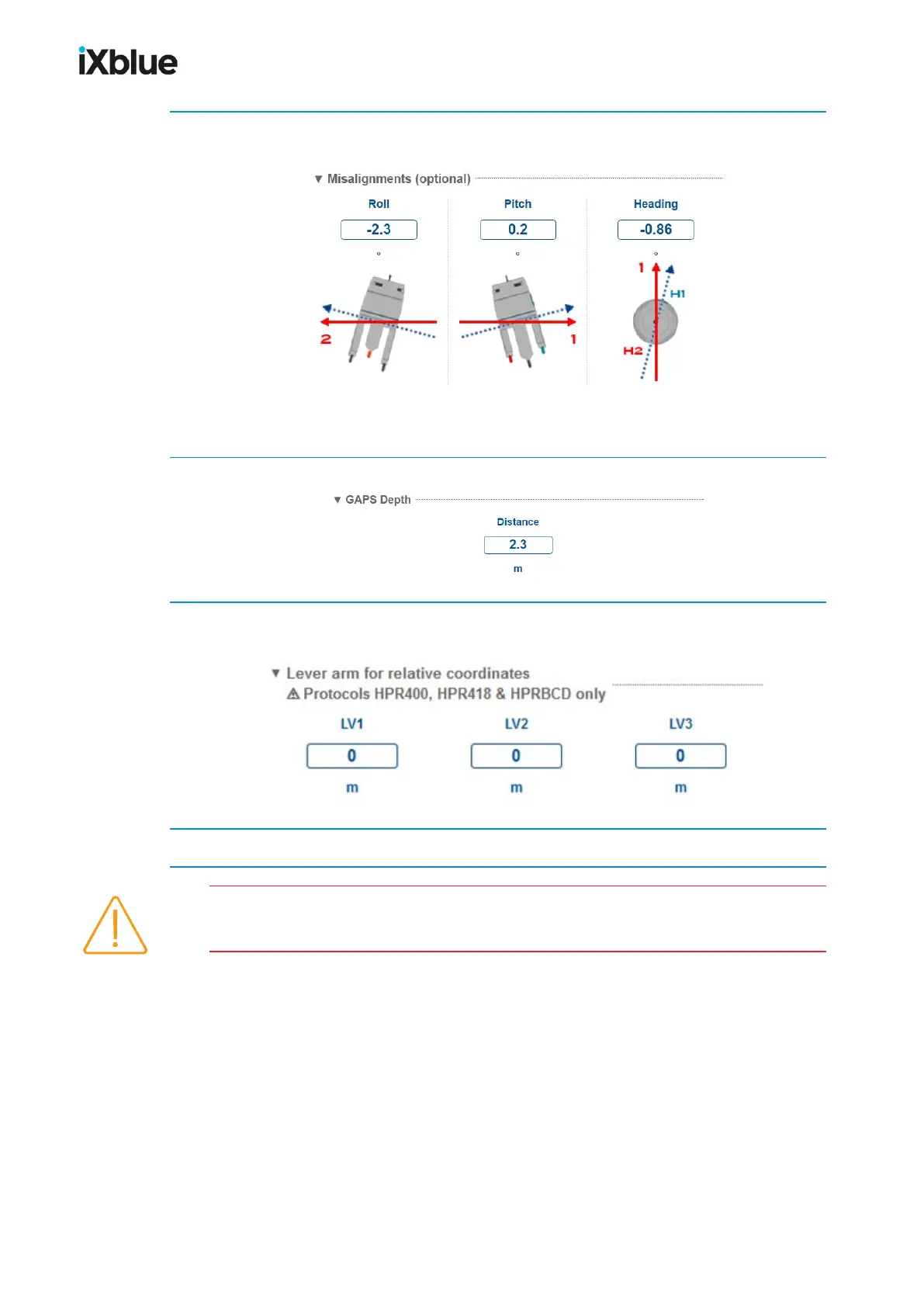
2. In Misalignments (optional), enter the values of Roll, Pitch and Heading. Input only angles
between -45° and +45°.
3. In GAPS Depth, enter the Distance of the flange of the antenna to the water surface.
4. If it is needed, enter the Lever arm for relative coordinates, the LV1, LV2 and LV3
coordinates in meters.
5. Click on OK to validate your input data configuration and send this data to the GAPS.
The heading of GAPS is different from the heading of INS inside the GAPS if you have
entered an offset in the Web-based User interface.
MU-GAPS-AN-005-H - November 2019 63



 To Next Page