NET Series
Software Operation
LEIGHTRONIX, INC. Firmware Ver. 1.00.42/Software Ver. 1.0.2.6 Page 99
2010-07-09
FIELD DESCRIPTION
Comment Allows up to 31 characters to be typed. If the event is locked, the
event “Time” can be modified. This is the scheduled “On-Air“ time of
the event.
Start
Command
Allows you to choose the pair of wires on the PRGPI interface that will
be closed, the blue, orange, green, or brown pair.
Length Fixed at 1 second
DVply-Controlled Device
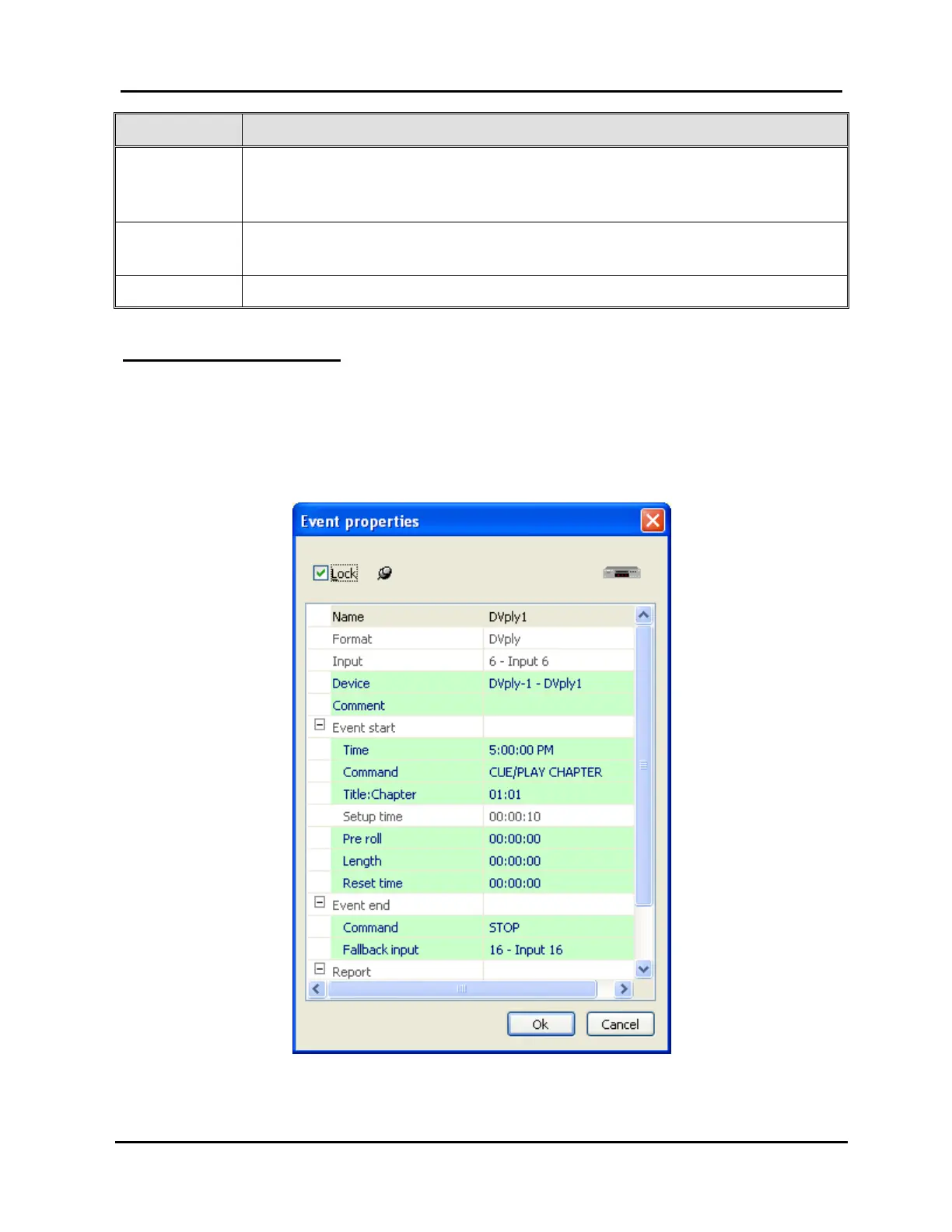
If the device is a DVply format, the box in Illustration 66, DVply-Controlled Device
Event Properties Window, appears. Click “OK” to submit the event or “Cancel” to
abort the add/edit. Refer to Table 18, Editable DVply-Controlled Device Event Fields,
for a description of the editable event information fields for a DVply-controlled device.
Illustration 66, DVply-Controlled Device Event Properties Window



 To Next Page