NET Series
Software Installation and Configuration
Page 66 Firmware Ver. 1.00.42/Software Ver. 1.0.2.6 LEIGHTRONIX, INC.
2010-07-09
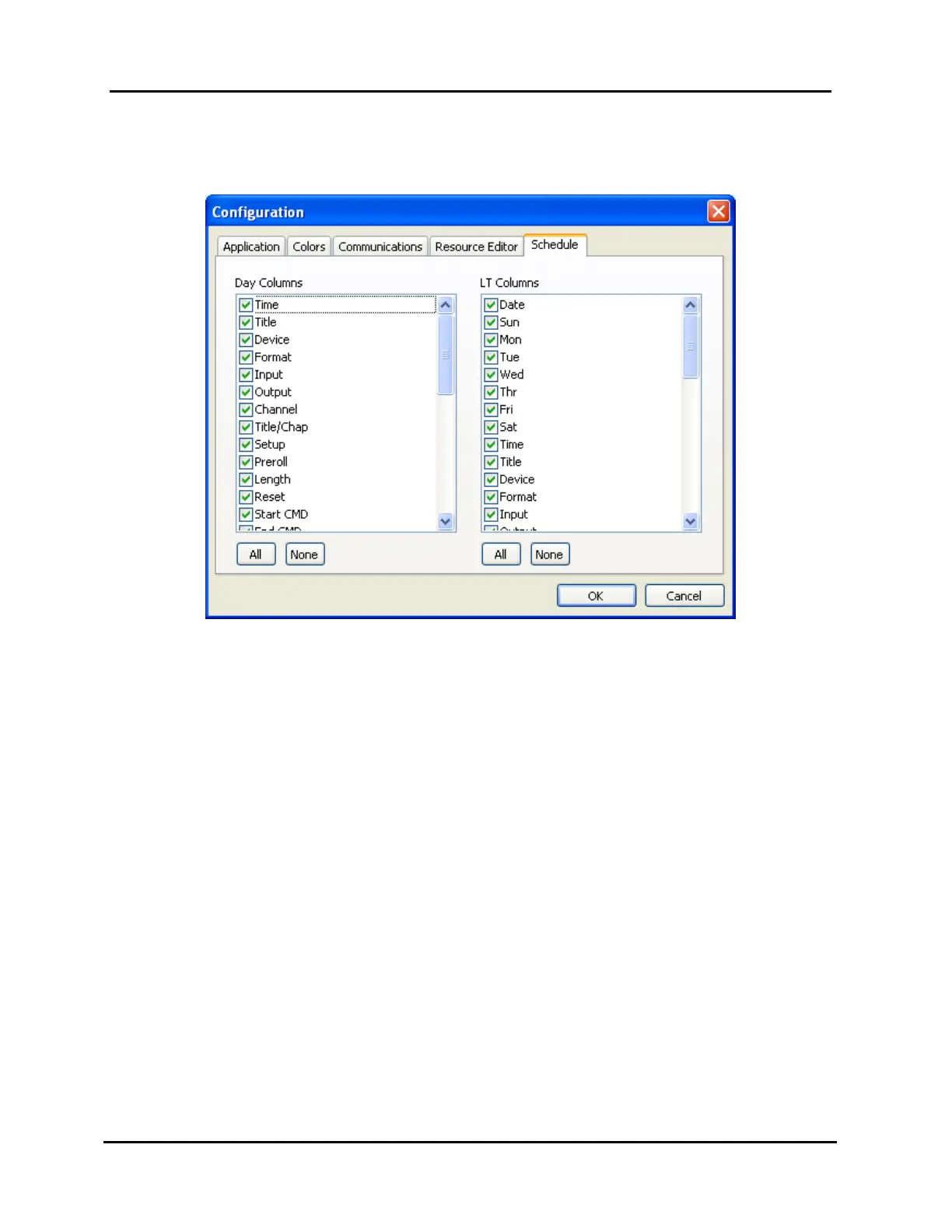
“Schedule” tab (see Illustration 42, “Schedule” Tab Window): use this tab to
hide/display playlist columns.
Illustration 42, “Schedule” Tab Window
Note that the “Day Columns” listing corresponds to the columns in the playlist
day tabs and the “LT Columns” listing corresponds to the columns in the playlist
WinNET-LT tab. Perform the following steps:
1. Click on the desired combination of the following:
Check marked column heading if you want to hide the corresponding
column on the playlist or on an unchecked item if you want to display it
“All” button to display all of the columns for the corresponding playlist
tabs
“None” button to remove all columns from corresponding playlist tabs
2. When all selections have been made, click “OK” to display changes on
playlist or “Cancel” to abort changes.



 To Next Page