NET Series
Software Operation
LEIGHTRONIX, INC. Firmware Ver. 1.00.42/Software Ver. 1.0.2.6 Page 79
2010-07-09
SOFTWARE OPERATION
PERFORMING GENERAL WINNET OPERATIONS
OPENING AND LOGGING INTO WINNET
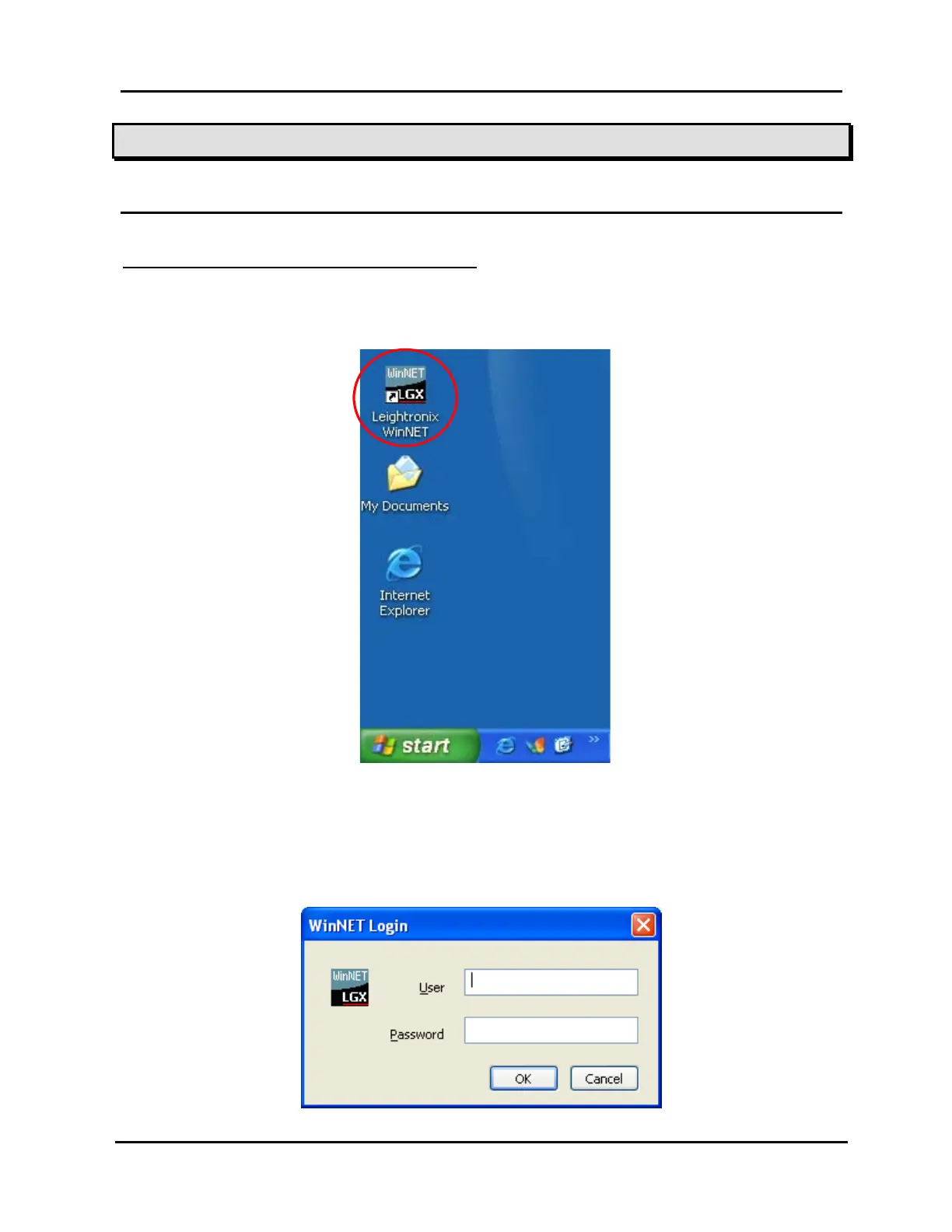
1. To open WinNET, double click on the WinNET desktop icon (see Illustration 49).
Illustration 49, WinNET Desktop Icon
2. When WinNET first starts, you are not logged in (this can be seen in the lower right
corner of the WinNET window in the status bar). When a remote connection
attempt is first made or “Login user” in the “File” menu is selected, a login box
appears (see Illustration 50). Log in as follows:
Illustration 50, Login Dialog Box



 To Next Page