NET Series
Front Panel Operation
LEIGHTRONIX, INC. Firmware Ver. 1.00.42/Software Ver. 1.0.2.6 Page 129
2010-07-09
PERFORMING SWITCH ACTIONS
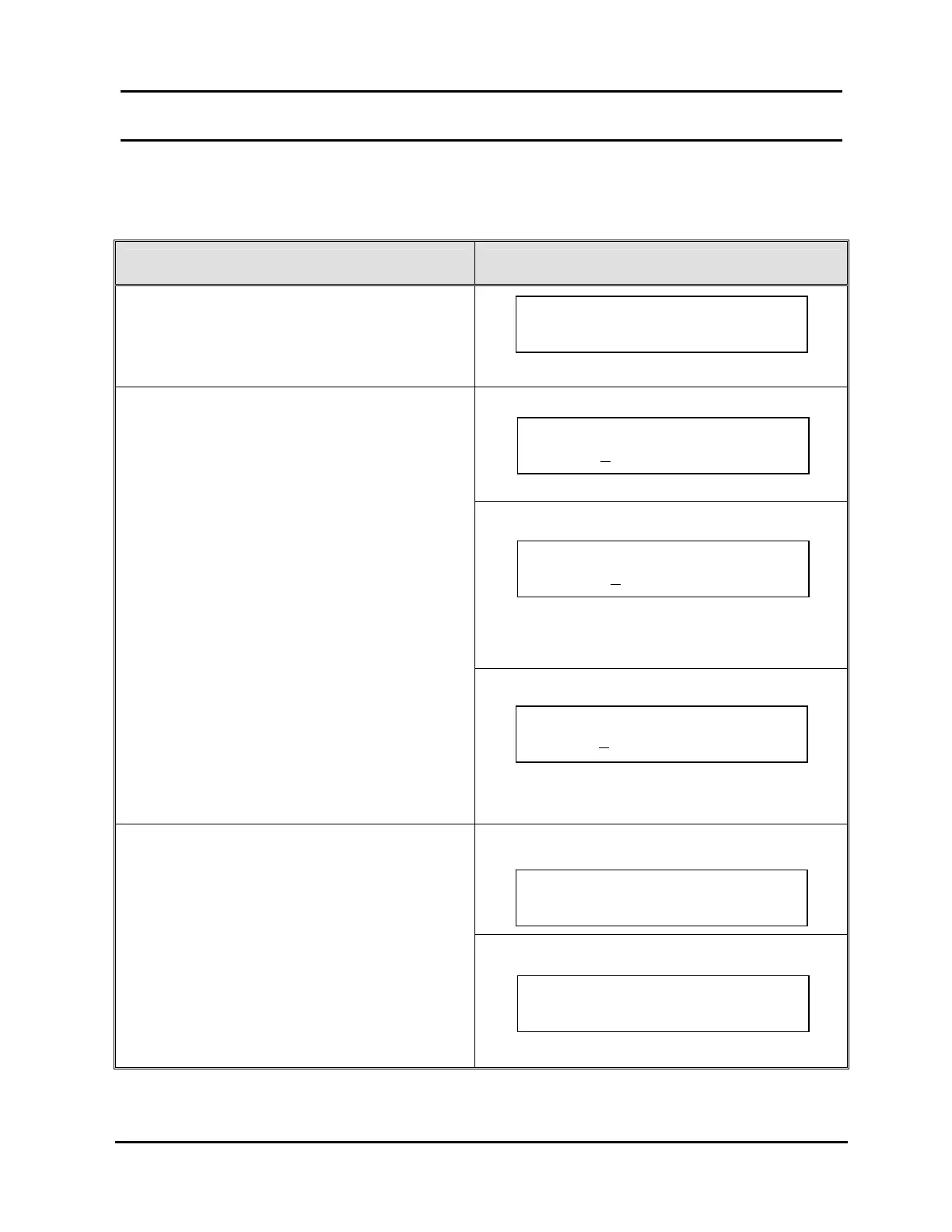
The switcher control function allows forced switches to be performed from the
Controller’s front panel (see Table 24, Performing Forced Switches from Front Panel).
Table 24, Performing Forced Switches from Front Panel
FORCE EVENT STEPS CORRESPONDING SCREEN DISPLAYS
1. From the “MAIN MENU” screen, press “↑” or
“↓” to proceed to “Switcher Control.”
2. Press “→” to select “Switcher Control.”
MINI-T-NET
NET-164
NOTE: The NET-164 is able to take a single input
to all outputs or any combination of
outputs.
3. Press “↑” or “↓” to edit the underscored field.
4. Press “→” to:
MINI-T-NET: take the switch
NET-164 or NET-EC: proceed to the next
screen
NET-EC
NOTE: The NET-EC will only allow a single input
to switch to a single output.
NET-164
5. For NET-164 or NET-EC only, either press
“→” again to save your changes or “←” to
abort changes.
NET-EC
Press ~ to Take . . .
Switch: 1$1 – 3 4
Control Switcher
Input: 1
Output: 5
MAIN MENU Use `/ˆ
Switcher Control
~
Control Switcher
Switch: 1
$1 – 3 4
Control Switcher
Input: 1
Use ~ to Take
Press ~ to Take . . .
Input: 1 Output: 5



 To Next Page