NET Series
Software Operation
Page 110 Firmware Ver. 1.00.42/Software Ver. 1.0.2.6 LEIGHTRONIX, INC.
2010-07-09
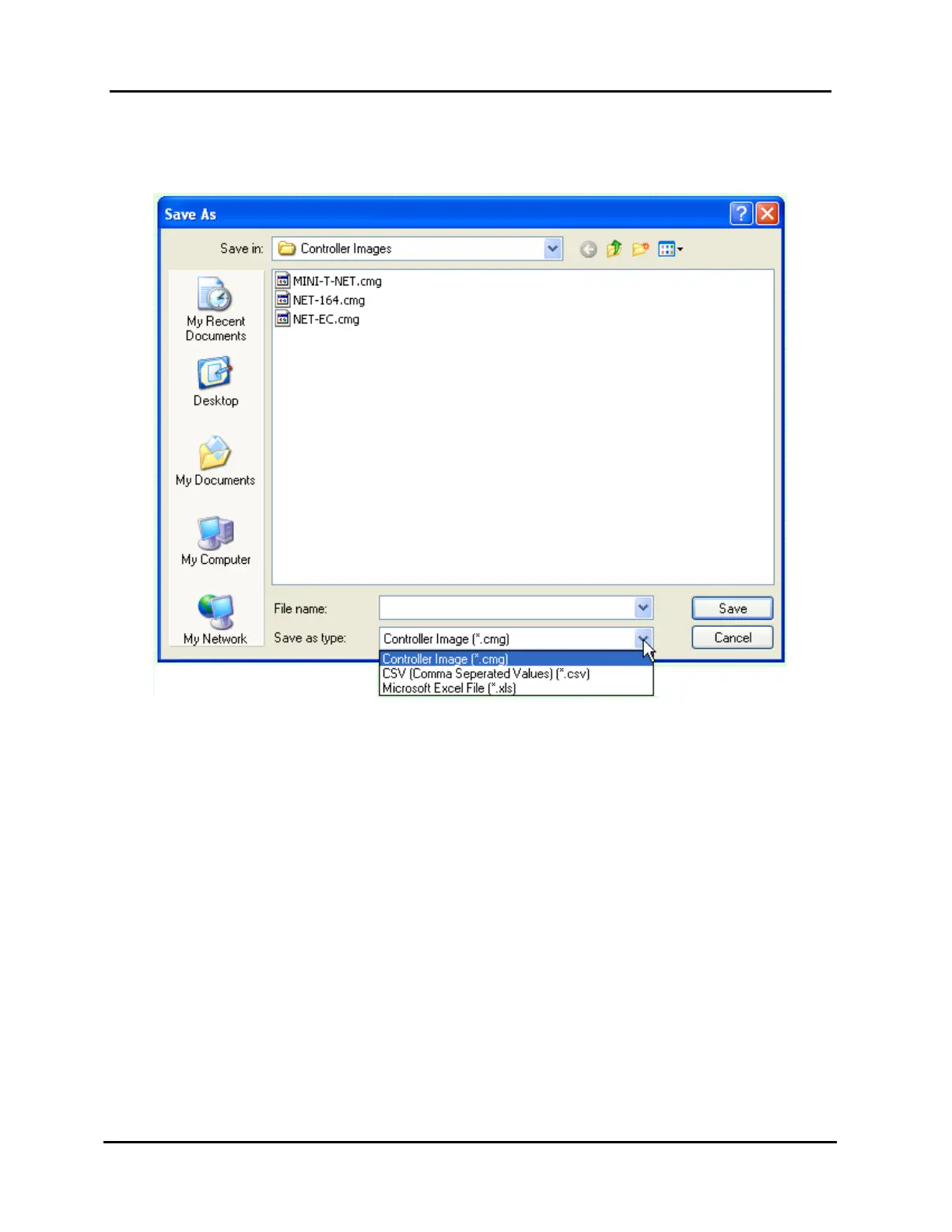
the “File” menu to open the box shown in Illustration 74, “Save As” Window, and
perform the following steps:
Illustration 74, “Save As” Window
1. From the “Save in” field, select a folder in which to save the Controller image file.
The default folder is “Controller Images.”
2. Type a name for the image in the “File name” field.
3. Ensure the “Controller Image (*.cmg)” option has been selected in the “Save as
type” field.
4. Click “Save” to save the image under the entered name or “Cancel” to abort the
“Save as.” If you enter a name of a file that already exists, WinNET will ask you if
you want to overwrite it.



 To Next Page