NET Series
Software Operation
LEIGHTRONIX, INC. Firmware Ver. 1.00.42/Software Ver. 1.0.2.6 Page 115
2010-07-09
DVD Players
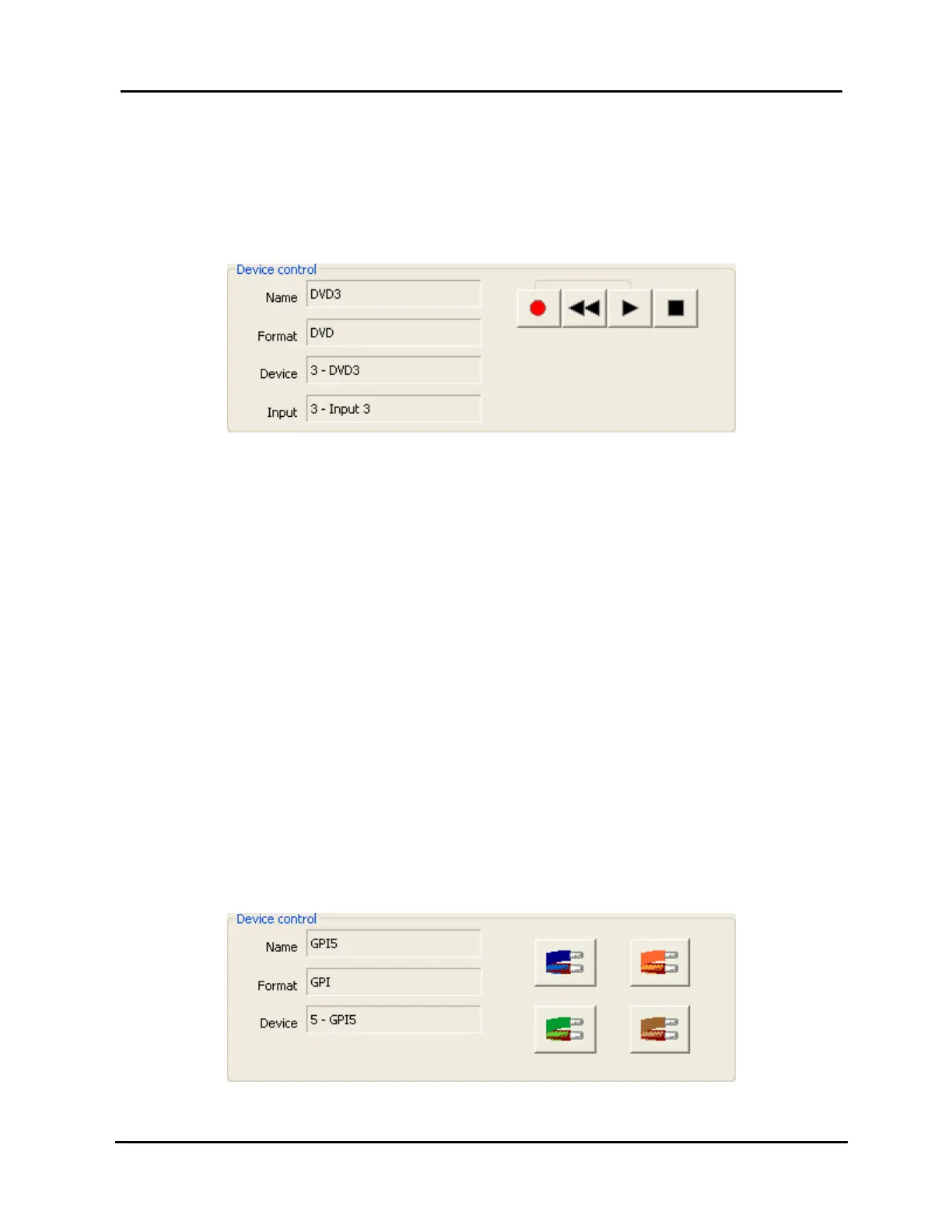
When a DVD player is selected in the control panel window’s “Device” list, the
“Device control” section shown in Illustration 80, Control Panel: DVD Player
Device Control, is displayed.
Illustration 80, Control Panel: DVD Player Device Control
Device status: the left side of the section displays the name, format, device
number, and input number given to the device in the loaded image. The
“Device” number is the PRO-BUS address set via switches on the PRO-BUS
interface.
Control options: on the right side of the section (from left to right) are the
record, rewind, play, and stop buttons for controlling the DVD player.
1. To rewind, play, or stop, click the corresponding button.
NOTE: Consult the DVD PRO-BUS interface manual and switches to
determine the actions performed by the “Rewind” and “Stop”
commands. By default, “Rewind” does a full stop (back to start
of disc) and “Stop” stops at the current disc location.
2. To record, click the record button and then click the play button.
GPI Device
When a GPI device is selected in the control panel window’s “Device” list, the
“Device control” section shown in Illustration 81, Control Panel: GPI Device
Control, is displayed.
Illustration 81, Control Panel: GPI Device Control



 To Next Page