NET Series
Software Operation
Page 98 Firmware Ver. 1.00.42/Software Ver. 1.0.2.6 LEIGHTRONIX, INC.
2010-07-09
GPI Device
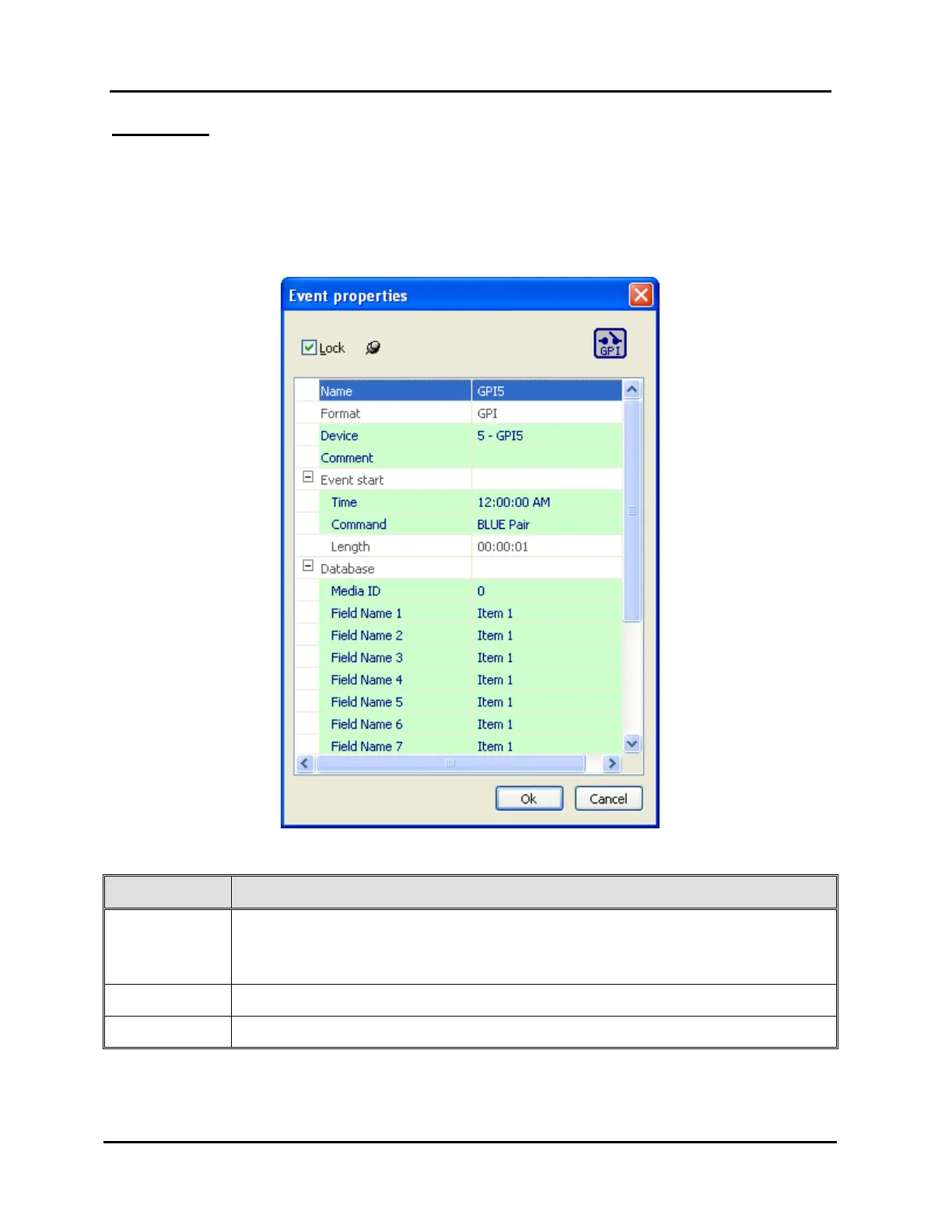
If the device is a GPI format, the box in Illustration 65, GPI Device Event Properties
Window, appears. Click “OK” to submit the event or “Cancel” to abort the add/edit.
Refer to Table 17, Editable GPI Device Event Fields, for a description of the editable
event information fields for a GPI device.
Illustration 65, GPI Device Event Properties Window
Table 17, Editable GPI Device Event Fields
FIELD DESCRIPTION
Lock Box At the top is a checkbox for locking or unlocking the event. A locked
event’s time is fixed and can be edited. Checking this box causes the
“Time” field below to become enabled.
Name Allows a name up to 31 characters to be typed.
Device Allows a different device of the same format to be chosen.



 To Next Page