NET Series
Software Installation and Configuration
LEIGHTRONIX, INC. Firmware Ver. 1.00.42/Software Ver. 1.0.2.6 Page 41
2010-07-09
The components of the main window are as follows:
“Playlist”: contains the event listing
“Resources” window: contains four tab windows that display the icons used for
system configuration and drag and drop scheduling
“Properties” window: displays the editable properties of the icon selected in the
“Resources” window
Status bar: gives descriptions of various WinNET functions, including user login
status.
Title bar: contains the program name, as well as buttons for minimizing,
restoring/maximizing, and closing WinNET.
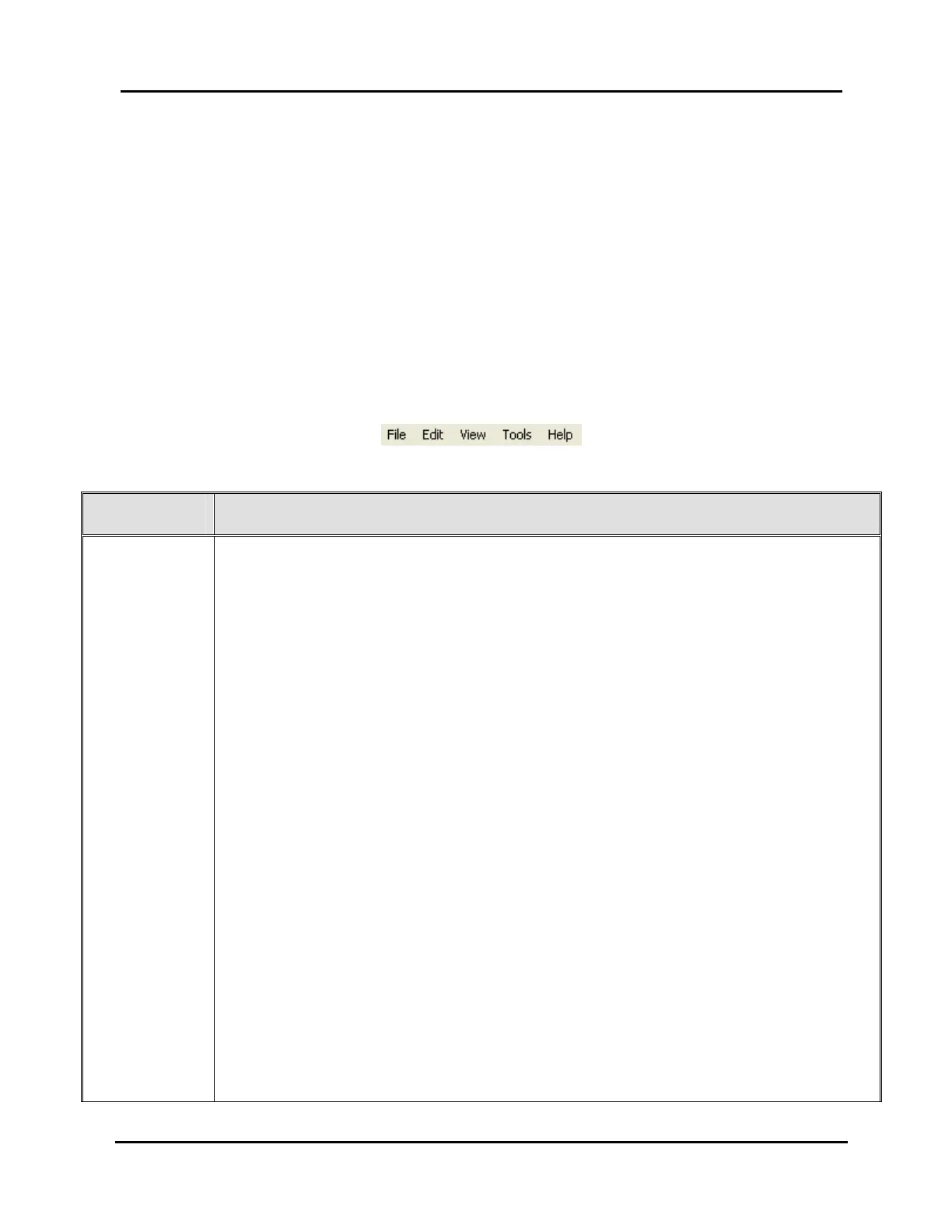
Menu bar: contains drop-down menus of WinNET operations (see Illustration
16, Menu Bar and Table 11, Menu Bar Items).
Illustration 16, Menu Bar
Table 11, Menu Bar Items
MENU ITEM FUNCTION
“File” Click on this menu item to display the following options:
“New”: returns window to default settings and removes any user
scheduling settings (see page 85)
“Open”: opens file selection dialog box for selecting image files (see
page 85)
“Open as New”: opens file selection dialog box to open an image file
with a blank playlist (see page 86)
“Save”: saves a Controller image that was previously saved as a file or
opens file dialog box for saving a Controller image under a user-
specified name and folder (see page 109)
“Save as”: opens file dialog box for saving a Controller image under a
user-specified name and folder (see page 109)
“Send”: select to send Controller image with a playlist to the NET Series
Controller (see page 111)
“Receive”: select to receive image from your default Controller (see
page 87)
“Get log”: select to obtain log file from the default Controller (see page
120)
“Page setup”: opens window to configure playlist printout (see page 80)
“Print setup”: opens window to configure the printer and paper settings
(see page 60)
“Print”: click to select print template and then print playlist (see page 81)
“Login User”: displays login prompt for connecting to NET Series
Controller (see page 79)
“Exit”: closes WinNET program (see page 84)



 To Next Page