NET Series
Controller Installation & Configuration
LEIGHTRONIX, INC. Firmware Ver. 1.00.42/Software Ver. 1.0.2.6 Page 29
2010-07-09
CONFIGURING FALLBACK SETTING
Use to set the output valid-video detection fallback input for the MINI-T-NET and the
NET-164 (see Table 4, Setting Fallback Settings from Front Panel). If an output loses
video, it will be switched to a user-defined input that can be relied upon to have video.
The user defines the number of seconds of invalid video before the switch is made.
NOTE: The fallback configuration may also be set from WinNET (see “Configuring
Controller Properties,” on page 67).
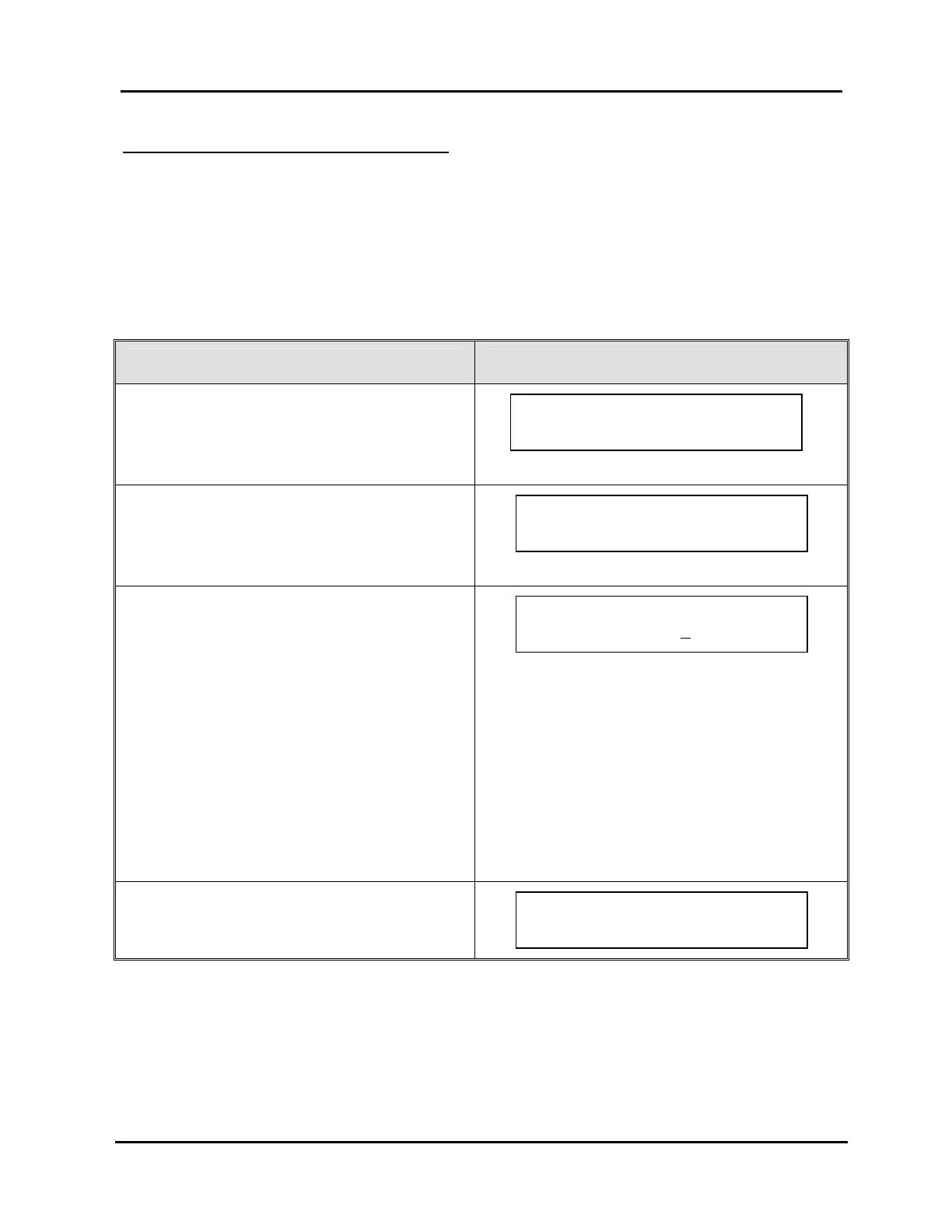
Table 4, Setting Fallback Settings from Front Panel
FALLBACK CONFIGURATION STEPS CORRESPONDING SCREEN DISPLAYS
1. From the “MAIN MENU” screen, press “↑” or
“↓” to proceed to “Setup.”
2. Press “→” to select “Setup.”
3. Press “↑” or “↓” to proceed to “Fallback
Configuration.”
4. Press “→” to select “Fallback Configuration.”
5. Press “↑↓” to change fallback configuration.
6. Press “→” to enter next screen.
NOTES:
The MINI-T-NET
doesn’t have the output field
as it is a single channel switcher.
The “- -“ in the seconds field means that when a
loss of valid-video is detected no switch will
occur. A range of 1–99 seconds may be
entered in the seconds field to define the delay
time before the fallback switch will occur.
7. Either press “→” again to save your changes
or “←” to abort changes.
Output 1 fallback to
Input 8 after --
seconds
Press ~ to save loss
of video fallback.
SETUP MENU Use `/ˆ
Fallback Configuration
~
MAIN MENU Use `/ˆ
Setup
~



 To Next Page