NET Series
Software Installation and Configuration
LEIGHTRONIX, INC. Firmware Ver. 1.00.42/Software Ver. 1.0.2.6 Page 43
2010-07-09
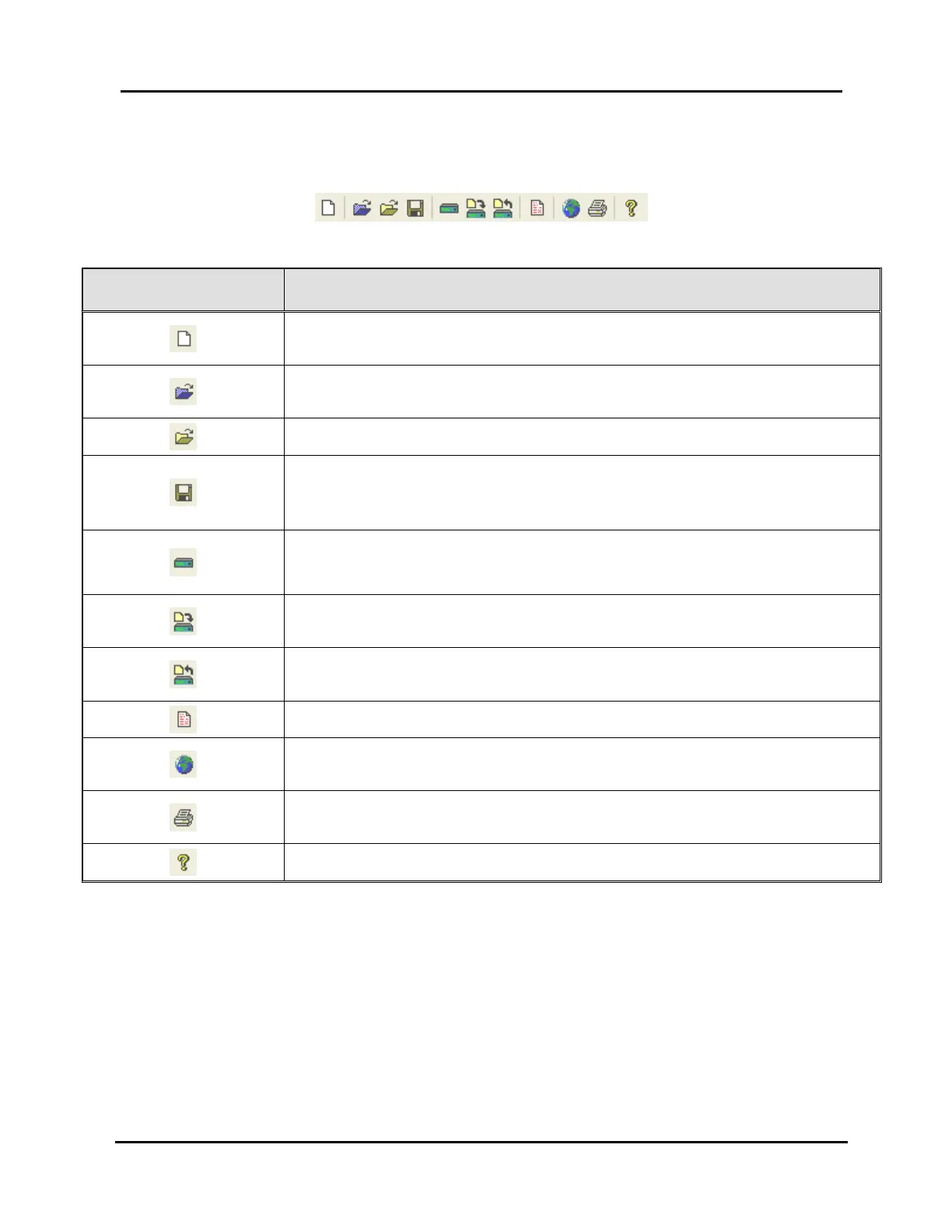
Main Toolbar: contains icons for some of the most frequently used operations
(see Illustration 17 and Table 12, Toolbar Items).
Illustration 17, Main Toolbar
Table 12, Toolbar Items
TOOLBAR BUTTON FUNCTION
Returns main window to default settings and removes any user
scheduling settings (see page 85)
Opens file selection dialog box to open an image file with a blank
playlist (see page 86)
Opens file selection dialog box for selecting image files (see page 85)
Saves a Controller image that was previously saved as a file or opens
file dialog box for saving a Controller image under a user-specified
name and folder (see page 109)
Displays control panel window (see “
Using Control Panel to Perform Immediate Device and Switch
Actions,” beginning on page 112)
Sends Controller image with a playlist to the NET Series Controller
(see page 111)
Receives image from your default Controller (see “Loading Controller
Images,” beginning on page 84)
Obtains log file from the default Controller (see page 120)
Displays window to add, edit, or delete Controller locations (see page
pages 47 and 49)
Displays window for selecting an export or print template (see page
81)
Displays a window with the WinNET version number (see page 80)



 To Next Page