NET Series
Introduction
Page 14 Firmware Ver. 1.00.42/Software Ver. 1.0.2.6 LEIGHTRONIX, INC.
2010-07-09
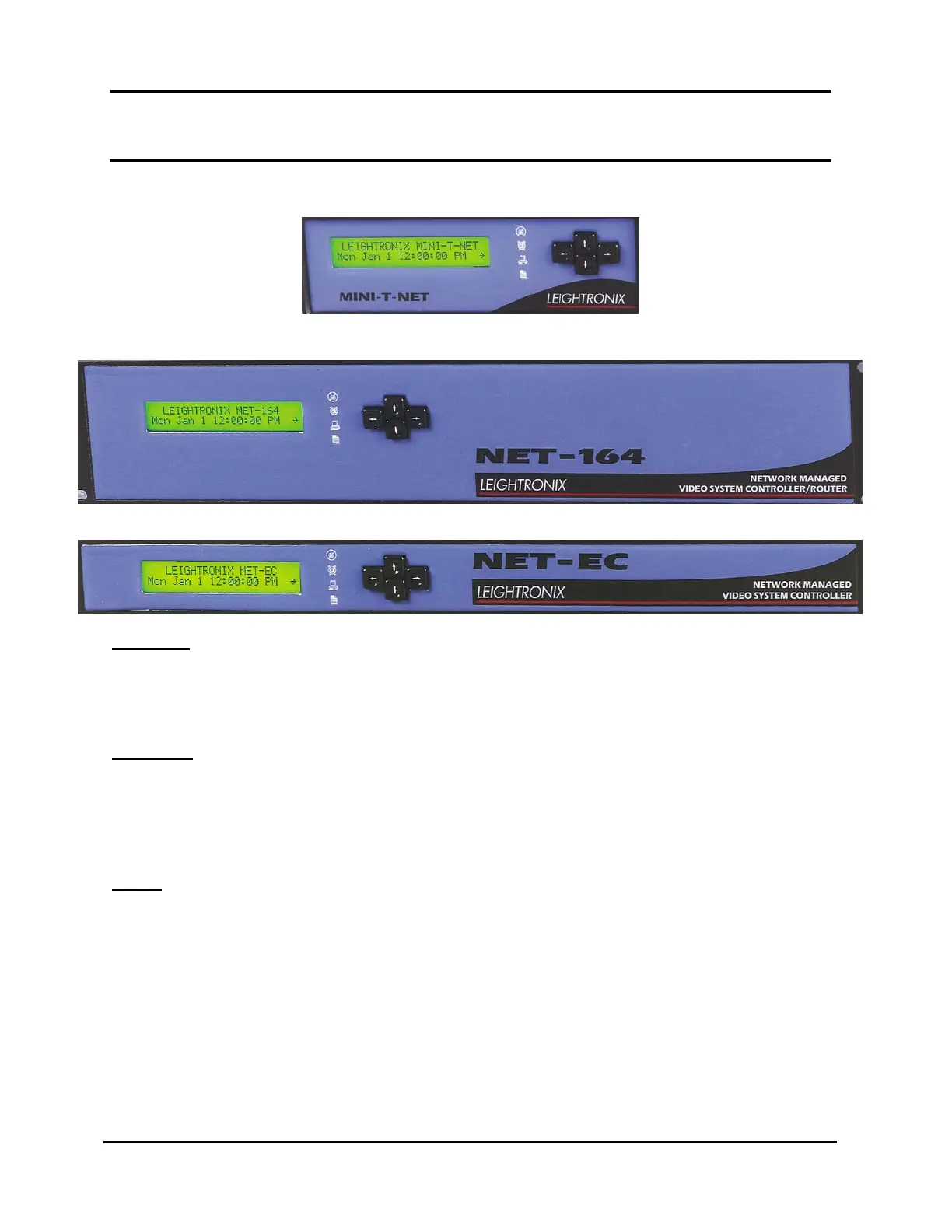
NET SERIES CONTROLLER FRONT PANEL
Illustration 1, MINI-T-NET Front Panel
Illustration 2, NET-164 Front Panel
Illustration 3, NET-EC Front Panel
KEYPAD
Each NET Series Controller has a four-button keypad which is used to display status
information and enter password-protected TCP/IP addresses. For information on
using the keypad, refer to “Using the Keypad,” on page 123.
DISPLAY
Each NET Series Controller has a 24 character by 2 line vacuum fluorescent display
(VFD) which gives status and password-protected TCP/IP address entry. A 24
character by 2 row display gives date, time, switch, and valid video status. The display
and the four arrow keys allow configuration and control.
LEDS
The front panel of each NET Series Controller has four status light-emitting diodes
(LEDs), which give at-a-glance feedback on the most important Controller conditions.
See Table 22, NET Series Controller Front Panel LEDs, on page 123 for a list of the
status LEDs and their descriptions.



 To Next Page